Wrong paper size: fitting a PDF's pages to A4, Letter, A5 or a custom size
Change a PDF's page size — A4, Letter, Legal, A3, A5 or custom — fitting the content centred and keeping it as vector, in your browser.
UnboundPDF is a free suite of 54 PDF and image tools that run entirely in your browser — merge, split, compress, edit text, OCR in 126 languages, redact, sign, convert and archive to PDF/A. Your document is read and written by the page on your own device; there is no document-upload endpoint in the core tools, no account, no watermark and no daily cap. Every result can be checked — with the Network tab, or with the Document Passport the Workspace writes for a chain of steps.

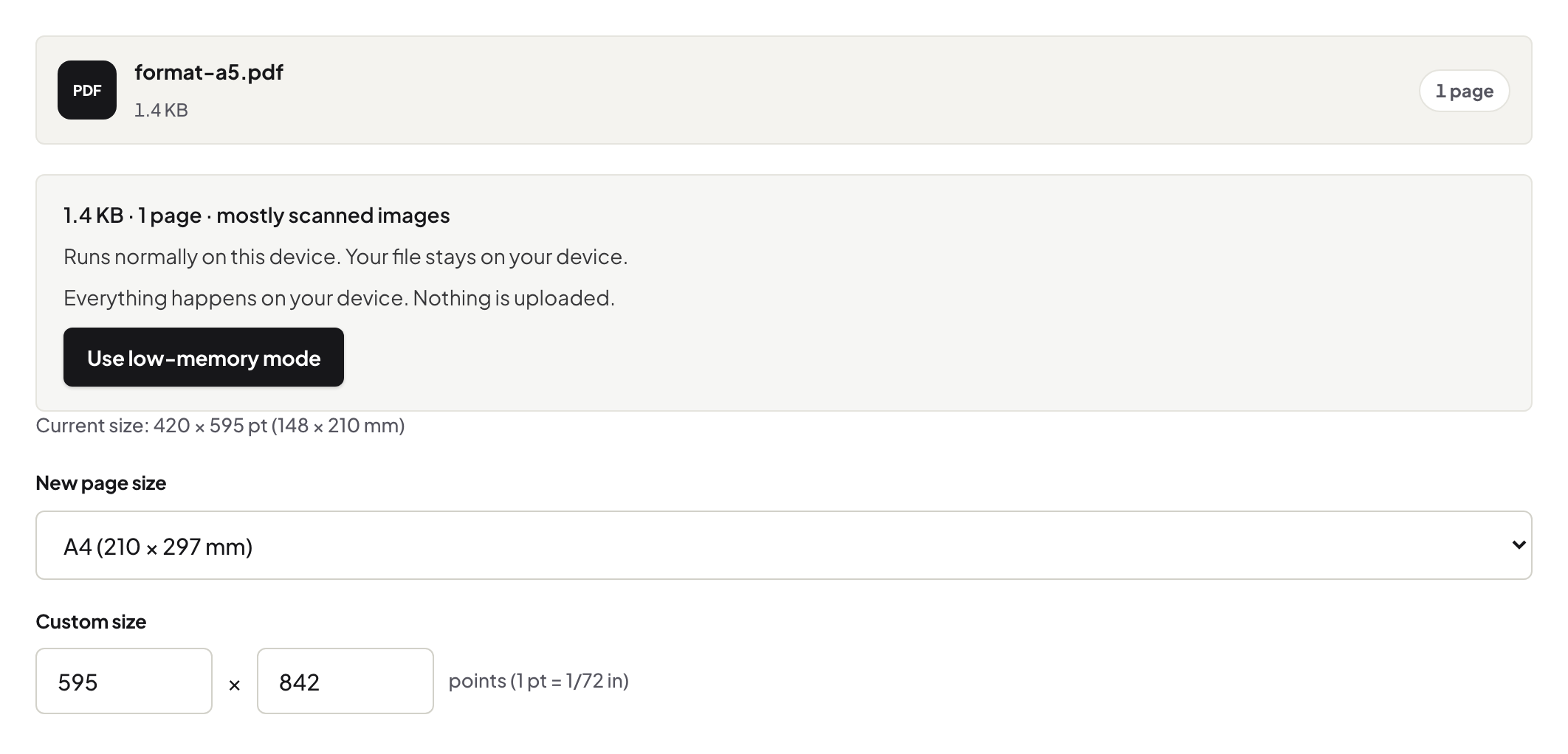
Quick start. Resize PDF → choose A4, Letter, Legal, A3, A5 or custom → save. The content is fitted to the new page, centred, as vector content.
Fit, not stretch
The content is scaled uniformly to fit the new page and centred; proportions never change. A US Letter document on A4 gets slightly wider margins; an A4 document on Letter gets slightly shorter ones.
Mixed sizes
A merged bundle with a landscape A3 chart among A4 pages prints badly. Resize the whole file to A4 and every page fits the tray; the chart is smaller but complete.
Resize or crop?
Resize when the page size is wrong for the printer; crop when the margins are too wide. Neither rasterises; text stays selectable.
Booklets and scaling to print
For a half-size booklet, resize to A5 and print two-up from the reader; for a poster, resize to A3 and print at 100%.
Frequently asked questions
Does it distort the content?
No — uniform fit, centred.
Can I set an exact custom size?
Yes, in millimetres or points.
Does text stay selectable?
Yes; it remains vector content.
Try it yourself
Free, private, no account. Runs entirely in your browser.
