Spotting the change in a revised contract without reading every line
Compare two PDFs side by side in your browser and see the visual differences page by page — plus hashes for 'is this the same file'.
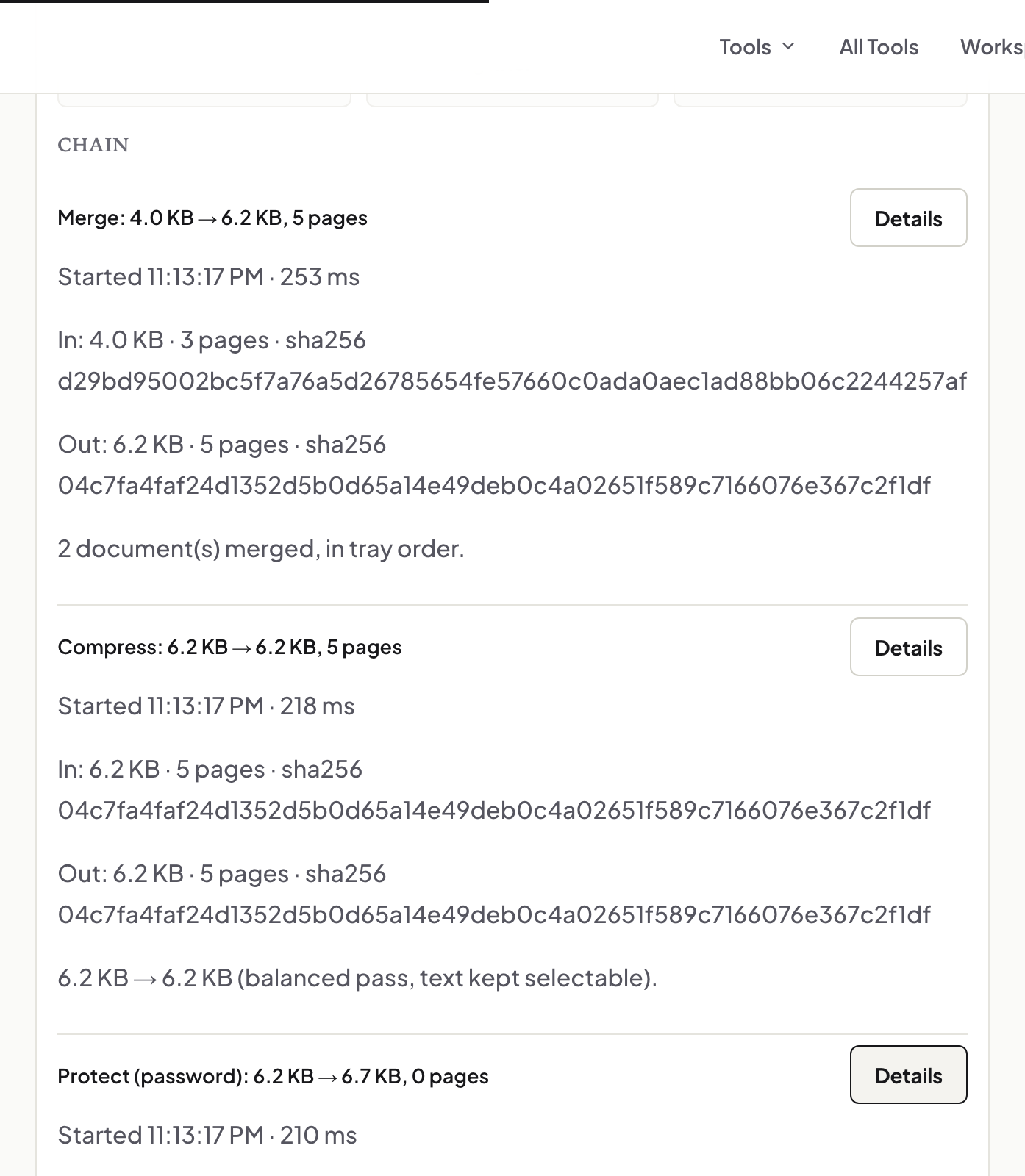
UnboundPDF is a free suite of 54 PDF and image tools that run entirely in your browser — merge, split, compress, edit text, OCR in 126 languages, redact, sign, convert and archive to PDF/A. Your document is read and written by the page on your own device; there is no document-upload endpoint in the core tools, no account, no watermark and no daily cap. Every result can be checked — with the Network tab, or with the Document Passport the Workspace writes for a chain of steps.

Quick start. Compare PDF → add the two versions → page through; differences are highlighted. For "is this exactly the file I sent", compare SHA-256 hashes instead.
Two questions that look the same
"What changed between these versions?" is a visual question — Compare PDF answers it page by page with the differences highlighted. "Is this the same file I signed?" is a bytes question — the Workspace passport records a SHA-256; recompute it and compare. A single changed byte changes the hash.
Reading the comparison
Identical pages show no marks; a changed clause shows where the rendering differs. Re-exports that reflow text will light up every page after the change — that is the reflow, not a thousand edits; find the first difference and read from there.
Before you sign
Compare the final version against the one you reviewed; then sign; then keep the passport hash so the question never comes up again.
Mac, Windows, iPhone, Android
Same page; side-by-side is easier on a laptop, but it works on a phone page by page.
Frequently asked questions
Does it compare text or pixels?
It compares the rendered pages visually and highlights where they differ.
Are the files uploaded?
No. Both are rendered and compared in your browser.
How do I prove a file is unchanged?
Compare its SHA-256 with the one recorded earlier — the Workspace passport records it for every step.
Try it yourself
Free, private, no account. Runs entirely in your browser.