Cropping a PDF: the same crop on every page, and what a crop box really does
Crop PDF margins in your browser without rasterising — and why a crop hides rather than deletes, which matters the moment something is confidential.
UnboundPDF is a free suite of 54 PDF and image tools that run entirely in your browser — merge, split, compress, edit text, OCR in 126 languages, redact, sign, convert and archive to PDF/A. Your document is read and written by the page on your own device; there is no document-upload endpoint in the core tools, no account, no watermark and no daily cap. Every result can be checked — with the Network tab, or with the Document Passport the Workspace writes for a chain of steps.

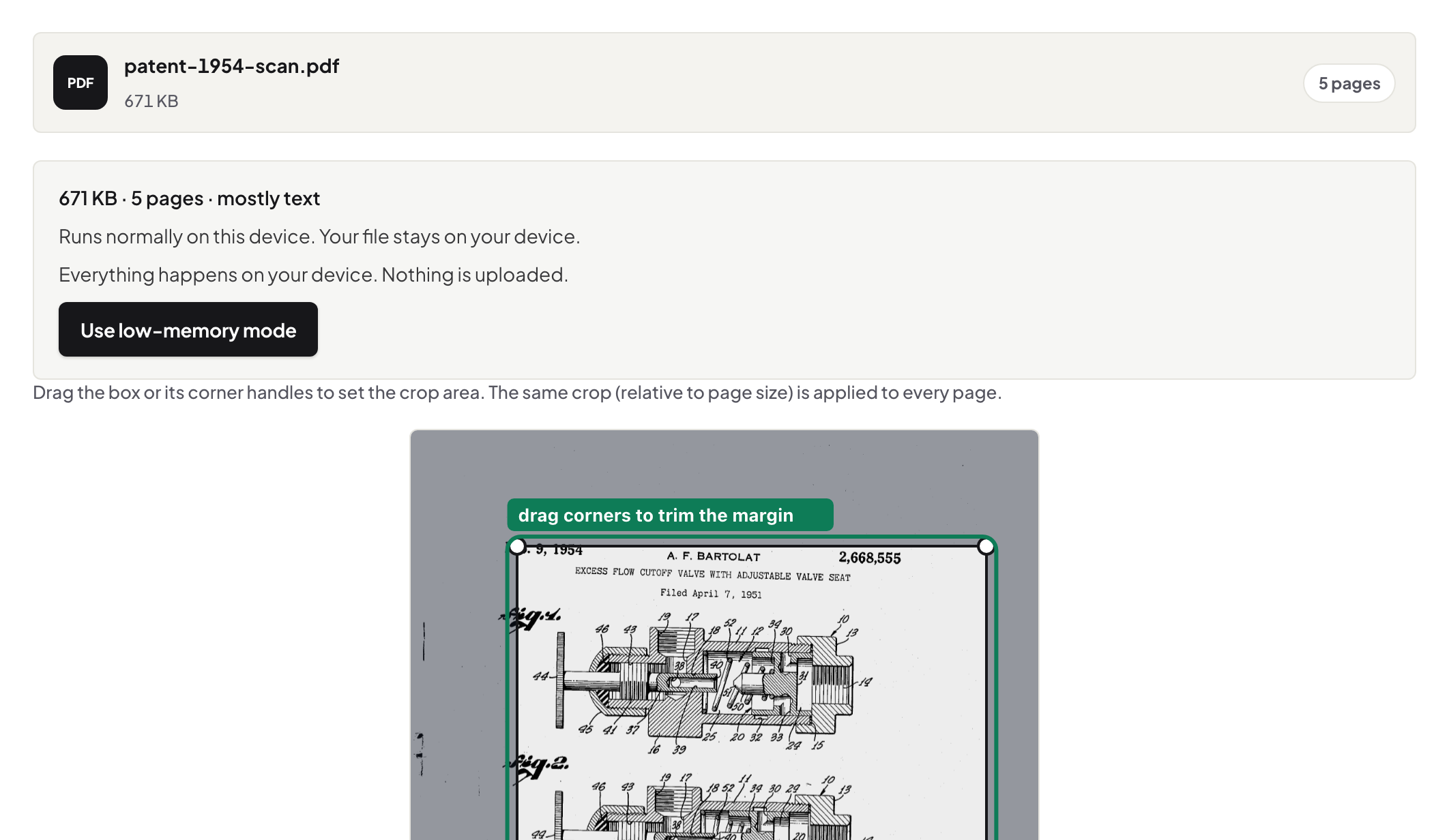
Quick start. Open Crop PDF, add the file, drag the handles, preview, save. The same crop, relative to page size, is applied to every page; text stays text.
What a crop box is
A PDF page has a media box (the whole page) and a crop box (what readers show). Cropping sets the crop box; the content outside it is still in the file, just not displayed. That is why cropping is fast and lossless — and why it is not a way to remove anything sensitive.
The trap
Crop a confidential footer out of a page and the footer is still in the file: another reader can reset the crop, and copy-paste finds the text. To remove content, use Redact PDF, which deletes the text and verifies it is gone. The tool says this on the page rather than letting you discover it from a recipient.
Cropping scans for a phone
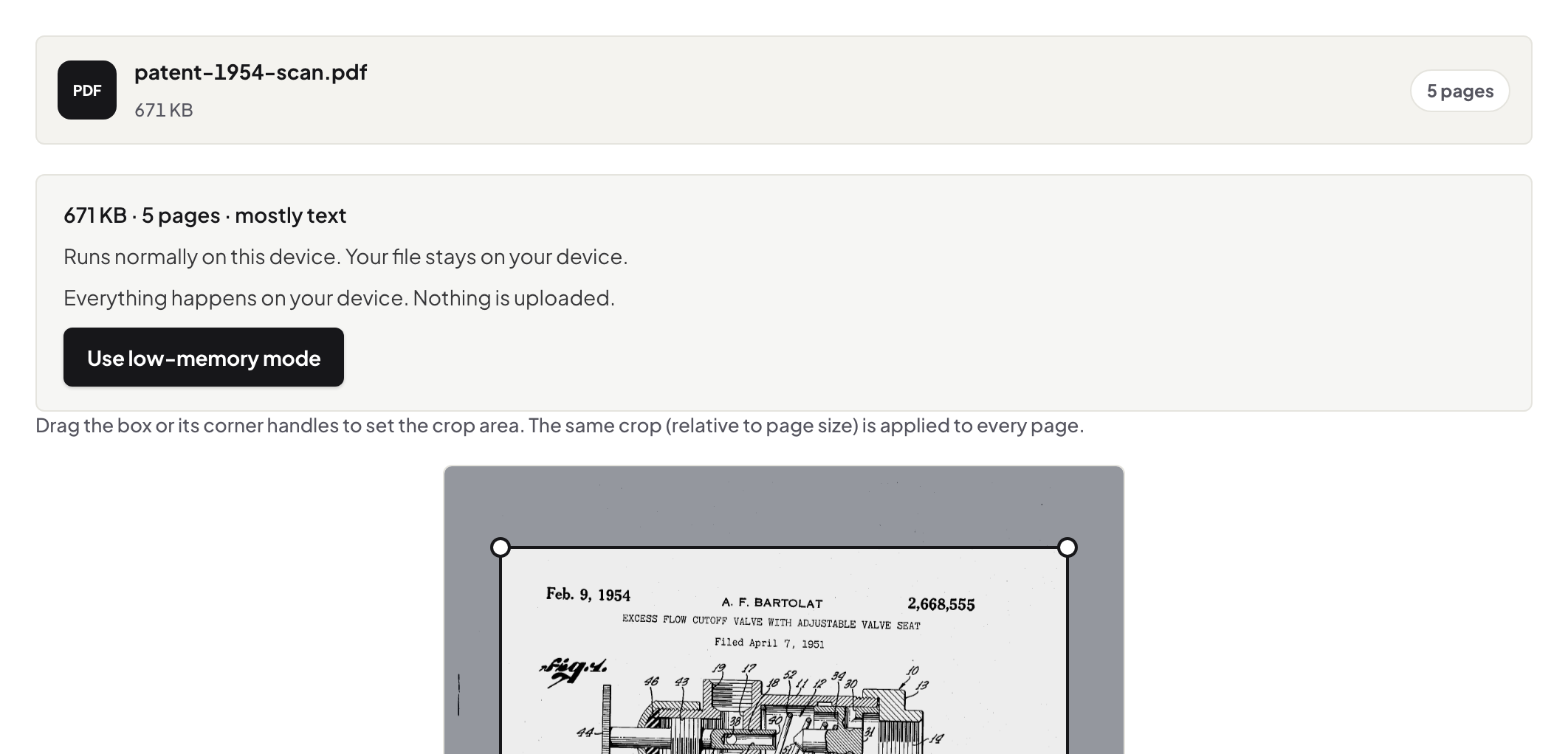
Scanned books have wide margins that waste a phone screen. Crop the margins once — the preview shows the first page; the same relative crop applies to all — and the text fills the screen in any reader.
Uneven pages
Because one crop applies to every page, a document with different page sizes gets the same relative trim on each. For a page that needs its own treatment, split it out first with Split PDF, crop, and merge back.
Mac, Windows, iPhone, Android
Same page. Mac Preview crops one page at a time and rasterises on export in some cases; here the crop is a box change and the text remains selectable.
Troubleshooting
The crop looks right in one reader and wrong in another. Some readers show the media box; most honour the crop box. I need different crops per page. Split, crop, merge. I wanted the content gone. Redact.
Frequently asked questions
Does cropping reduce quality?
No. It changes the displayed area; the page content is untouched.
Can I crop different pages differently?
One crop applies to all pages here. Split the page out, crop it, and merge it back for a different crop.
Can I use crop to remove a header with private data?
No — the content stays in the file. Use Redact PDF.
Try it yourself
Free, private, no account. Runs entirely in your browser.