Three stamps that look alike and do different jobs
Page numbers for reading order, Bates numbers for unique citation across a production, headers and footers for running text — which stamp, when.
UnboundPDF is a free suite of 54 PDF and image tools that run entirely in your browser — merge, split, compress, edit text, OCR in 126 languages, redact, sign, convert and archive to PDF/A. Your document is read and written by the page on your own device; there is no document-upload endpoint in the core tools, no account, no watermark and no daily cap. Every result can be checked — with the Network tab, or with the Document Passport the Workspace writes for a chain of steps.

The rule. Reading order → Add Page Numbers. Unique citation across many files → Bates Numbering. Title, date, filename on every page → Headers & Footers. All three write real text.
| Page numbers | Bates numbers | Headers & footers | |
|---|---|---|---|
| Counts | Within one document | Across a whole set, never repeating | Page X of N optional |
| Format | 1 · 1 of N · from a start | PREFIX000123 (+ suffix/second line) | Any text + date + filename |
| Index | — | CSV per file: first/last number | — |
| Right for | Bundles, reports | Productions, discovery | Drafts, distributed copies |
Using two together
A production often carries a Bates number bottom-right and a confidentiality footer centre; a numbered bundle may want a header with the title and date. Run one tool after the other in the Workspace; each is a copy you can go back to.
Rotated pages
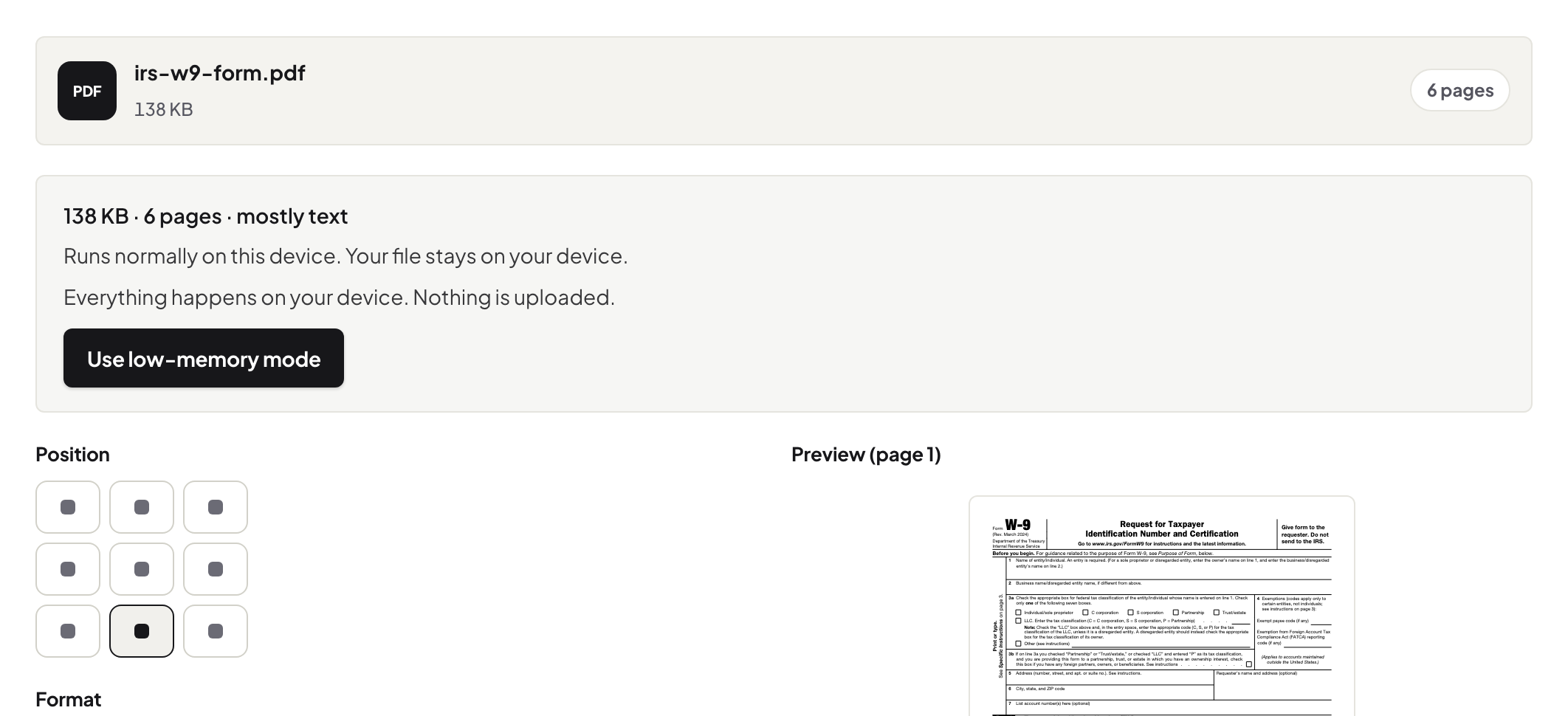
All three place the stamp in the reader's visible corner on rotated or landscape pages, measured rather than assumed.
Frequently asked questions
Are stamps searchable?
Yes — all three write text, not images.
Can I restart numbering per file?
Page numbers restart per document by nature; Bates offers per-document or continuous.
Can I stamp a scanned PDF?
Yes — the stamp is added as text above the scan.
Try it yourself
Free, private, no account. Runs entirely in your browser.