Using PDF tools without signing up — and what you are trading when a site makes you
Why most PDF sites require an account, what it is really for, and how a browser-only toolkit with 54 tools and no sign-up works — and the trade.
UnboundPDF is a free suite of 54 PDF and image tools that run entirely in your browser — merge, split, compress, edit text, OCR in 126 languages, redact, sign, convert and archive to PDF/A. Your document is read and written by the page on your own device; there is no document-upload endpoint in the core tools, no account, no watermark and no daily cap. Every result can be checked — with the Network tab, or with the Document Passport the Workspace writes for a chain of steps.

Short answer. Accounts exist to meter uploads to a server and to sell the upgrade. A toolkit that runs in your browser has no server cost per file, so it needs no account, no watermark and no cap. UnboundPDF's 54 tools work that way; the catch is that your device does the work, so a very large file takes as long as your machine needs.
What the account is for
Server-side tools pay for compute and storage per document. The account meters that: two free tasks an hour, a watermark until you upgrade, a cap on file size. None of it is about you; it is about their bill.
The other model
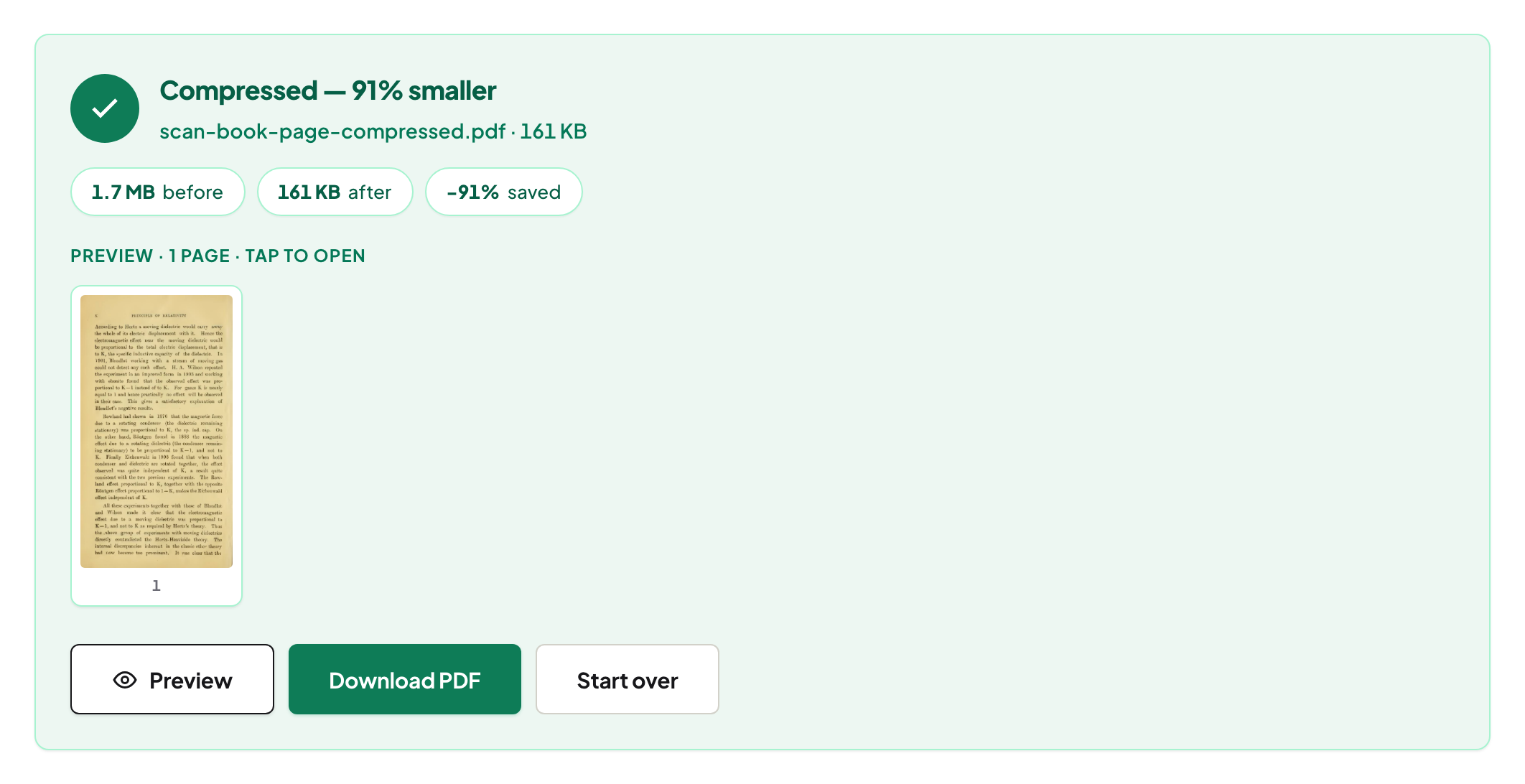
When the PDF is read and written by your browser tab, there is no per-file cost to meter. That removes the reasons for an account — and removes the upload, which is the part that matters for a contract or a medical form. The trade is real: the work happens on your device. A 300-page scan compresses in the time your laptop needs, not a data centre's.
How to check the claim
Network panel open, run the tool, look for a document-sized request. The Privacy Lab shows the method and our dated results.
What "no cap" honestly means
There is no limit set by us. Before a large job starts, the tool checks the document against your device and tells you what it found; the largest documents we have watched finish are published with their date and machine, not as a boundary.
The Workspace
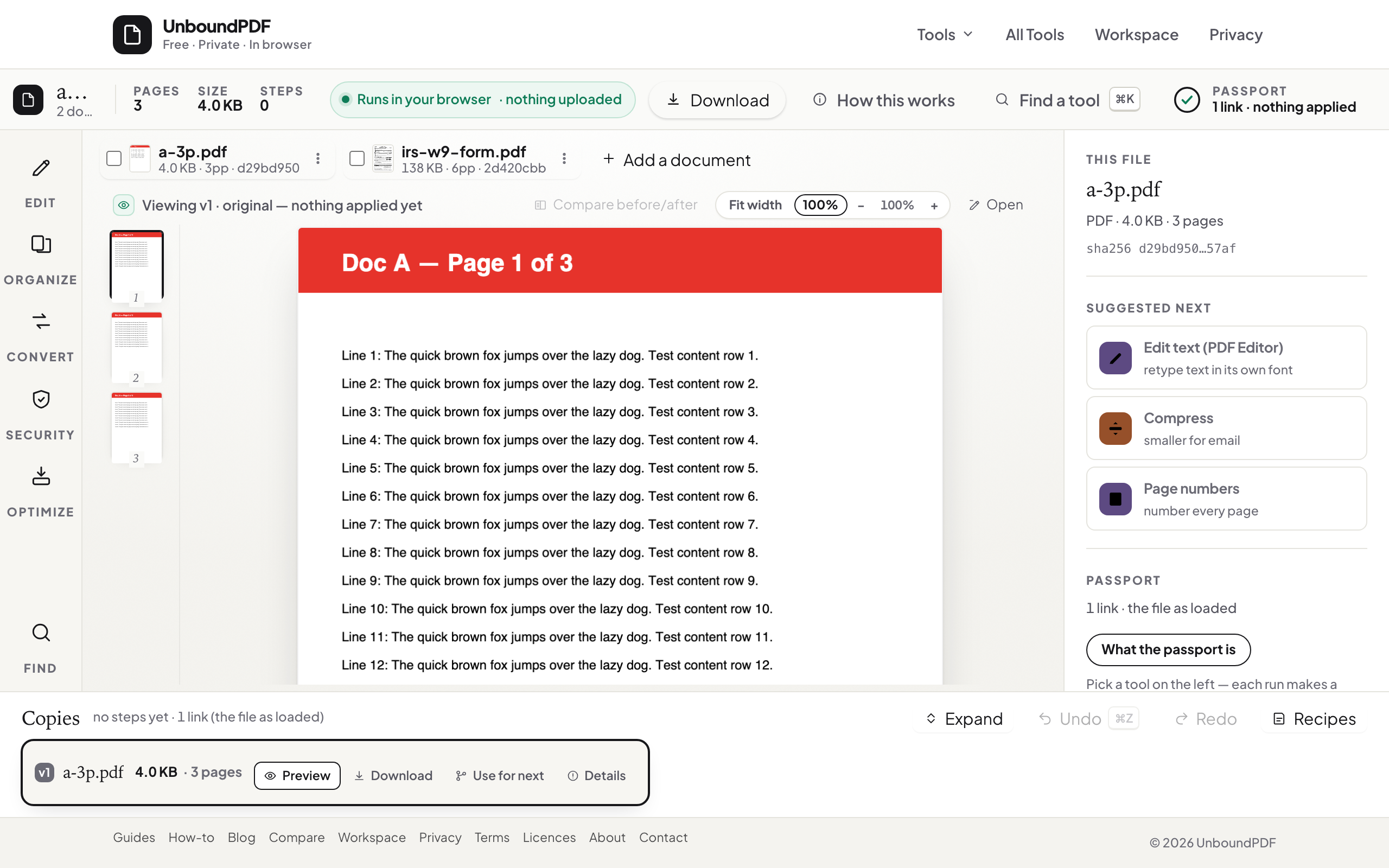
Several tools on one document without re-picking the file, every run a copy you can go back to, and a Document Passport with the hash of every step — for people whose job is a chain, not a single conversion.
Frequently asked questions
Why is it free?
Because the work runs on your device; there is no server cost per file to recover. The site is supported without metering your documents.
Is there a file-size limit?
None set by the tools. Your device's memory is the practical bound; the tool checks and tells you before a large job starts.
Do I need to install anything?
No. A current browser on any device.
Try it yourself
Free, private, no account. Runs entirely in your browser.