Choosing a free PDF editor when the document must stay on your machine
What 'no upload' means for a PDF editor, a two-minute test you can run on any site, and what UnboundPDF's editor does in the document's own font.
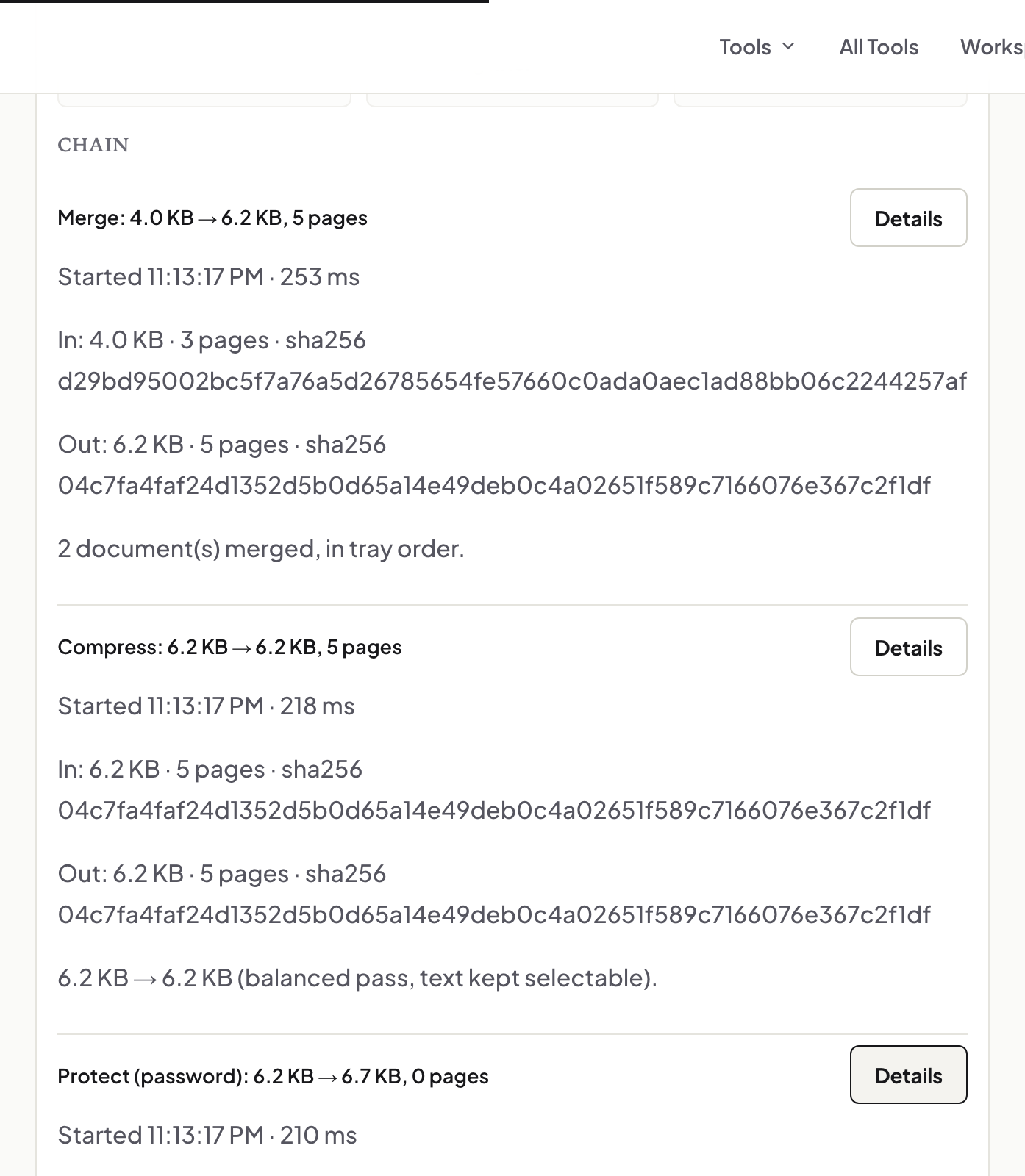
UnboundPDF is a free suite of 54 PDF and image tools that run entirely in your browser — merge, split, compress, edit text, OCR in 126 languages, redact, sign, convert and archive to PDF/A. Your document is read and written by the page on your own device; there is no document-upload endpoint in the core tools, no account, no watermark and no daily cap. Every result can be checked — with the Network tab, or with the Document Passport the Workspace writes for a chain of steps.

Short answer. An editor that processes the document in your browser tab — and lets you confirm it with the Network panel — keeps the file on your machine. UnboundPDF's editor is built that way: the PDF is read by the tab, edited in the document's own fonts, and saved from the tab. Test it in two minutes rather than trusting any site, ours included.
"Private" is a mechanism, not a badge
Most online editors upload your PDF to a server, edit it there, and send the result back; "we delete files after an hour" is a policy about that server. A browser-only editor has no server step: there is nothing to delete because nothing arrived. The difference is checkable, which is why this page shows you how rather than asking you to believe it.
The two-minute test, on any site
Open DevTools → Network, clear the log, then load and edit a document and save it. Asset downloads (scripts, fonts) are normal; a POST or any request whose size matches your document is an upload. Run it on the editor you use today; run it here. The Privacy Lab publishes our own dated results, including a run with the web server switched off.
What you should still expect from a free editor
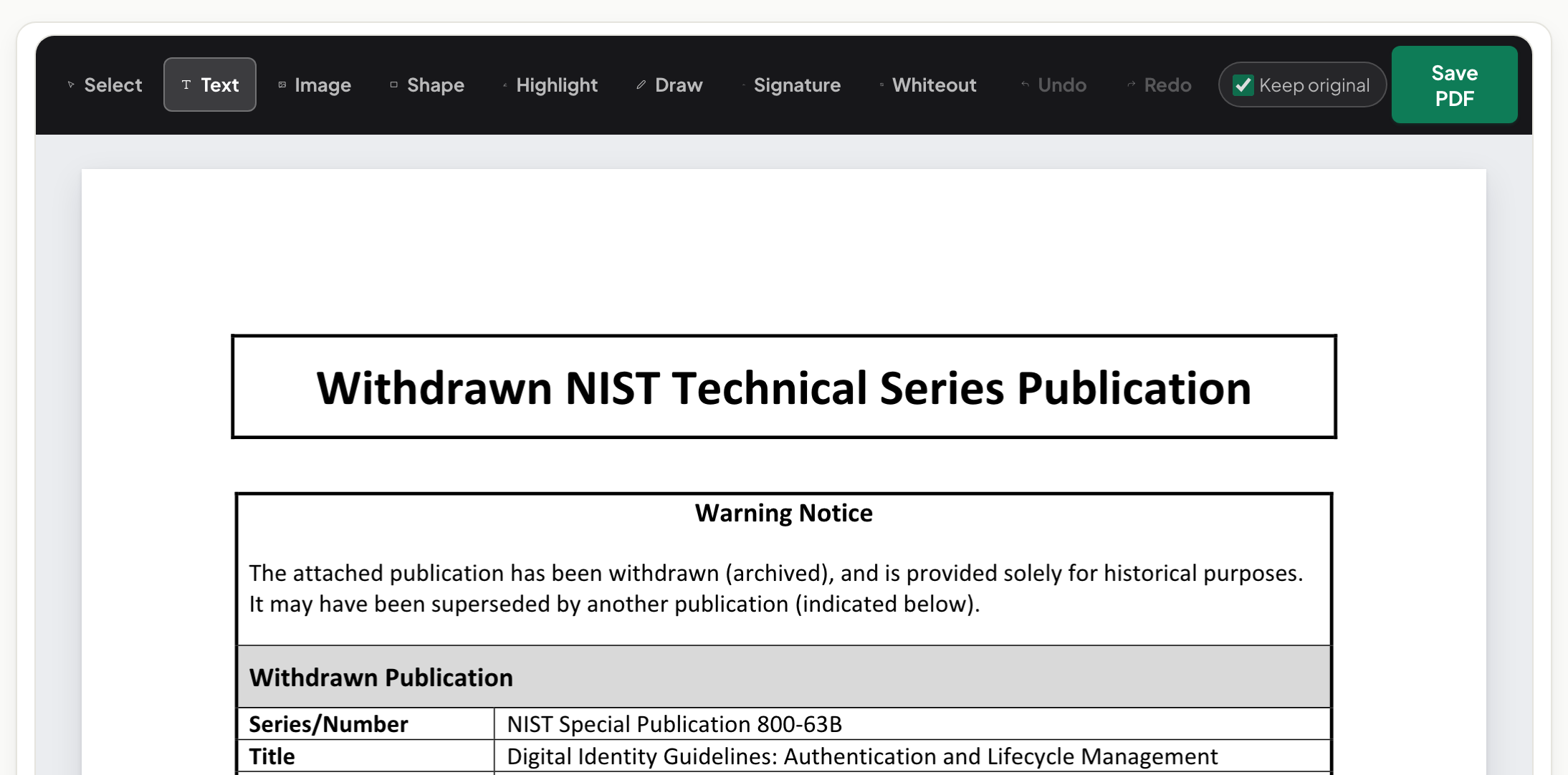
Editing existing text in the document's own font, at its own size, with the lines below reflowing — not a white patch with new text over it. Adding text, images, highlights, shapes and a signature. Saving a real text PDF you can edit again. Scans handled through OCR on the device. Plain refusals when a rewrite is unsafe, naming the reason. Those are the things to try on a throwaway copy before you rely on any editor.
When a desktop application is the better choice
Certificate-based digital signatures, form design with calculated fields, and redaction workflows governed by a specific standard are desktop-application territory. For everyday editing — a date, a name, a paragraph, a signature on a lease — the browser is enough and leaves nothing behind.
Mac, Windows, iPhone, Android, Chromebook
One page, no install. On a phone, tap a paragraph to edit; the toolbar sits within thumb reach.
Frequently asked questions
Is a browser-based editor less capable than an app?
For text edits in the document's own font, annotations, signatures and scans, no. For certificate signing and form design, yes — use a desktop application for those.
How do I know nothing was uploaded?
Watch the Network panel while you edit and save; a document-sized request would be an upload. You will not see one here.
Does "free" mean watermarked?
No watermark, no account, no daily cap.
Try it yourself
Free, private, no account. Runs entirely in your browser.