Editing text in a PDF so nobody can see it was edited
Edit existing PDF text in the document's own font and size with reflow — in your browser. The three tells of a fake edit, and refusals explained.
UnboundPDF is a free suite of 54 PDF and image tools that run entirely in your browser — merge, split, compress, edit text, OCR in 126 languages, redact, sign, convert and archive to PDF/A. Your document is read and written by the page on your own device; there is no document-upload endpoint in the core tools, no account, no watermark and no daily cap. Every result can be checked — with the Network tab, or with the Document Passport the Workspace writes for a chain of steps.
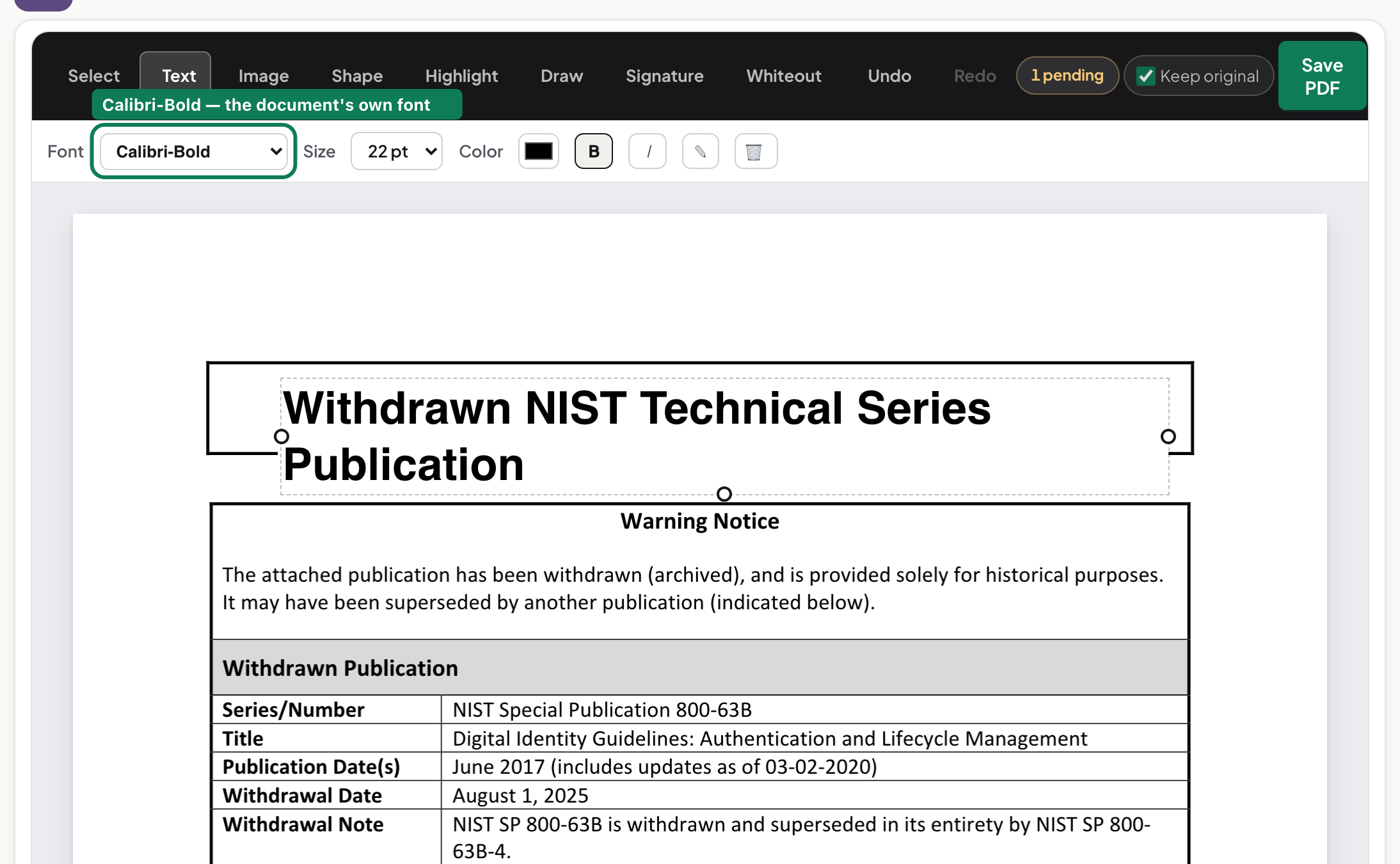
Quick start. Open PDF Editor, click a paragraph, retype, save. The text is re-set in the document's own embedded font at its own size; the lines below reflow; the saved file is still a real text PDF.
The three tells of a fake edit
A white patch behind new text — select the area and it shows. A font that almost matches — stems and spacing drift at 400% zoom or on paper. A line that overlaps the next because nothing moved to make room. Every "online PDF editor" that overlays text produces at least one of them. Editing in place — rewriting the page's own text operators — produces none.
Same font means the embedded font
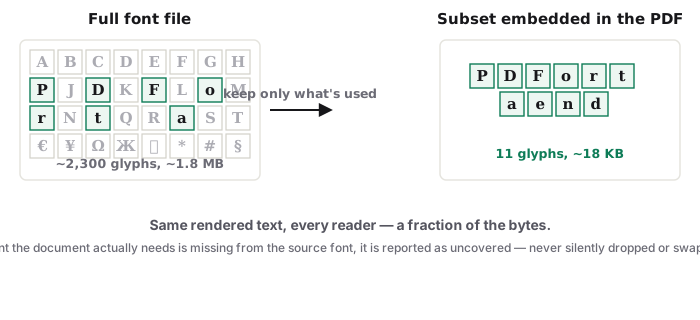
PDFs carry their fonts, usually as subsets containing only the characters used. The editor re-sets your typed text in that embedded font, so the edited line matches its neighbours exactly. When a subset lacks a character you typed — a "ß" in a document that never used one — the editor embeds a replacement and tells you, or refuses and names the missing characters, rather than printing empty boxes. The deeper article shows the refusal on a real file.
Reflow
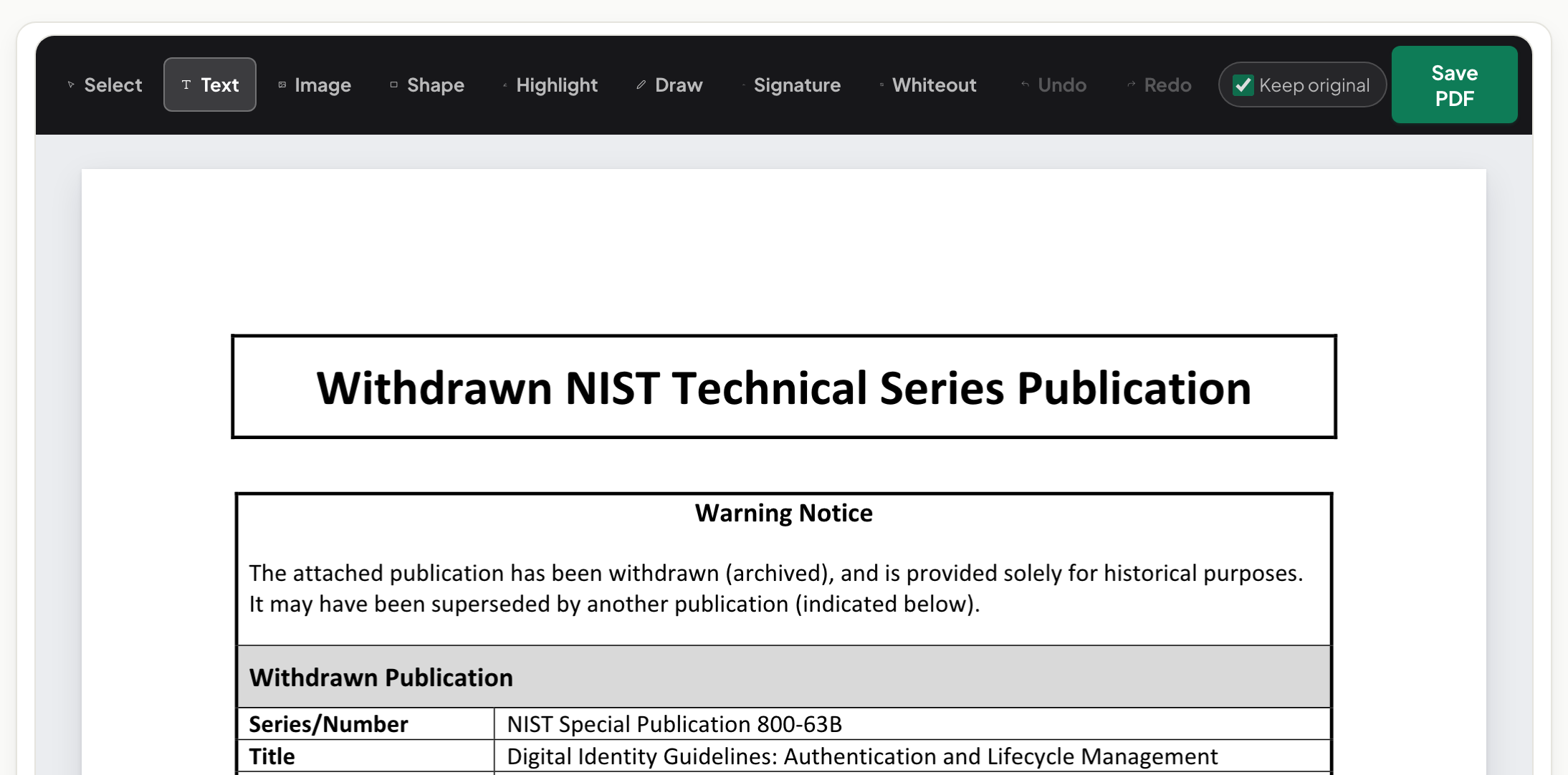
A correction in the middle of a paragraph pushes the rest of the paragraph at the document's own leading, and a paragraph that grows pushes what is below it. Where a page layout cannot be reflowed safely — a figure spanning two columns under the paragraph — the editor edits the line in place and says why.
Scans
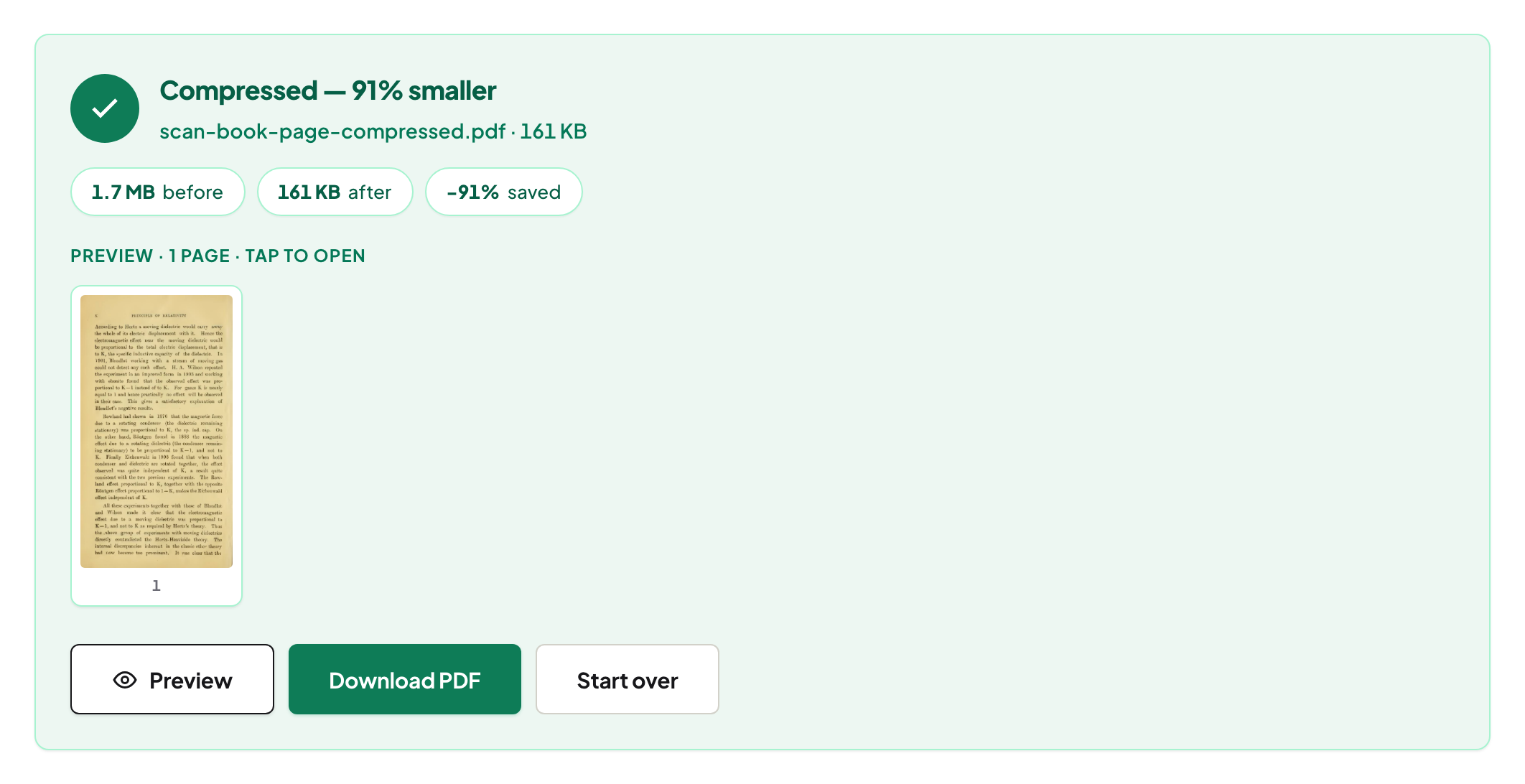
Click scanned text and the editor runs OCR on your device, lets you correct the recognised words, and blends the correction into the scan's own paper texture instead of a white box.
Save and check
Save writes a new file; the original stays on disk. Reopen the result and select the edited line — it is text, in the same font, and the old words are gone from the file, not hidden under it.
Mac, Windows, iPhone, Android
One page on all of them; on a phone, tap the paragraph, type, and the toolbar stays within thumb reach.
Troubleshooting
A click does not open an edit. One of seven real reasons — scan, locked file, outlined text, rotated page, missing glyph, unsafe layout, or a form field. Bold word in an edited paragraph lost its weight. Currently the paragraph's dominant weight applies; stated on screen when it happens. The file is locked. Unlock PDF with the password first.
Frequently asked questions
Will the edit be visible to the recipient?
Not as an edit: the text is re-set in the document's own font and size and the old text is removed, so the page reads as one piece. Track changes do not exist in PDFs.
Can I edit a scanned PDF?
Yes — the editor recognises the text on your device and lets you correct it, blending the change into the scan.
Does the editor upload my document?
No. It is read, edited and saved in your browser tab.
Try it yourself
Free, private, no account. Runs entirely in your browser.