The author field you forgot: cleaning a PDF's metadata before it leaves
PDF metadata can reveal a template's author or an old title. View, change or clear title, author, subject, keywords and creator in your browser.
UnboundPDF is a free suite of 54 PDF and image tools that run entirely in your browser — merge, split, compress, edit text, OCR in 126 languages, redact, sign, convert and archive to PDF/A. Your document is read and written by the page on your own device; there is no document-upload endpoint in the core tools, no account, no watermark and no daily cap. Every result can be checked — with the Network tab, or with the Document Passport the Workspace writes for a chain of steps.

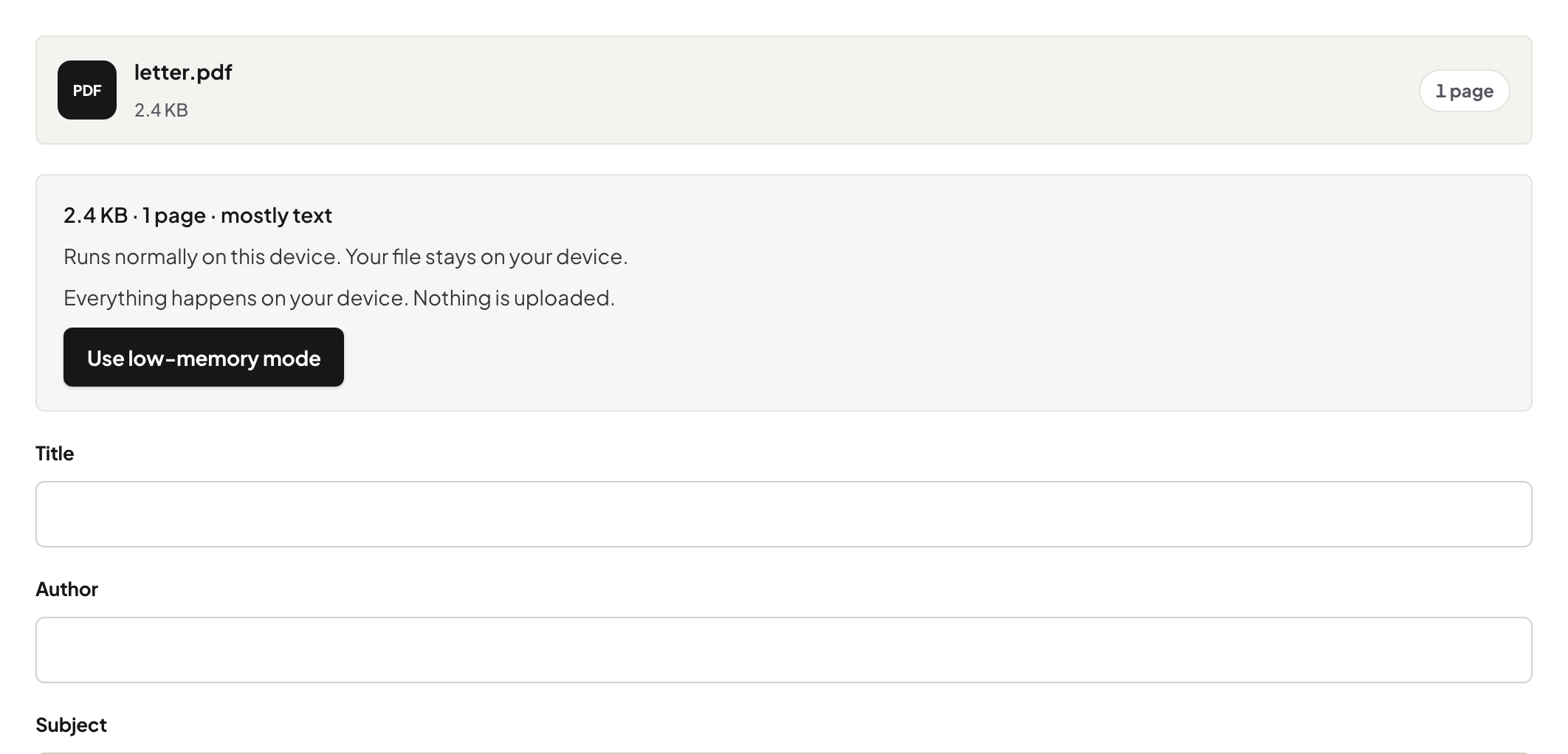
Quick start. Edit Metadata → read the fields → set a real title, clear the stale author → save. Page content is untouched.
What is in there
Title, author, subject, keywords and the creating application. Word fills author with whoever made the template; exported reports keep a draft title; a scanned file says "Scanner". Readers show these in Document Properties and search engines index the title.
Fix, don't just clear
A real title helps every reader and every search result; clearing author is right when the author should not be named. The modification date is set automatically when you save.
What metadata does not cover
Comments and sticky notes — Remove Annotations. Content you must remove — Redact PDF. Attached files — check your reader's attachments panel.
Before PDF/A
Archival conversion preserves metadata for a decade; fix it first, then convert with PDF/A.
Frequently asked questions
Does it change the pages?
No. Only the document information fields.
Will a search engine use the title?
Yes — the title field is what most indexers show for a PDF.
Is the file uploaded?
No. Edited and saved in your browser.
Try it yourself
Free, private, no account. Runs entirely in your browser.
