Archiving a PDF properly: PDF/A-2b, explained without the standard's jargon
What PDF/A is, why archives ask for it, what converting to PDF/A-2b changes, and how UnboundPDF checks the result against its published rule list.
UnboundPDF is a free suite of 54 PDF and image tools that run entirely in your browser — merge, split, compress, edit text, OCR in 126 languages, redact, sign, convert and archive to PDF/A. Your document is read and written by the page on your own device; there is no document-upload endpoint in the core tools, no account, no watermark and no daily cap. Every result can be checked — with the Network tab, or with the Document Passport the Workspace writes for a chain of steps.

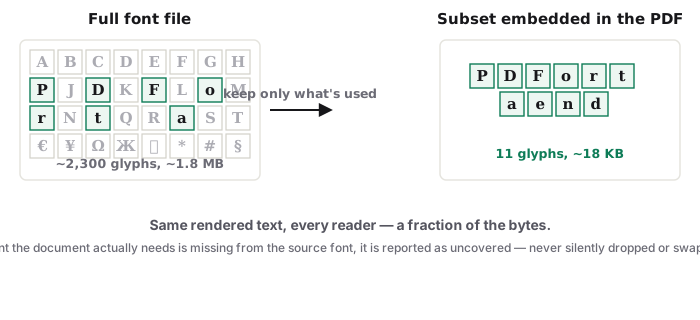
Short answer. PDF/A is PDF with the things that break over time removed: every font embedded, colours defined, no encryption, no scripts, no external references. PDF/A converts to PDF/A-2b on your device — embeds missing fonts, adds an sRGB output intent, removes what the standard forbids — and checks the result against our published PDF/A-2b rule list before it claims conformance.
Why a registry asks for it
A normal PDF can depend on a font installed on the author's machine, on a colour profile, on a link to an external file. Ten years later those may not exist. PDF/A forbids the dependencies so the file renders the same in a decade; courts, registries, universities and company archives ask for it for that reason.
What the conversion changes
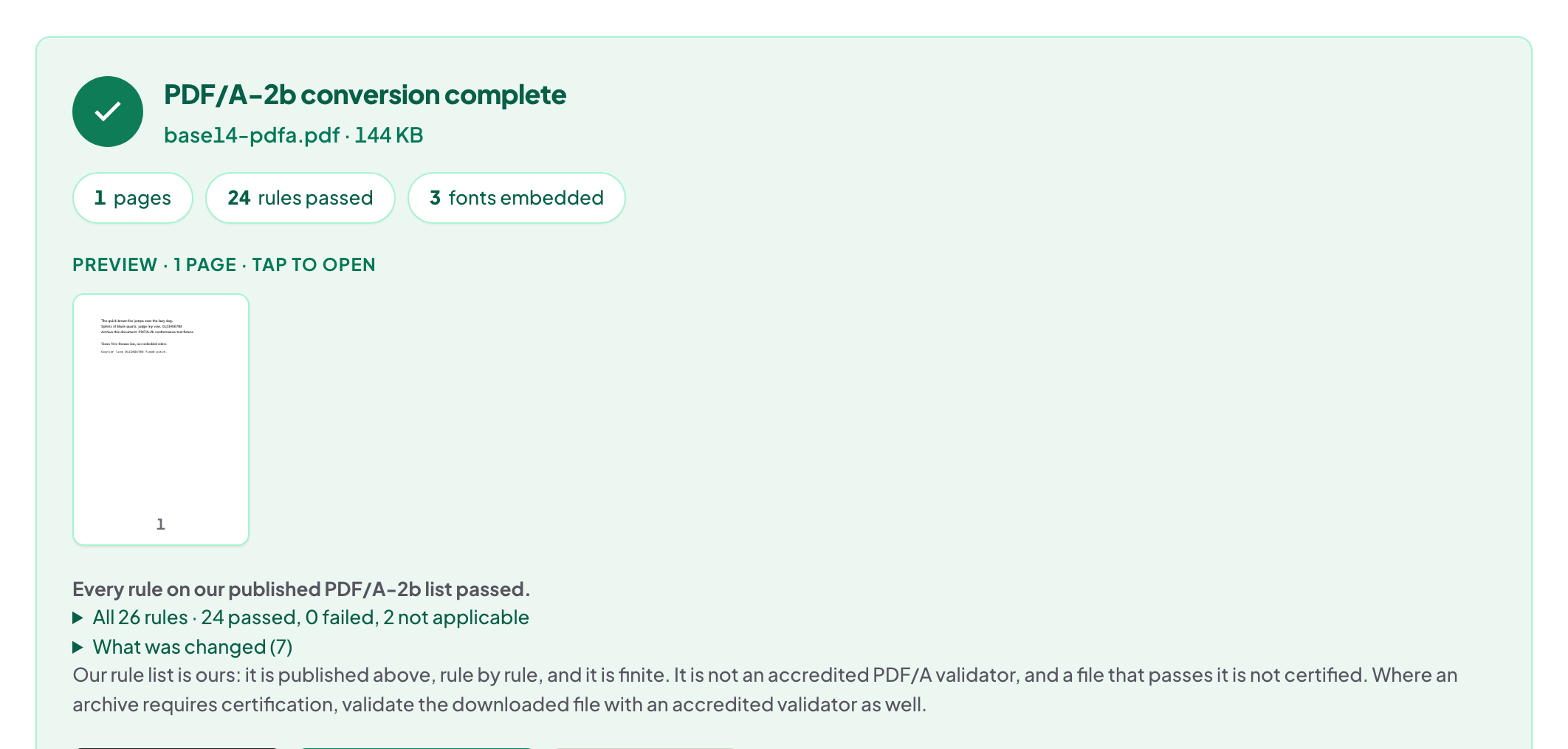
Fonts not embedded are embedded; an sRGB output intent is added so colours are defined; forbidden features — encryption, JavaScript, external streams — are removed; identification metadata marks the file as PDF/A-2b. Then the file is re-read and checked against the rule list, on your device.
The honest edge
DeviceCMYK artwork is reported rather than converted — you are told, not silently changed. Where an archive requires certification, validate the downloaded file with an accredited validator as well; this tool checks conformance against its published rules and says exactly that.
Before you convert
Make the document final: redact, flatten forms, clear metadata you do not want preserved for a decade. Conversion is the last step.
Troubleshooting
The archive rejected the file. Ask which rule; the result panel lists the checks performed. Colours look different. The output intent defines them; a reader without colour management shows them as before. A scan. Scans convert fine; OCR first if the archive wants searchable text.
Frequently asked questions
Is PDF/A the same as PDF?
It is a constrained PDF: same format, with dependencies removed so it renders the same in the future.
Does the converter certify conformance?
It checks the result against our published PDF/A-2b rule list and reports the outcome. For certification, validate with an accredited validator as well.
Is the file uploaded?
No. Conversion and the checks run in your browser.
Try it yourself
Free, private, no account. Runs entirely in your browser.