Converting Word to PDF so the text arrives intact — including Cyrillic, Greek and more
Convert .docx to PDF in your browser with fonts embedded — Cyrillic, Greek and other scripts included — headers, bookmarks and links rebuilt.
UnboundPDF is a free suite of 54 PDF and image tools that run entirely in your browser — merge, split, compress, edit text, OCR in 126 languages, redact, sign, convert and archive to PDF/A. Your document is read and written by the page on your own device; there is no document-upload endpoint in the core tools, no account, no watermark and no daily cap. Every result can be checked — with the Network tab, or with the Document Passport the Workspace writes for a chain of steps.
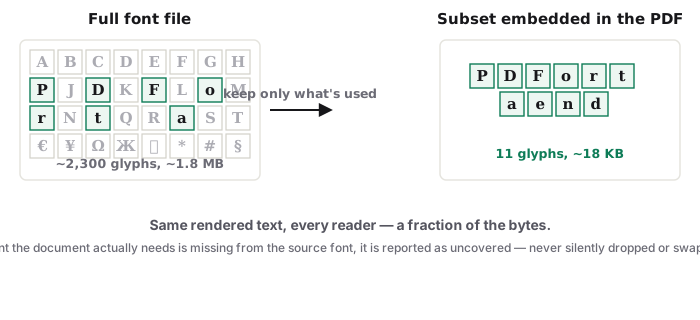
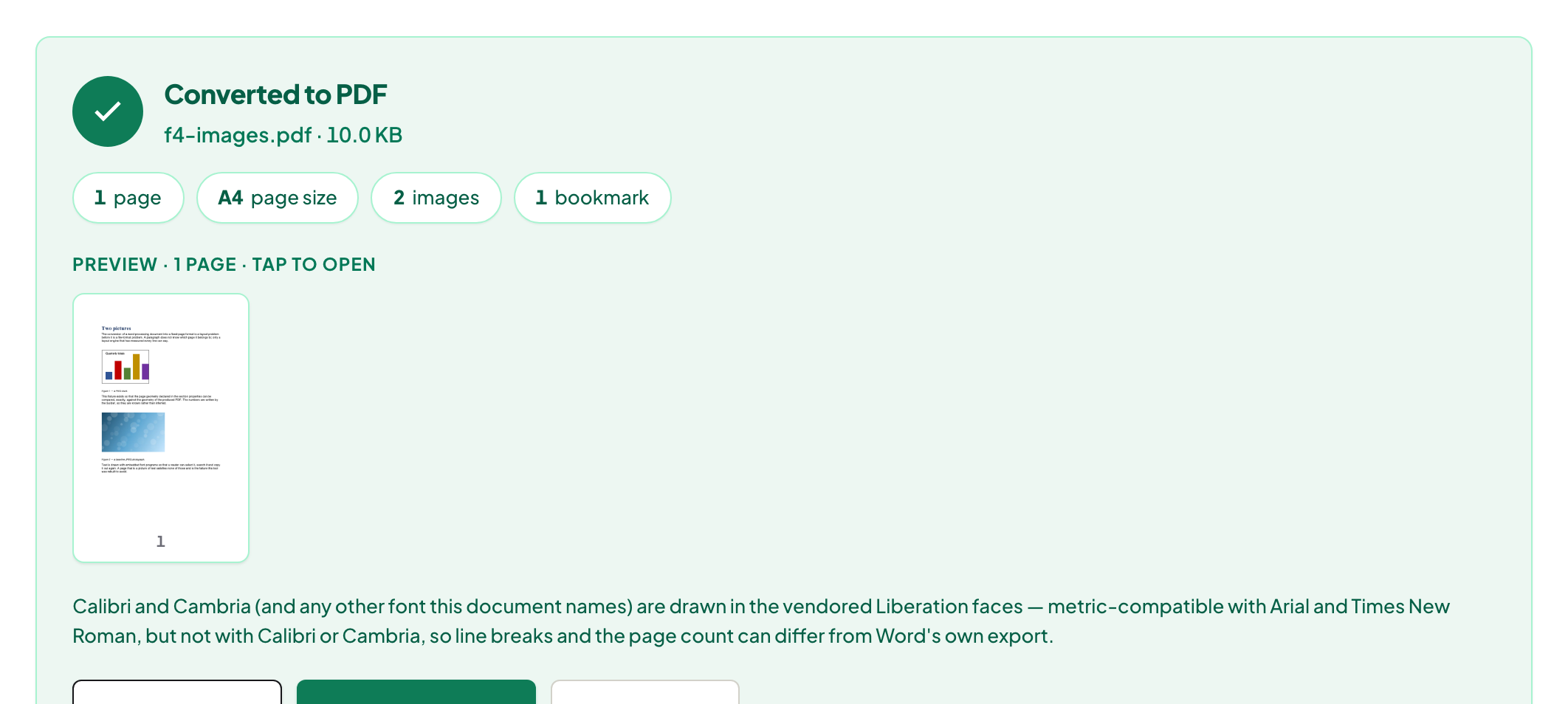
Quick start. Open Word to PDF, add the .docx, download the PDF. The document's page size, margins, pictures, tables, headers and footers with recalculated page numbers, headings as bookmarks and links as clickable annotations are rebuilt from the file; fonts are embedded.
Why some converters print question marks
A PDF must carry the fonts it uses, or the reader substitutes. Converters that draw text with a fixed Latin font produce boxes or question marks for Cyrillic, Greek, Vietnamese or Turkish characters the font does not have. This converter embeds fonts that cover the document's scripts, so "Привет" and "Γειά" arrive as text you can select and search — which no competitor page in our study addressed at all.
What is rebuilt from the document
Page size and orientation; margins; pictures at their stored resolution; tables as drawn rules; text boxes; running headers and footers with page numbers recalculated for the PDF; headings as PDF bookmarks; hyperlinks as clickable annotations. The page count matched Word's own export on our test documents. Features Word renders from its own engine — SmartArt, equations as objects, tracked-changes markup — come across as their saved appearance.
Calibri and Cambria
Documents set in Calibri or Cambria are drawn in metric-compatible substitutes, so line breaks — and with them the page count — can differ from Word. The tool says so on the page. For a contract where pagination matters, compare the last page.
Mac, Windows, iPhone, Android
Same page. Word's own Save as PDF exists on desktop and needs Word; on a phone or a Chromebook this is the path. Nothing is uploaded either way — here it is checkable.
Troubleshooting
A blank page at the end. The document ends with an empty paragraph after a page break; delete it in Word and reconvert. A symbol font shows boxes. Wingdings-style symbol fonts are not embedded; replace the symbol with a Unicode character. Page count differs. See Calibri/Cambria above.
Frequently asked questions
Does it keep my headers, footers and page numbers?
Yes — rebuilt as running headers and footers with the page numbers recalculated.
Are links clickable in the PDF?
Yes, as PDF link annotations; headings become bookmarks.
Does it handle Cyrillic, Greek, Vietnamese, Turkish?
Yes — fonts covering those scripts are embedded, so the text is real text in the PDF.
Try it yourself
Free, private, no account. Runs entirely in your browser.
