From pasted HTML to a real PDF: page breaks, running headers, selectable text
Convert pasted HTML or an .html file into a vector PDF in your browser — CSS paged-media honoured, text selectable, nothing uploaded. Limits stated.
UnboundPDF is a free suite of 54 PDF and image tools that run entirely in your browser — merge, split, compress, edit text, OCR in 126 languages, redact, sign, convert and archive to PDF/A. Your document is read and written by the page on your own device; there is no document-upload endpoint in the core tools, no account, no watermark and no daily cap. Every result can be checked — with the Network tab, or with the Document Passport the Workspace writes for a chain of steps.

Quick start. HTML to PDF → paste the HTML or open an .html file → run → download. Pages are real vector pages: selectable text, proper breaks, your @page rules honoured.
Pasted HTML, not a URL
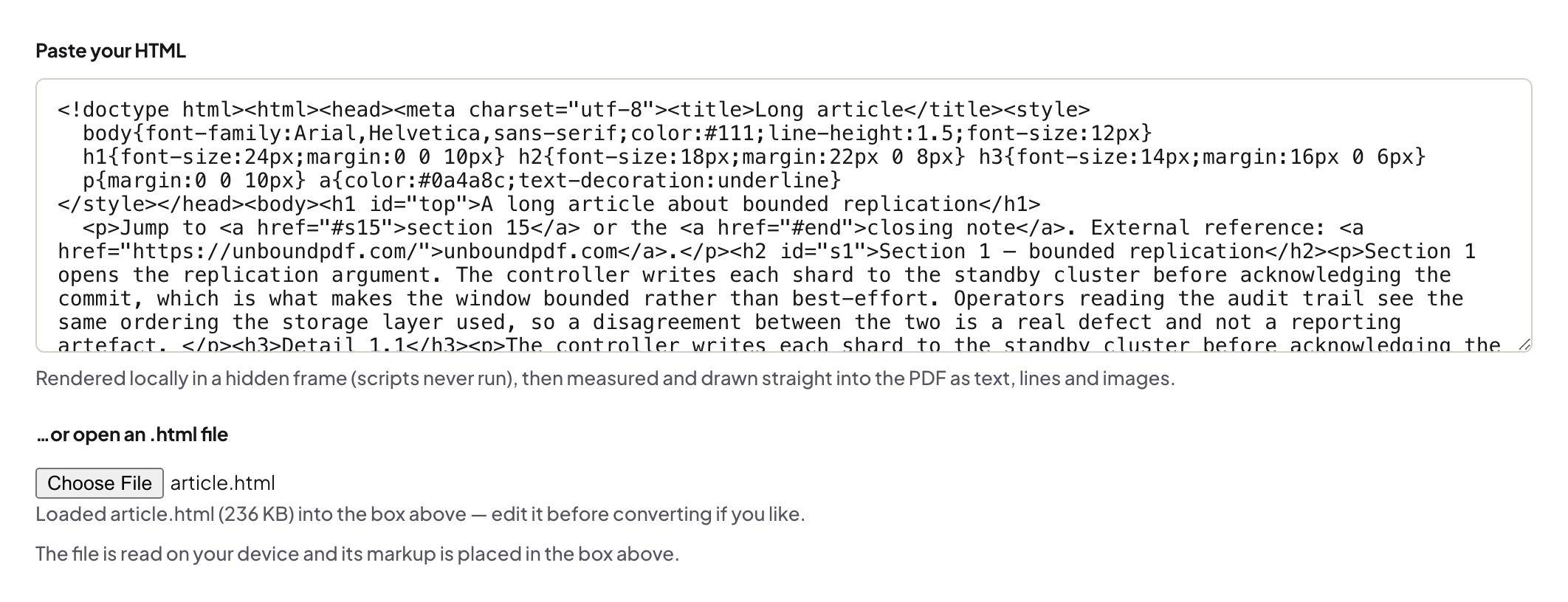
The tool converts HTML you give it — pasted, or a saved .html file — so nothing is fetched from the web and nothing about you leaves the tab. To convert an article, save the page from your browser first, or paste its HTML.
Paged media done properly
@page { size: A4; margin: 20mm } sets the sheet; running headers and footers from paged-media rules appear on every page; page breaks follow your CSS. Images referenced in the HTML must be embedded (data URIs) or present as files you open — remote images are not fetched.
Fonts
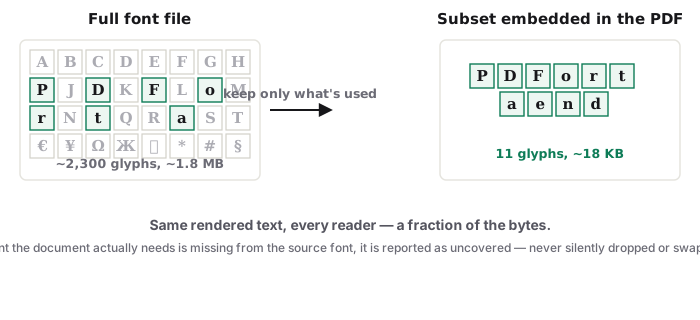
The PDF embeds the fonts used, including non-Latin scripts; named @page variants and CJK text drawn as pictures are the stated limits on the tool page.
When to use Word to PDF instead
If the source is a .docx, Word to PDF rebuilds it from the document itself; HTML to PDF is for content you have as HTML — reports generated by a script, a styled invoice template, documentation.
Frequently asked questions
Can I give it a URL?
No — paste the HTML or open an .html file; nothing is fetched.
Are links clickable?
Links in the HTML become PDF link annotations.
Is the text selectable?
Yes — it is a vector PDF, not a screenshot.
Try it yourself
Free, private, no account. Runs entirely in your browser.