Building the application bundle recruiters actually want
Combine CV, cover letter and certificates into one PDF in the right order, under the portal's size cap, with searchable text — nothing uploaded.
UnboundPDF is a free suite of 54 PDF and image tools that run entirely in your browser — merge, split, compress, edit text, OCR in 126 languages, redact, sign, convert and archive to PDF/A. Your document is read and written by the page on your own device; there is no document-upload endpoint in the core tools, no account, no watermark and no daily cap. Every result can be checked — with the Network tab, or with the Document Passport the Workspace writes for a chain of steps.

Quick start. CV and letter from Word → Word to PDF; certificates as scans → JPG to PDF; then in the Workspace: Merge in order → Compress → Download. The "Job application" preset does the merge and the compress for you.
Order: what the recruiter reads first
Cover letter, CV, then certificates in the order the CV mentions them. Put the letter first only if the posting asked for one; otherwise CV first. Rename the files with a number prefix before adding so the merge list reads like the bundle.
Fonts that survive
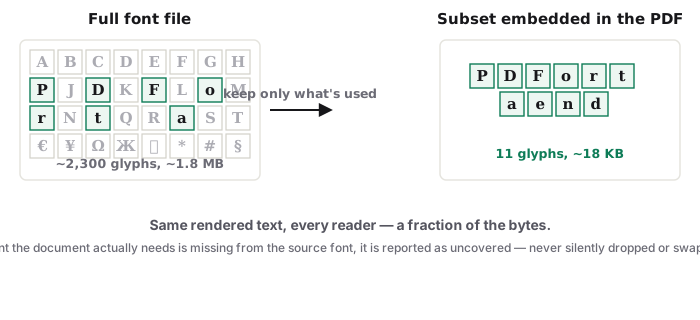
Word to PDF embeds the fonts, including non-Latin scripts — a CV with a Greek or Cyrillic name arrives as text, not question marks. Headers and page numbers from Word are rebuilt.
Under the cap, still searchable
Portals cap at 2 MB or 5 MB. Balanced compression shrinks the scanned certificates and keeps your CV's text selectable — recruiters' systems search it. The result panel shows the real size; if it is still over, reduce the scan resolution with Resize Image before converting the certificates.
Check before you upload to them
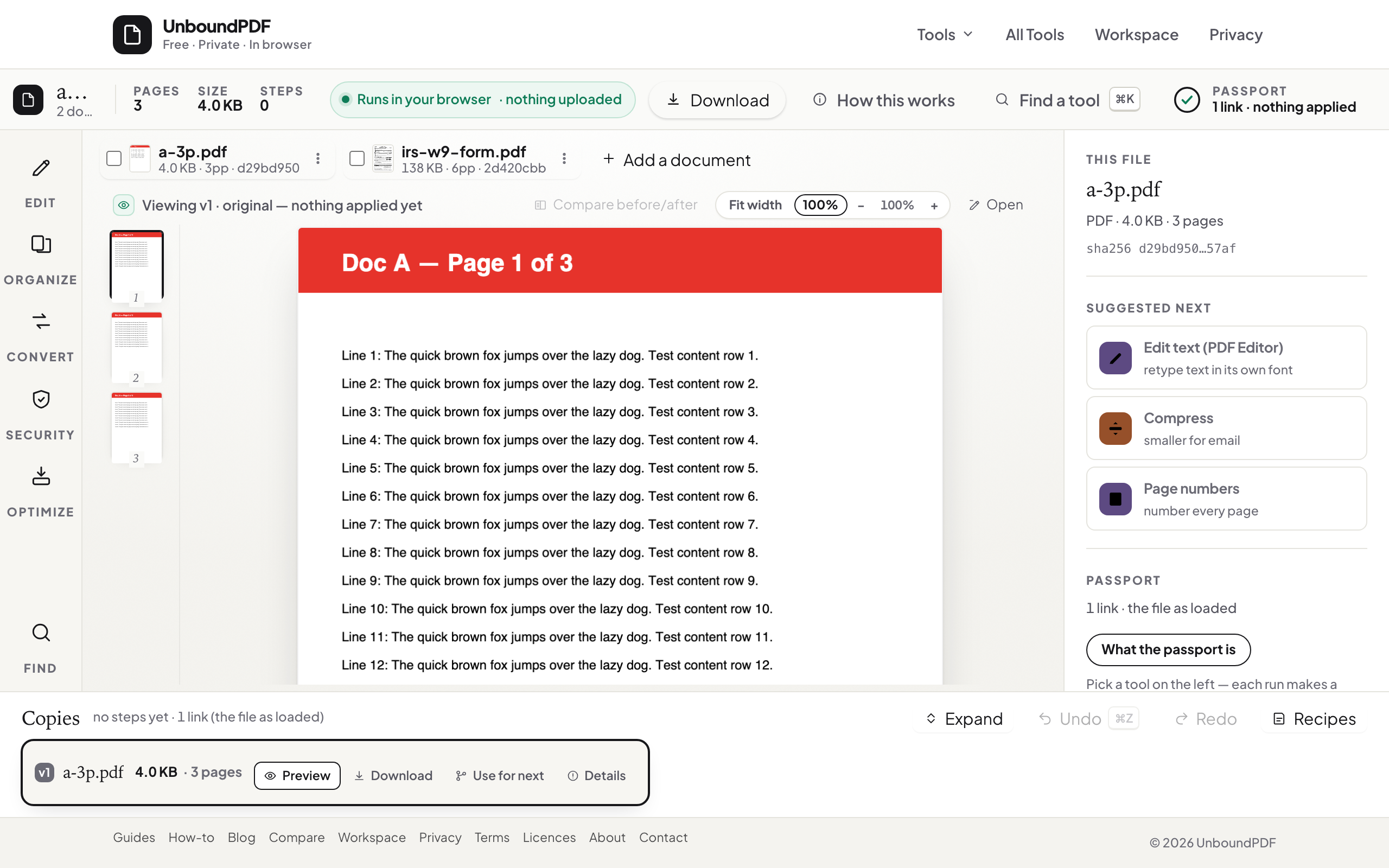
Open the bundle, scroll to each seam, select a line of CV text. The Workspace passport records the final hash — the file you checked is the file you send.
Troubleshooting
The portal rejects the file. Usually size or a password — unlock, compress, or split. Certificates are sideways. Rotate PDF before merging. The bundle has no text layer for the certificates. Fine for most portals; run OCR PDF if they search attachments.
Frequently asked questions
Should I send one file or several?
One, unless the posting asks for separate uploads — one file keeps the order you chose.
Does the recruiter see that the PDF was assembled?
They see one document with your pages in order; nothing marks the seams.
Is my CV uploaded to UnboundPDF?
No. Every step runs in your browser.
Try it yourself
Free, private, no account. Runs entirely in your browser.