Balanced and Maximum: what each compression mode actually does to your file
What PDF compression really does — Balanced keeps text selectable, Maximum renders pages — with measured results that name the browser.
UnboundPDF is a free suite of 54 PDF and image tools that run entirely in your browser — merge, split, compress, edit text, OCR in 126 languages, redact, sign, convert and archive to PDF/A. Your document is read and written by the page on your own device; there is no document-upload endpoint in the core tools, no account, no watermark and no daily cap. Every result can be checked — with the Network tab, or with the Document Passport the Workspace writes for a chain of steps.

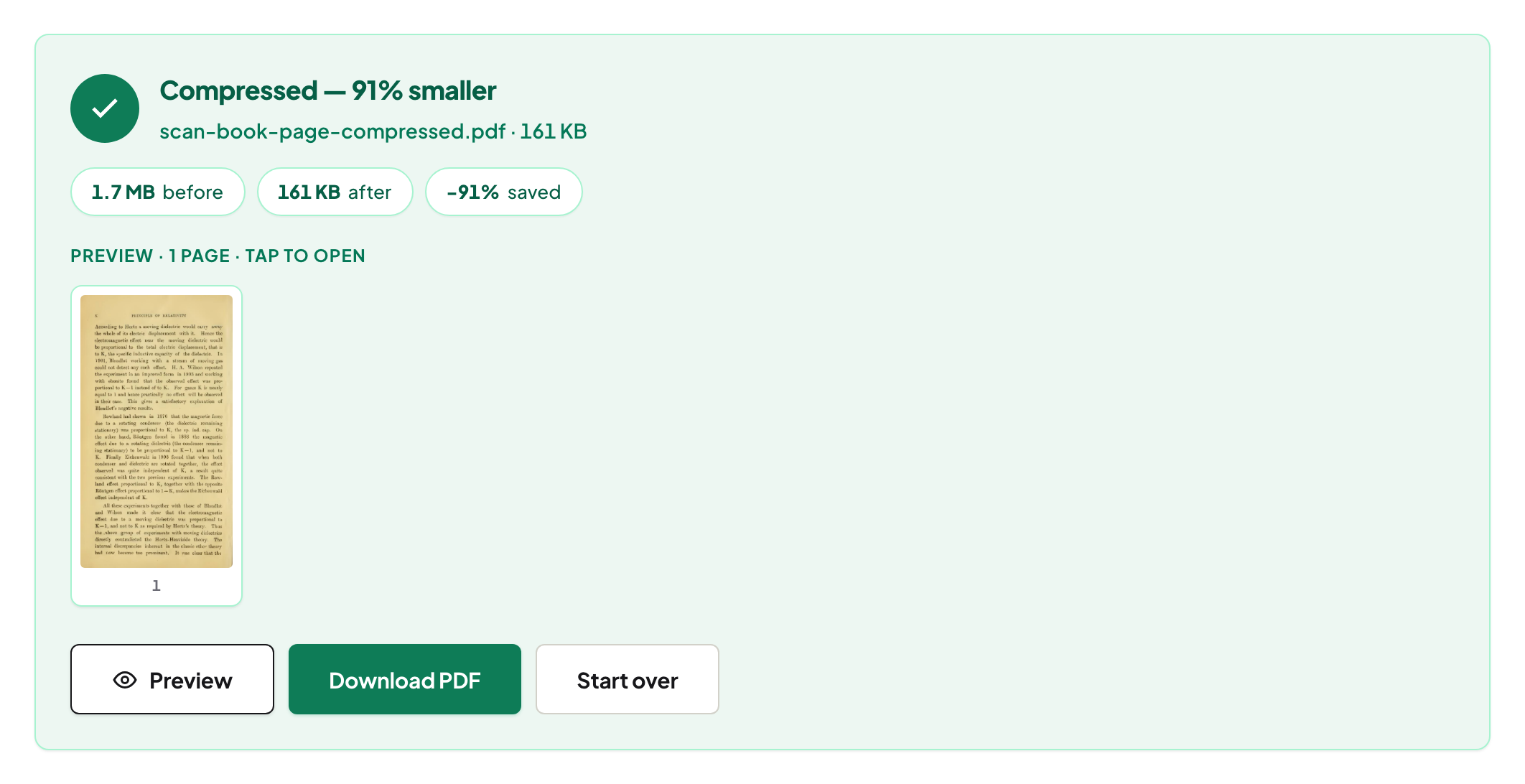
Quick start. Open Compress PDF, add the file, leave Balanced selected, run. The result shows the real before and after. If the file barely shrank, it was already lean — split it instead of squeezing.
Where the size is
Almost always in images. A page of text is a few kilobytes; a scanned page is a multi-megapixel photograph. So compression is about images, and a file with no heavy images has nothing to give back — an honest tool says so. The companion article walks through a 90 MB report.
Balanced — the default
Balanced re-compresses each photograph moderately, working inside the JPEG's own coefficient data so untouched parts are not decoded and re-encoded — no compounding generation loss — and leaves the text layer alone. Text stays selectable; pages remain pages. Photographs above 150 DPI are re-encoded with the browser's own JPEG encoder, which is why the percentage depends on the browser: on 15 August 2026 the same 119 MB scan at the same Balanced setting came out at 34% of its original size in Chrome, 39% in Firefox and 57% in Safari's engine.
Maximum — a different bargain
Maximum renders pages to images at a quality you choose. It goes smaller, and the price is stated before you click: the output's pages are pictures, so text is no longer selectable or searchable. Right for a photo-heavy attachment that must fit; wrong for a contract someone will quote from.
Named levels, measured
Competitors advertise "Basic/Strong" and "−40%/−85%" for every file. We name our two modes and publish what they measured on real documents, with the browser: in Chrome on 13 August 2026 the same slider produced −78% on a scan and −3% on an already-optimised paper the same afternoon — and reported both.
When splitting beats squeezing
Compression has a floor: the content that is genuinely there. When a file must fit a cap and compression has done its work, the honest next move is fewer pages per file — Split by Size cuts at the boundary that keeps each part under your limit. Targets for common caps are in compress to 1 MB and compress to 100 KB.
Password-protected files
Unlock first with Unlock PDF; an encrypted file cannot be re-encoded.
Mac, Windows, iPhone, Android
Same page; the heavy work runs on your device and there is no upload time at all, which on a 90 MB file is itself the fastest step.
Troubleshooting
Barely shrank. Text-only or already-optimised file — nothing to win; split if a cap applies. Text no longer selectable. You used Maximum; use Balanced. Different result on another computer. Different browser engine — expected; the percentage names the browser.
Frequently asked questions
Does compression ruin quality?
Balanced re-compresses photos moderately and leaves text untouched; Maximum trades selectable text for size and says so first.
Why does my PDF barely shrink?
It is mostly text and vector graphics, which are already small. Savings come from images.
Why is the percentage different in Safari?
Photographs are re-encoded with the browser's own JPEG encoder; engines differ, so the percentage names the browser it was measured in.
Try it yourself
Free, private, no account. Runs entirely in your browser.
Related articles
Why a PDF gets huge, and what compression really does about it
Three ways to split a PDF, and when each one is right
Invoices in, one numbered bundle out: a monthly routine that takes ten minutes
Building the application bundle recruiters actually want
Text stays text, or turns into a picture: what each tool does to your document