Invoices in, one numbered bundle out: a monthly routine that takes ten minutes
Turn a month of invoices — PDFs, photos, emails — into one numbered, searchable PDF for your accountant, in your browser, with a receipt for the job.
UnboundPDF is a free suite of 54 PDF and image tools that run entirely in your browser — merge, split, compress, edit text, OCR in 126 languages, redact, sign, convert and archive to PDF/A. Your document is read and written by the page on your own device; there is no document-upload endpoint in the core tools, no account, no watermark and no daily cap. Every result can be checked — with the Network tab, or with the Document Passport the Workspace writes for a chain of steps.

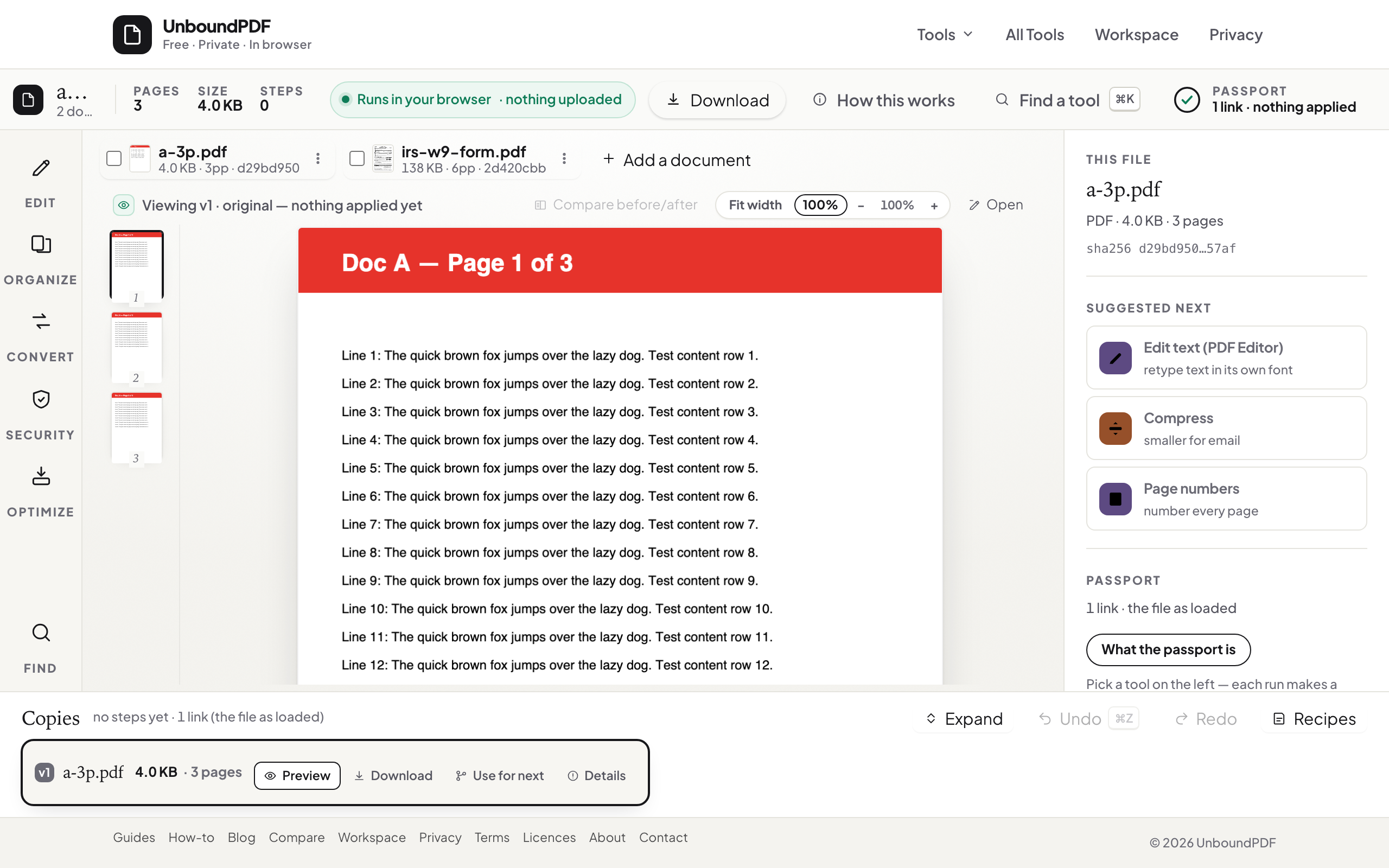
Quick start. Workspace → add every invoice → Merge → Add page numbers → Compress (Balanced) → Download. Save it as a recipe and next month is three clicks.
Start with what you actually have
A month of invoices is never one format: supplier PDFs, a photographed receipt, an invoice someone pasted into an email. Photos go through JPG to PDF first — several at once, one PDF — and join the tray. Rename files by date before adding them so the merge order is the month's order.
Merge, then number
Merge produces one copy with every page. Add page numbers — "1 of N" bottom right — so your accountant can say "the Müller invoice is page 14" in an email. Numbers are real text, searchable.
Compress last
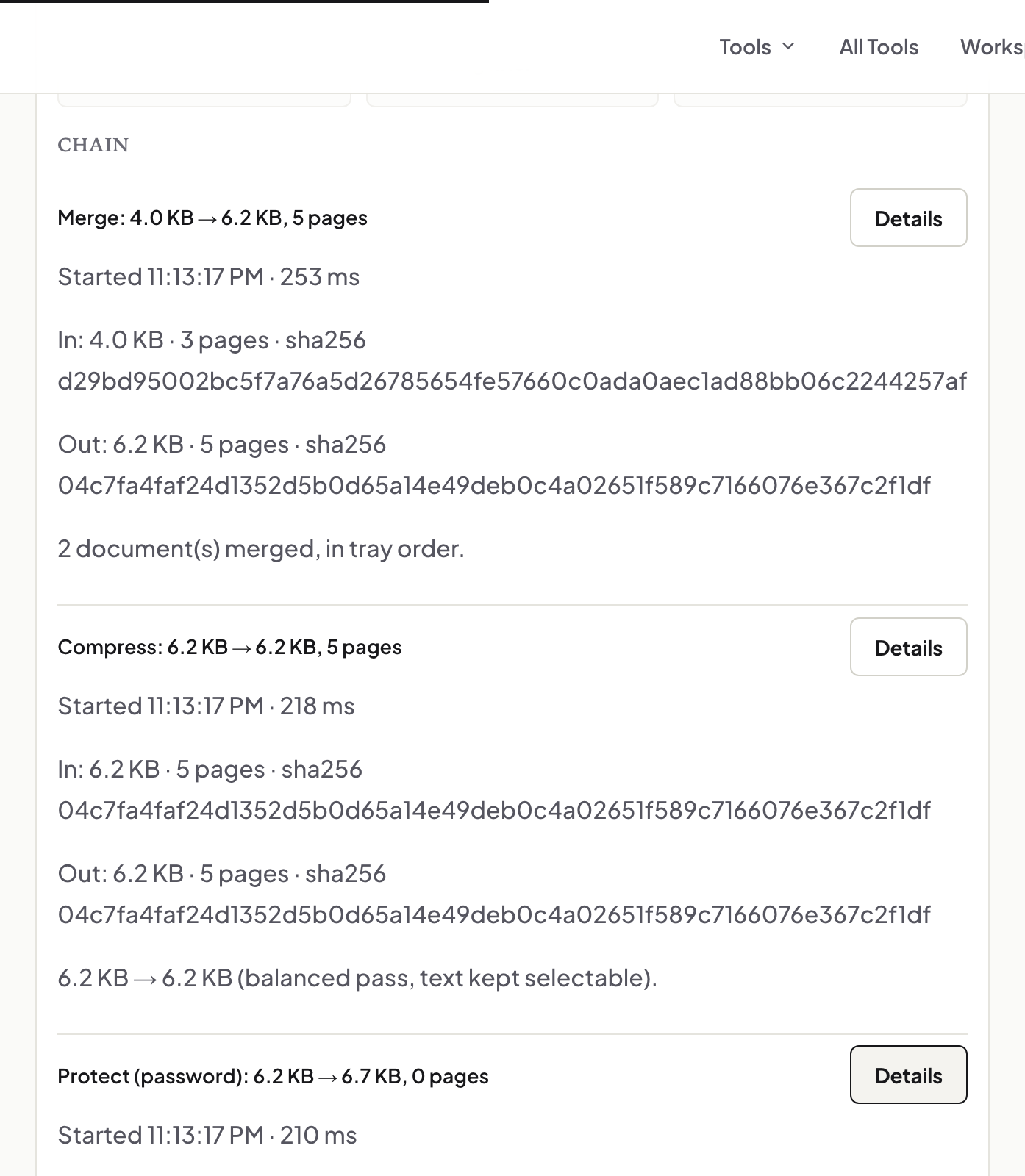
Scanned receipts are heavy; Balanced compression keeps the text selectable and brings a 40 MB bundle down to something an email accepts — the result panel shows the real before and after. If it is still over the cap, Split by Size rather than squeezing further.
Searchable receipts
Photographed receipts have no text. Run OCR PDF on the bundle before compressing and the accountant can search for a supplier name across the whole month.
The receipt for the receipts
The Workspace writes a Document Passport: the hash of each input and each step's output. Keep it with the bundle; if a question comes back in March about which file was sent, the hash settles it.
Save it as a recipe
Recipes store the steps — merge, number, OCR, compress — not the files. Next month: add the new invoices, run the recipe, download.
Troubleshooting
A supplier PDF is locked. Unlock PDF with the password they gave you. The bundle is still too big. Split by size into two mails. Totals needed in a sheet. PDF to Excel on the bundle pulls the invoice tables into typed cells.
Frequently asked questions
Does my accountant need any software?
No — a PDF reader. Page numbers and OCR text are in the file.
Are the invoices uploaded anywhere?
No. Every step runs in your browser; the passport records hashes, not contents.
Can I do this on a phone?
Yes — photograph receipts, convert with JPG to PDF, and run the same steps in the Workspace.
Try it yourself
Free, private, no account. Runs entirely in your browser.