Sharing a statement with a landlord or broker without sharing everything
Remove account numbers and unrelated rows from a PDF statement for real — text deleted, verified on the output — then check it with the verifier.
UnboundPDF is a free suite of 54 PDF and image tools that run entirely in your browser — merge, split, compress, edit text, OCR in 126 languages, redact, sign, convert and archive to PDF/A. Your document is read and written by the page on your own device; there is no document-upload endpoint in the core tools, no account, no watermark and no daily cap. Every result can be checked — with the Network tab, or with the Document Passport the Workspace writes for a chain of steps.

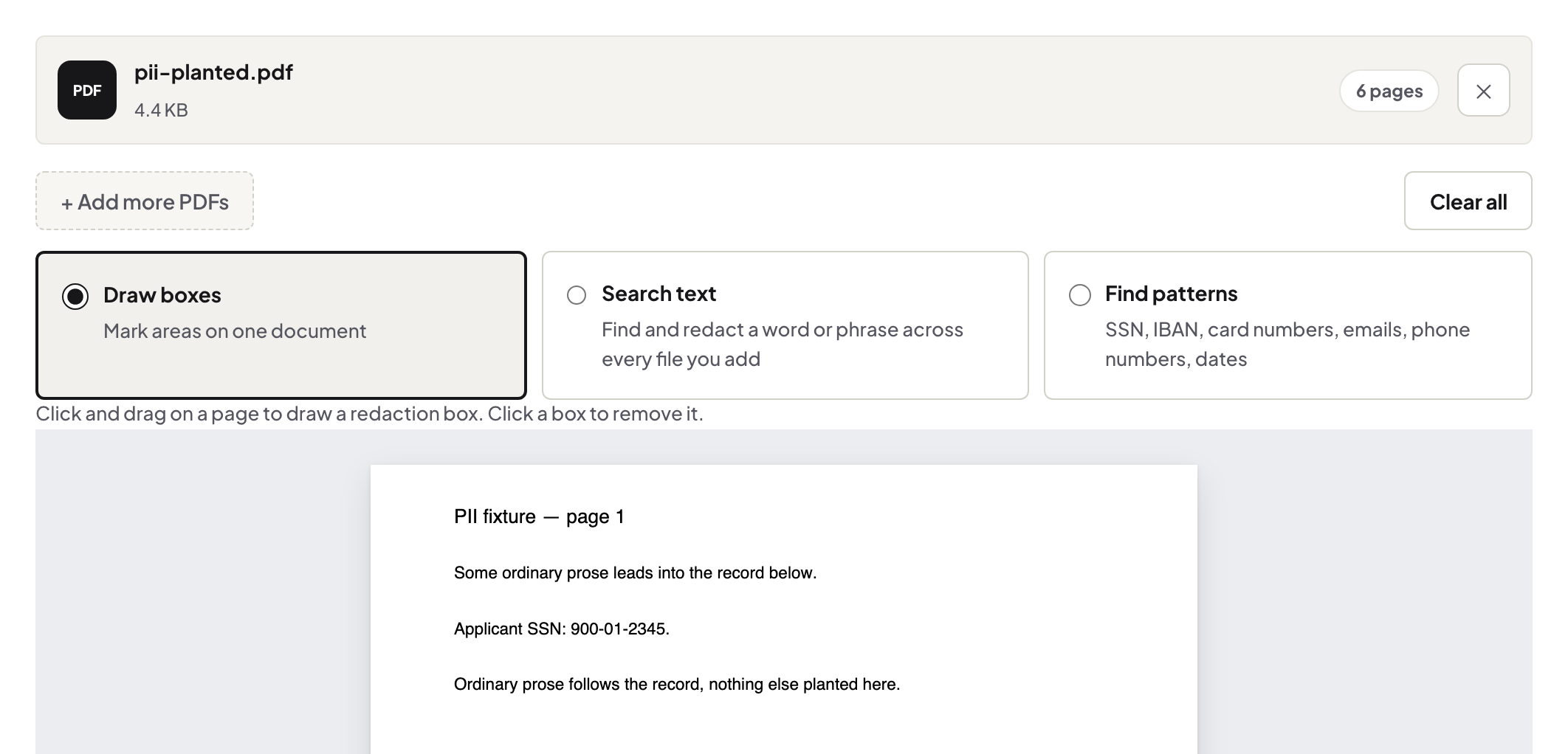
Quick start. Redact PDF → select the account number and the rows you do not want to share → run → read the verification line → Redaction Verifier on the output → send.
What to remove
The full account number (leave the last four digits if the recipient needs to match it), card numbers, transfers to and from people who are none of the recipient's business, and the address if it is not required. Search the document for each item — the number appears in the header of every page.
Removed, not covered
A black rectangle drawn over text leaves the text in the file; copy-paste in any reader reveals it. Redact PDF deletes the text from the page content and re-reads the output to confirm it is gone. The result panel says so, and names any page it could not fully clear so you can rasterise it.
Check it like the recipient could
Drop the output into the Redaction Verifier: it looks for text under covers, invisible text, hidden layers and annotation-only boxes. Then do the reader test yourself — select-all on the page and paste into a text editor; nothing from the boxes should appear.
Scanned statements
A scan has no text, so redaction removes pixels in the region; run OCR afterwards only if the recipient needs searchable text — and verify again, because OCR writes a new text layer.
Troubleshooting
"Not fully verified" on a page. Rasterise that page with the tool's option and re-verify. The verifier flags a table cell. Black cells and redaction boxes share geometry; the position shows which it is. The file is locked. Unlock with the password first.
Frequently asked questions
Can the recipient undo a redaction?
Not a real one — the text is gone from the file. A drawn box can be removed; that is why we verify and why the verifier exists.
Should I also clear metadata?
Yes if the author field reveals something — Edit Metadata clears it.
Is the statement uploaded?
No. It is read, redacted and saved in your browser tab.
Try it yourself
Free, private, no account. Runs entirely in your browser.
