A redaction checklist: remove, verify, log, and only then send
Redact PDF text for real — removed from the content, verified on the final bytes — then check it with the verifier and produce a log.
UnboundPDF is a free suite of 54 PDF and image tools that run entirely in your browser — merge, split, compress, edit text, OCR in 126 languages, redact, sign, convert and archive to PDF/A. Your document is read and written by the page on your own device; there is no document-upload endpoint in the core tools, no account, no watermark and no daily cap. Every result can be checked — with the Network tab, or with the Document Passport the Workspace writes for a chain of steps.

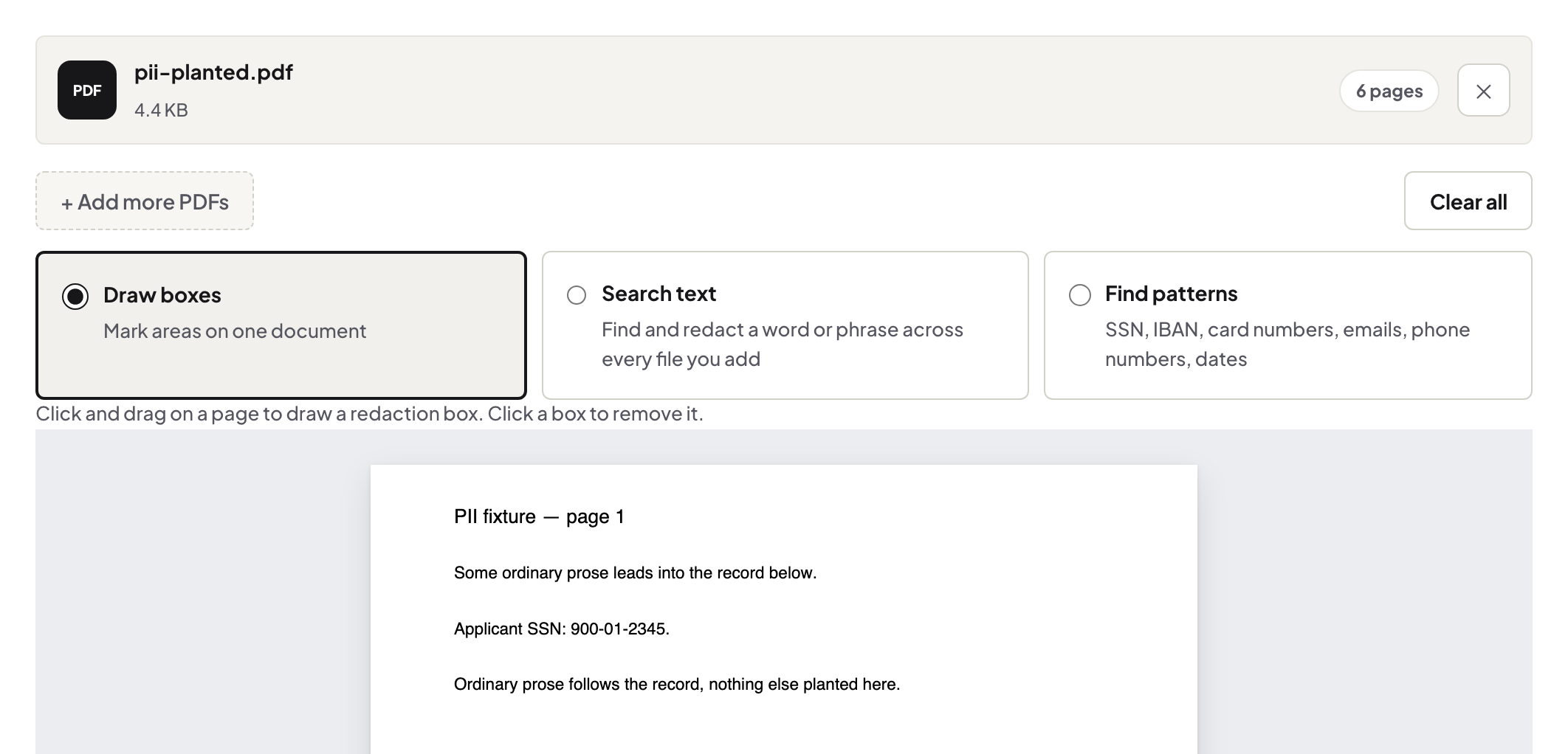
Quick start. Redact PDF → select text or draw regions → run → read the verification line → Redaction Verifier on the output → Redaction Log for the file you send.
1. Remove, don't cover
A black box drawn over text is a picture on top of text; the text is still in the file. Real redaction deletes the text from the page's content. Redact PDF does that and then re-reads the finished bytes to confirm the text is gone — and tells you when a page could not be fully cleared, so you can rasterise that page.
2. Find what you missed
Names and numbers repeat: the account number in the footer, the address in the metadata, the second mention on page 7. Search the document for each term before you redact, and search the output afterwards — a clean result in the verifier is not evidence that nothing else was present.
3. Verify independently
Drop the output into the Redaction Verifier: it checks for text under covers, invisible text, hidden layers and annotation-only boxes, page by page. It cannot see what was removed; it can see what is still there.
4. Log it
For a production, the Redaction Log lists every region with its verification result and the SHA-256 of the examined documents. Send it with the file; the recipient can re-hash the file and confirm the log refers to it.
5. Metadata and attachments
Clear the author and title with Edit Metadata if they reveal something; remove comments with Remove Annotations; check for attached files in your reader's attachments panel.
Troubleshooting
"Not fully verified" on a page. That page draws through a form XObject; use the rasterise option for it and re-verify. The verifier flags a table cell. A black cell and a redaction box have the same geometry; the position tells them apart. The document is a scan. Redaction of a scan removes pixels in the region; run OCR afterwards only if you need searchable text again.
Frequently asked questions
Is a black box enough?
No. Text under a drawn box is still in the file. Redaction must delete the content and be verified on the output.
Does the tool prove my redaction is complete?
It verifies that the text under each region you marked is gone. Finding every occurrence is your search step; the verifier and the log make the result checkable.
Is this legally compliant?
Whether a redaction meets a legal standard is set by the rules that apply to you; the tool removes the text and shows you the verification.
Try it yourself
Free, private, no account. Runs entirely in your browser.
Related articles
Redacting a PDF properly — and then trying to un-redact it

Getting twelve months of statements into one sheet, on your own machine
An onboarding pack that is signed, final, and private
A production you can defend: redact, number, label, and log — with hashes
Sharing a statement with a landlord or broker without sharing everything