An onboarding pack that is signed, final, and private
Finalise HR documents in your browser — fill forms, place signatures, flatten, protect with a password, keep a verifiable record — no server.
UnboundPDF is a free suite of 54 PDF and image tools that run entirely in your browser — merge, split, compress, edit text, OCR in 126 languages, redact, sign, convert and archive to PDF/A. Your document is read and written by the page on your own device; there is no document-upload endpoint in the core tools, no account, no watermark and no daily cap. Every result can be checked — with the Network tab, or with the Document Passport the Workspace writes for a chain of steps.

Quick start. Fill & Sign → Flatten → Protect → send. In the Workspace it is one chain with a passport; the password is asked each run and never stored.
Fill and sign
Contracts and policy acknowledgements arrive as forms. Fill the fields, place the signature — drawn, typed or an uploaded image — and keep the file unflattened while the employee still has to sign their part. A placed signature is a visible signature; where your process requires a certificate-based signature, use a signing service for that document.
Flatten when final
Flattening bakes fields and signatures into the page so nothing can be edited afterwards. It is the step that makes the PDF a record rather than a form.
Protect
Protect PDF encrypts the file with AES; the recipient opens it with the password you share by another route. The Workspace never stores the password — not in the recipe, not in the passport, not in the browser — so the same recipe can run for every new hire.
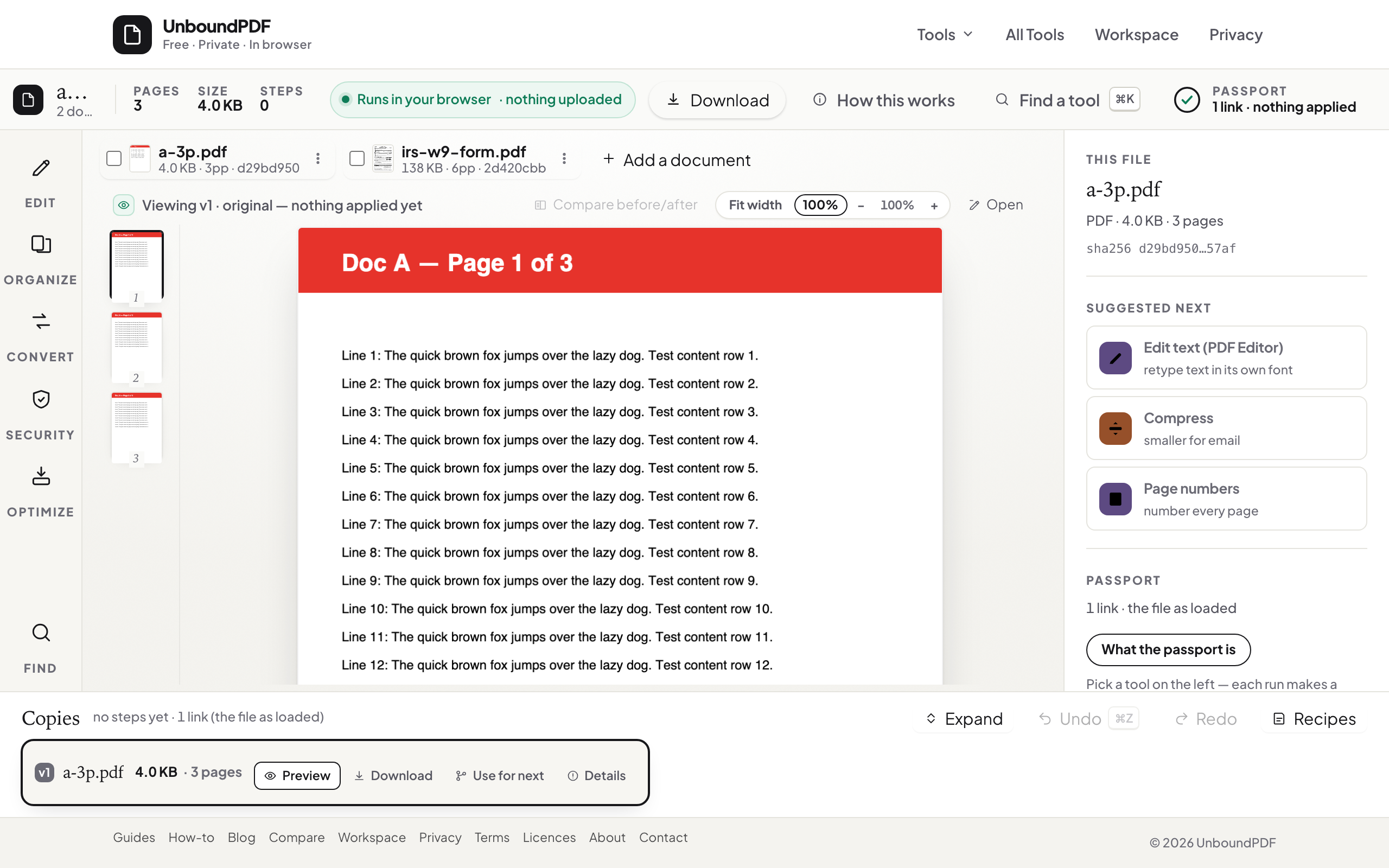
Headers and a record
Headers & Footers adds the employee name and date as running text; the passport records each step's hash so a later audit can confirm which version was issued.
Before it leaves
If the pack must go to a third party, Redact PDF removes salary or ID fields and verifies they are gone; Edit Metadata clears the template author.
Troubleshooting
Fields will not fill. The form has no fields — type on the page with the text tool. I forgot the password. It is not recoverable; keep the unprotected copy in your system. The employee's reader shows the signature as movable. Flatten before sending.
Frequently asked questions
Is employee data uploaded?
No. Every tool runs in the browser; the only thing written outside the file is the passport's hashes.
Can the recipient remove the password?
With the password, yes (Unlock PDF). Without it, no.
Does this make us compliant?
Whether a process meets a legal standard is set by the rules that apply to you; the tools do what they state and show you the verification.
Try it yourself
Free, private, no account. Runs entirely in your browser.
