Why the page is sideways again: view rotation vs saved rotation
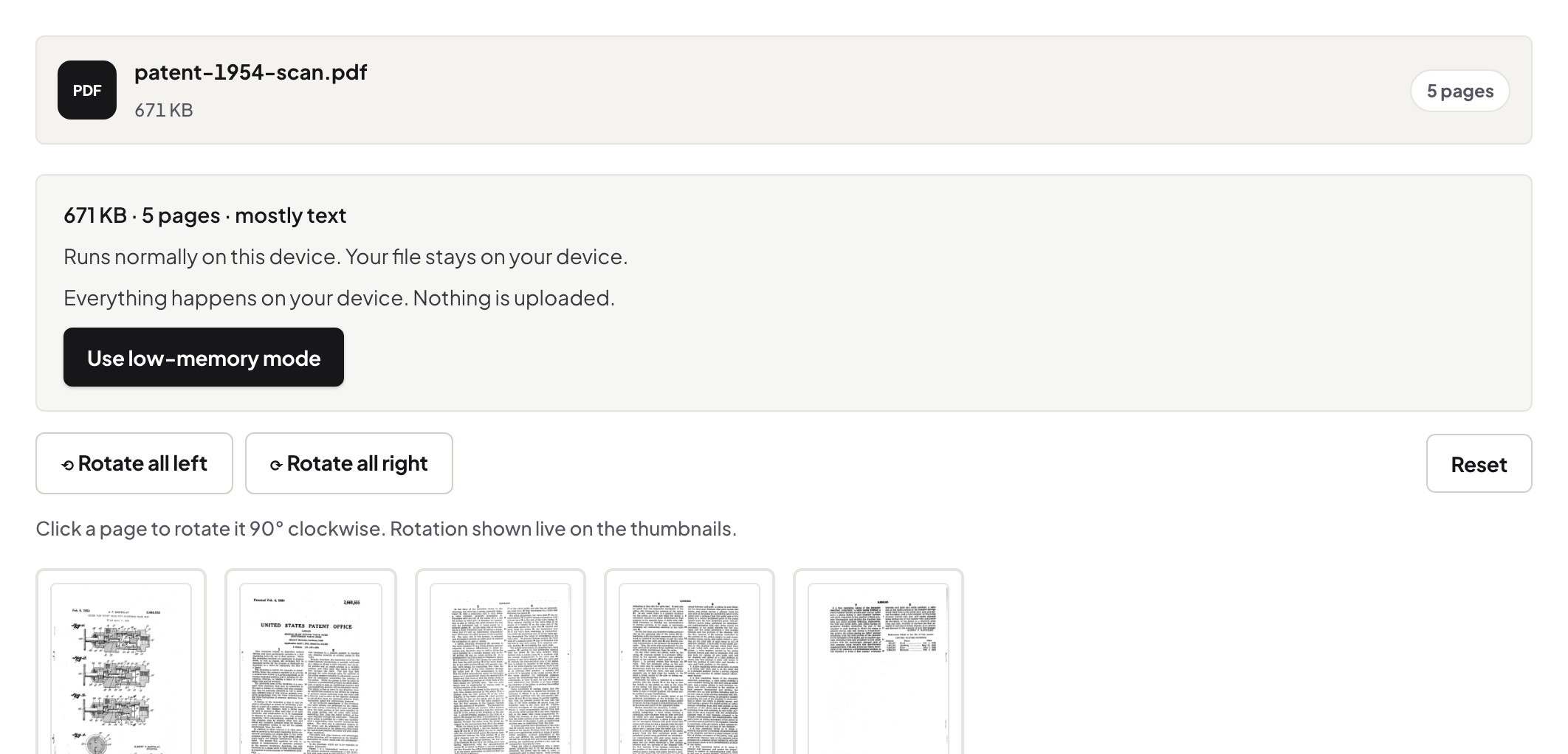
Rotating in a viewer is temporary; Rotate PDF writes the rotation into the file so every reader shows the page upright — all pages or selected ones.
UnboundPDF is a free suite of 54 PDF and image tools that run entirely in your browser — merge, split, compress, edit text, OCR in 126 languages, redact, sign, convert and archive to PDF/A. Your document is read and written by the page on your own device; there is no document-upload endpoint in the core tools, no account, no watermark and no daily cap. Every result can be checked — with the Network tab, or with the Document Passport the Workspace writes for a chain of steps.

Quick start. Rotate PDF → pick every page or the ones you name → 90 / 180 / 270 → save. The rotation is written into the file.
The viewer lies to you
Most readers have a rotate button that changes only what you see; close the file and it is sideways again, and so it is for the recipient. Rotate PDF sets each page's rotation flag in the file, which every reader honours.
Selected pages
A scan with one landscape table among portrait pages: rotate just that page by number. Before OCR, rotate first — recognition reads upright text.
Stamps on rotated pages
Page numbers, Bates numbers and headers place their text in the reader's visible corner on rotated pages — measured, so the corner is right.
Frequently asked questions
Is quality affected?
No — the content is unchanged; a flag is set.
Can I rotate only some pages?
Yes — name them by number or range.
Does it work on scans?
Yes; rotate before OCR for best recognition.
Try it yourself
Free, private, no account. Runs entirely in your browser.