Adding text vs editing existing text in a PDF — two different jobs
Updated 7 August 2026
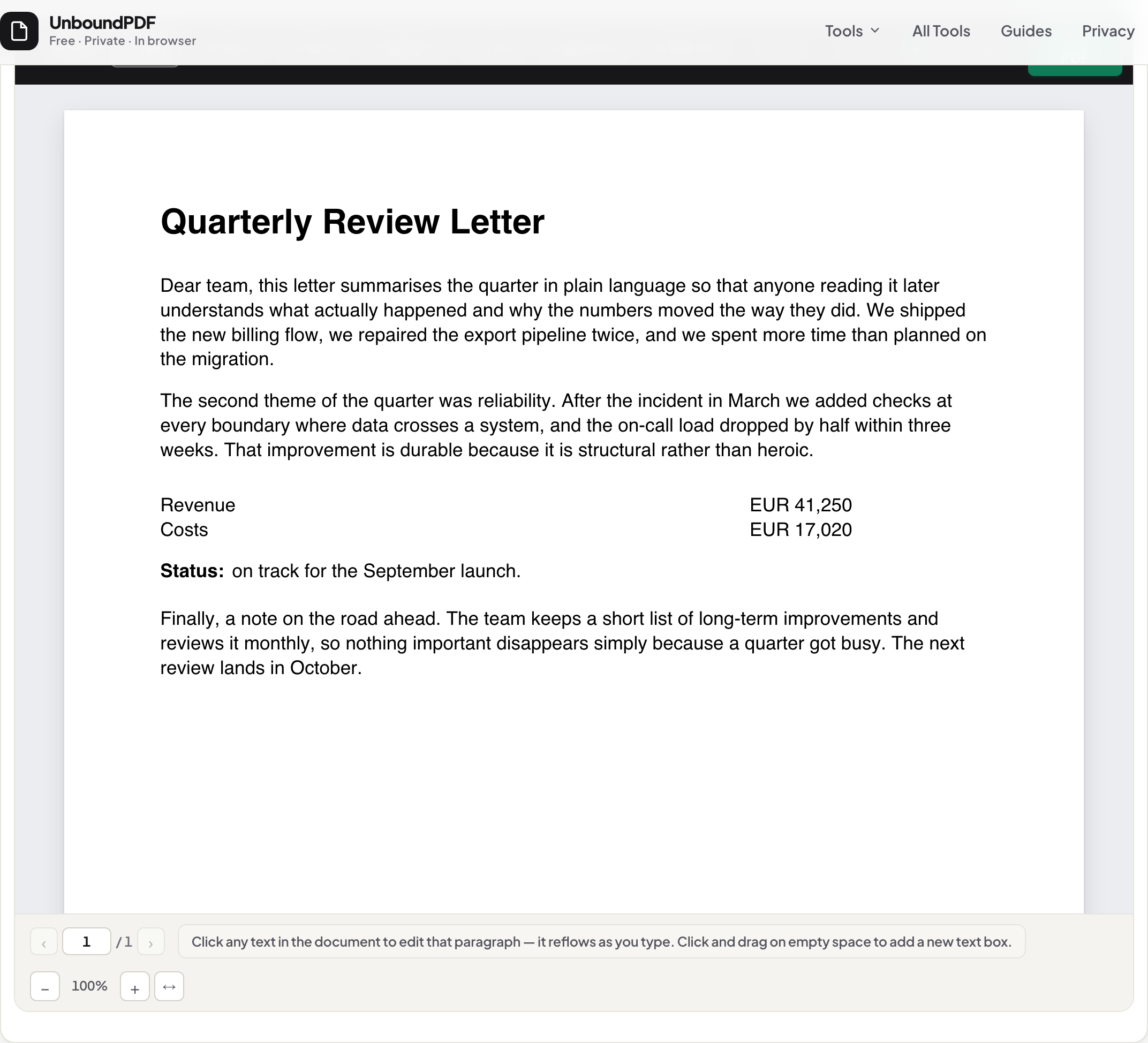
Adding text places new words on top of the page; editing changes the words already in it. Most free “PDF editors” only add. UnboundPDF does both, explicitly: click existing text to rewrite it in place, or drag on empty space to add a new text box. Knowing which job you are doing is the difference between a clean document and a visible patch.
Type-over tools vs true text editing: what each actually does to your PDF, how to tell them apart in two clicks, and when each is the right choice.
UnboundPDF is a free suite of 54 PDF and image tools that run entirely in your browser — merge, split, compress, edit text, OCR in 126 languages, redact, sign, convert and archive to PDF/A. Your document is read and written by the page on your own device; there is no document-upload endpoint in the core tools, no account, no watermark and no daily cap. Every result can be checked — with the Network tab, or with the Document Passport the Workspace writes for a chain of steps.
- Open the PDF Editor and drop your file in.
- To EDIT existing words: click them and retype — the paragraph reflows in the document's own font.
- To ADD new words: drag on empty space and type into the new text box.
- To audit any tool's output (including ours): select the area in a viewer — a covered original reveals itself under selection.
Two jobs, two mechanisms
| Job | What changes in the file | The right time to use it |
|---|---|---|
| Edit existing text | The page's own text operators are rewritten — old words out, your words in, same font | A typo, a date, an amount, a sentence that must change |
| Add new text | A new text object is placed on top; everything underneath stays untouched | A margin note, a label on a diagram, a paper form with no fillable fields |
How to spot a type-over “editor”
Many tools sell “edit PDF” but only ever add: they place a white rectangle over the old words and type new ones above. The tell is one click — select the area in any viewer and the covered original text highlights straight through the patch. Fonts that almost-but-don’t-quite match are the second tell. If a tool never lets you place a caret inside an existing sentence, it is an annotator, not an editor.
Where UnboundPDF stands
Click existing text and it edits in place, in the document’s own fonts — that is the real thing, and the edit-text guide shows it end to end. Drag on empty space and you add a text box — the second job, done deliberately. And when a page’s structure makes a true edit unsafe, the editor falls back to a cover and tells you so, because an unlabelled patch is exactly what this page teaches you to detect. What that fallback means for the old words is covered in can edited PDF text be recovered?
Frequently asked questions
Why does text added to a PDF not match the font?
Added text is new content — it uses whatever font the tool sets, not the paragraph next to it. Only editing in place, which reuses the document's embedded font, matches the surroundings exactly.
Is adding text the same as filling out a PDF form?
No. A real form has interactive fields that store answers; those are a different layer of the file. Use Fill & Sign for forms — adding loose text boxes over field outlines makes a form nobody's software can read.
Can someone tell a PDF was edited?
A type-over edit shows the moment anyone selects the area — the original text is still there under the patch. An in-place edit is real text and reads as such. In both cases the file's metadata may record that it was resaved.