How to compress a PDF for government portals (USCIS, visa and application systems)
Updated 18 August 2026
Find the portal's own stated file-size cap, then compress under it with margin: run Compress PDF in your browser — Balanced first, Maximum for scans. USCIS documents a 12MB per-file limit; many application systems cap far lower. Your documents stay on your device throughout.
Fit PDF uploads under government portal caps in your browser — USCIS documents a 12MB limit. No upload, stamps stay legible.
UnboundPDF is a free suite of 54 PDF and image tools that run entirely in your browser — merge, split, compress, edit text, OCR in 126 languages, redact, sign, convert and archive to PDF/A. Your document is read and written by the page on your own device; there is no document-upload endpoint in the core tools, no account, no watermark and no daily cap. Every result can be checked — with the Network tab, or with the Document Passport the Workspace writes for a chain of steps.
- Find the cap on the portal's own help page — never guess it from a blog.
- Open Compress PDF and add your scan or document; nothing is uploaded to us.
- Balanced first; for scanned evidence, Maximum cuts far deeper at no visible cost.
- Check stamps and signatures in the preview, then download and submit.
Portal caps on this page come from the portals' own documentation, checked 13 August 2026 — USCIS: "Files must not be larger than 12MB in size" (uscis.gov, online-filing tips). Caps change; the portal's help page outranks this one.
Step zero: read the real cap
Government systems publish their limits — USCIS documents 12MB per file, while visa and job-application systems frequently cap uploads at a few megabytes or less, sometimes per document type. Compress to comfortably under the stated number: a file at 95% of the cap invites a re-scan of the whole submission if the portal measures differently than your OS does.
Government uploads are mostly scans — good news
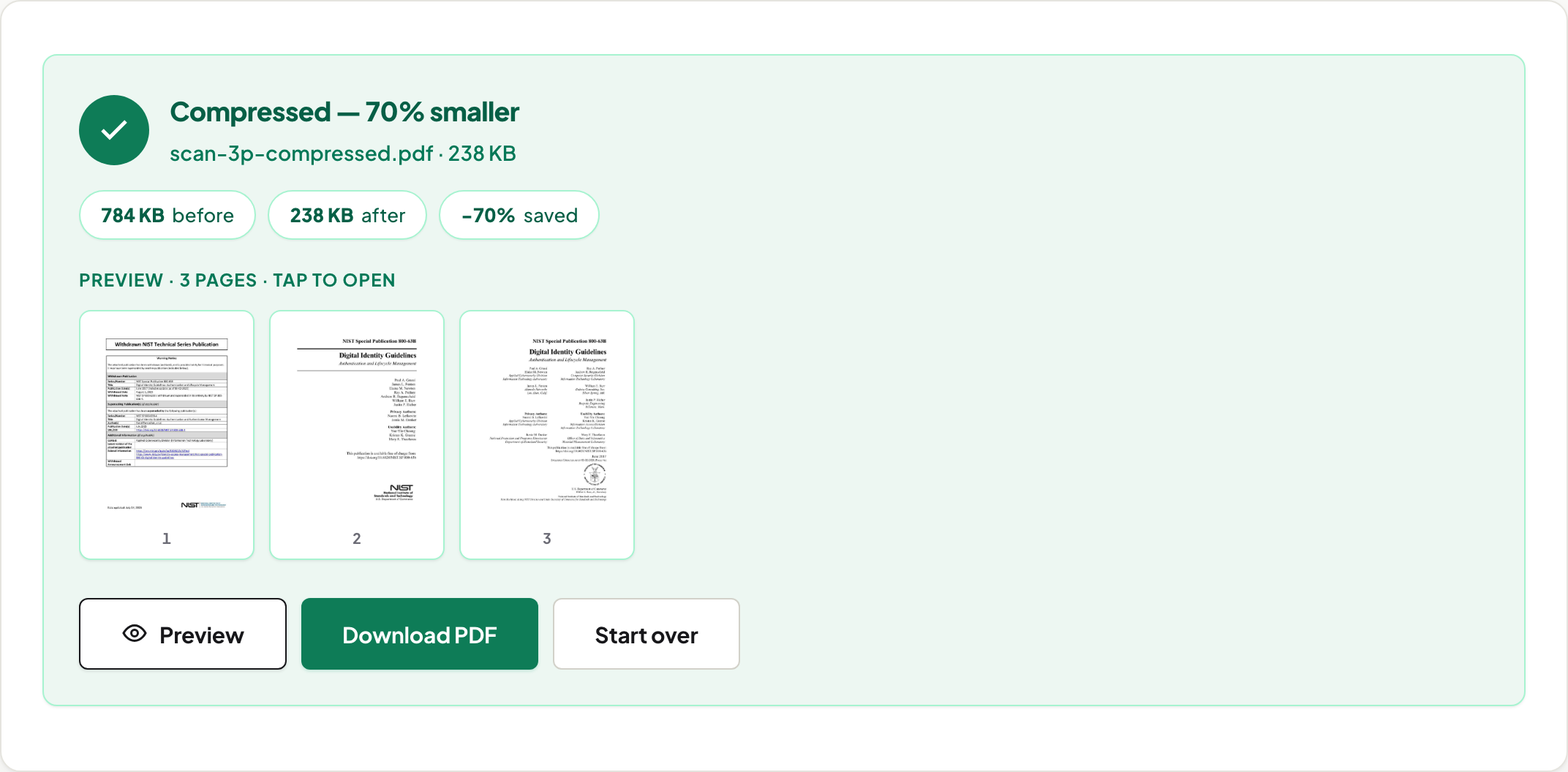
Passports, certificates, signed forms: scanned pages compress dramatically because they're images. Measured on 13 August 2026: a 3-page scan went 784 KB → 418 KB in Balanced and 238 KB in Maximum at default quality — a −70% cut in Chrome, with the pages still perfectly readable; a single-page scanned letter fit under 60 KB. Almost any evidence scan fits almost any portal cap after one pass.
Where people get burned
Two failure modes we can measure. First: running image re-render (Maximum) on a text-first form — our 2-page form grew 70% in Chrome, 78% in Firefox and 162% in Safari's engine, because a page with almost nothing to rasterise still gets re-encoded and the re-encode itself varies by browser; a text report ballooned about seven times over in Chrome, a ratio that is browser-dependent the same way. The tool flags it and tells you to keep the original. Second: compressing a seal or stamp below verification quality — if an officer must read it, check the preview at zoom before submitting, and re-run at higher quality if in doubt.
Multi-document filings
When one PDF must become several under-cap files, Split by Size does exactly that; Split PDF extracts page ranges when the portal wants each exhibit separately. If the portal instead wants one combined file, merge privately in your browser first, then compress the pack once.
Why on-device processing matters here specifically
Files bound for government portals are identity documents by definition. Compressing them on a stranger's server creates the one copy you can't account for. This tool's architecture has no upload endpoint — the work happens in your browser, which you can verify yourself in two minutes. That is a checkable fact, not a privacy policy.
Scope
Portal limits and formats are set by each portal, so check its guidance for the number. Everything on our side is measured and repeatable: scans compress by a large margin, text-first documents by a small one, the tool reports the real result, and encrypted files are unlocked first with Unlock PDF. Related: 100 KB targets · 500 KB · email limits.
Frequently asked questions
What is the USCIS file size limit?
USCIS's official online-filing tips state files must not be larger than 12MB (checked August 2026). Limits change and can differ per form — confirm on uscis.gov for your filing before you upload.
Will compression make my stamps or seals unreadable?
Balanced mode compresses each photo only to the edge of visible damage and no further. In Maximum mode you control quality with a slider — check the preview at reading zoom before submitting; if a seal must be verified, keep a higher quality and accept a larger file.
Is it safe to compress immigration or ID documents online?
The question is where the work happens. Here the file is processed in your browser on your own machine — no copy lands on our servers, because we don't have any that receive files. You can verify that in the Network tab while the tool runs.
The portal wants separate files under the cap — what then?
Split by Size produces parts that each fit under a number you choose, and Split PDF extracts specific pages. Compress first, split second, and each part lands under the cap.