Ninety seconds before hitting send: what a PDF says about you beyond its pages
The pre-send check for any PDF that leaves the house: metadata fields, stray annotations, the select-all test, size — a fixed 90-second routine.
UnboundPDF is a free suite of 54 PDF and image tools that run entirely in your browser — merge, split, compress, edit text, OCR in 126 languages, redact, sign, convert and archive to PDF/A. Your document is read and written by the page on your own device; there is no document-upload endpoint in the core tools, no account, no watermark and no daily cap. Every result can be checked — with the Network tab, or with the Document Passport the Workspace writes for a chain of steps.

The routine. Open Edit Metadata and read the fields; run the select-all test; flick through the pages for stray annotations; glance at the size. Ninety seconds, same order every time — the routine is the protection.
1. The fields nobody reads until they do
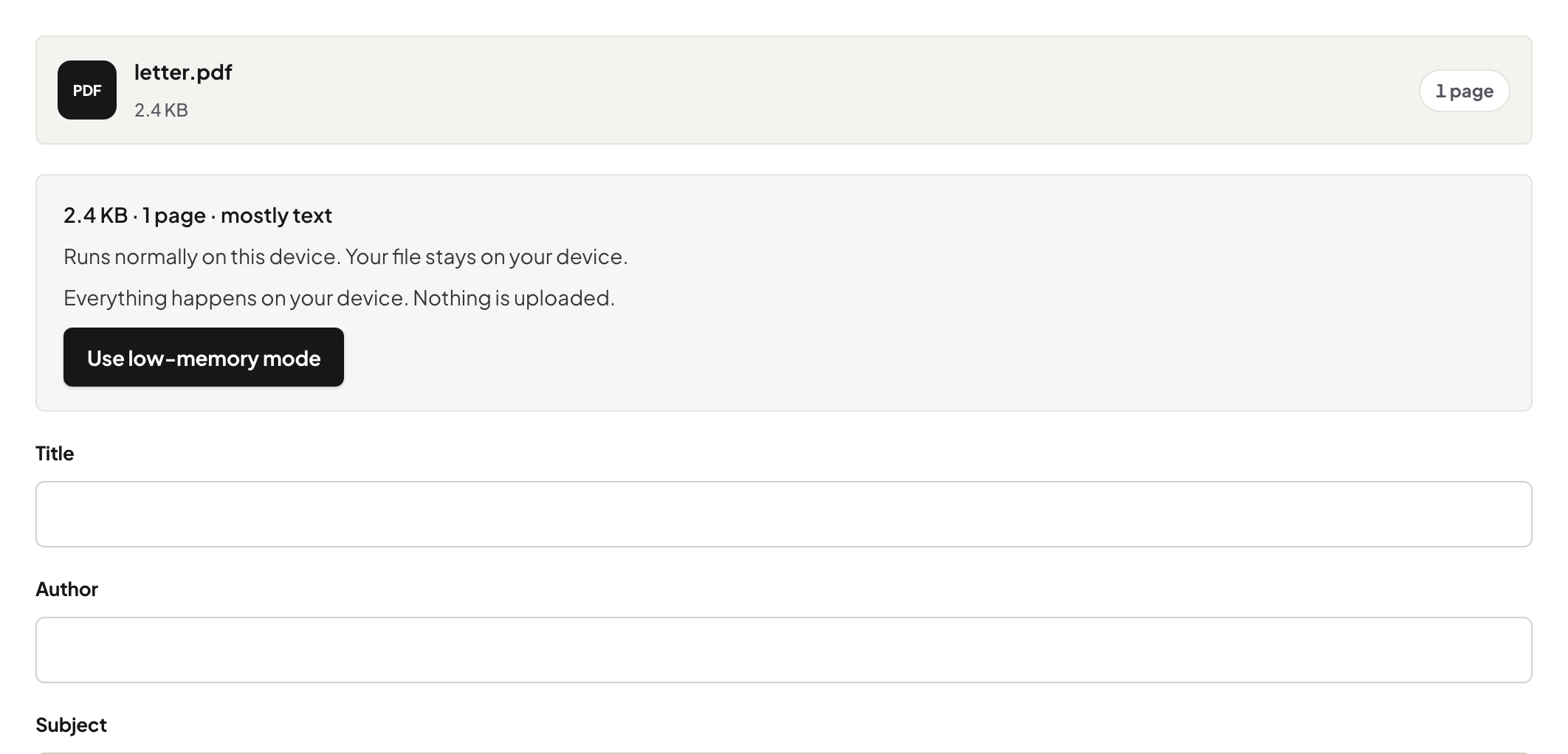
Author carrying a personal login, Title still saying "DRAFT v3 — do not send", Producer naming software with your firm in the licence string. These fields travel with every copy, invisible until a recipient's reader shows them in a tooltip. Read them once in Edit Metadata, clear or correct what should not travel, save. The publishing version of this check goes deeper for public documents.
2. The select-all test
Select all, copy, paste elsewhere: the paste is exactly what a recipient can retrieve, including text under any drawn-on rectangle. Something in the paste that should not be there means redaction, not a bigger box.
3. Pages and strays
A fast flick end to end catches the comment bubble from review, the highlighter left on, the blank scan-back, the page from another document (it happens more than anyone admits). Comments and highlights someone else should not see: flatten the ones that belong, remove the ones that do not.
4. Size, as courtesy and tell
An unexpectedly huge file usually means a forgotten 40 MB image — worth knowing before the recipient's mail server tells you. Compress and you are done. For high-stakes sends where you must be sure this file is the approved version, compare it against the approved copy first.
Troubleshooting
The routine keeps finding the same problems. Fix the pipeline: set your export defaults to clear author fields, and flatten at the end of review, once. No time today. Do the select-all test alone — it catches the expensive class. Sending to a portal, not a person. Same routine; portals archive forever.
Frequently asked questions
What does metadata typically reveal?
Author (often a real name or login), title (often a draft's working name), the producing software, creation dates. Edit Metadata shows and clears the fields.
What's the select-all test?
Select all, copy, paste into a text editor. Everything that pastes is retrievable by the recipient — including text under drawn boxes.
Every send, really?
Every send outside the circle that already knows everything in the file. Inside the team, skip it.
Try it yourself
Free, private, no account. Runs entirely in your browser.
