Crooked, sideways, unsearchable: the three fixes that make scans filable
Clean up scanned business paperwork: deskew crooked pages, rotate sideways ones, OCR so files are searchable — a five-minute pass before anything is filed.
UnboundPDF is a free suite of 54 PDF and image tools that run entirely in your browser — merge, split, compress, edit text, OCR in 126 languages, redact, sign, convert and archive to PDF/A. Your document is read and written by the page on your own device; there is no document-upload endpoint in the core tools, no account, no watermark and no daily cap. Every result can be checked — with the Network tab, or with the Document Passport the Workspace writes for a chain of steps.

Quick start. Sideways pages through Rotate, crooked ones through Deskew, then OCR so the file is searchable, then compress and file. Five minutes per document, once, beats squinting at it forever.
Why bother: findability
A filed scan you cannot search is a filed scan you will re-request from the counterparty in a year. The OCR pass is the one that pays rent — "search the vendor's name, find the contract" only works if the text layer exists. The geometry fixes before it are not cosmetic either: recognition on a straight, upright page scores measurably better than on a tilted one, which is why they come first.
The pass, concretely
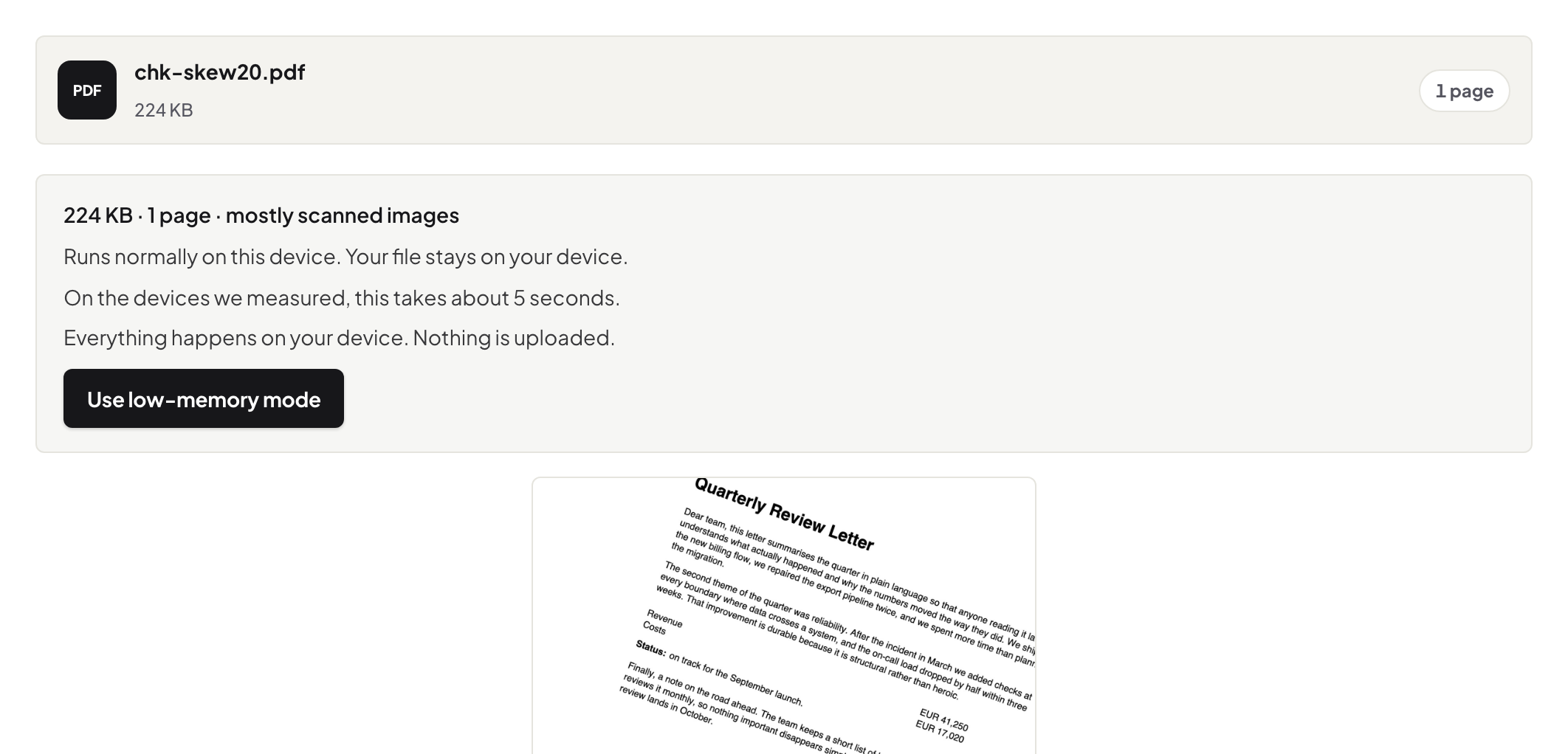
Open the scan, page through once. Sideways pages — the fax-era landscape signature page — get rotated permanently. A visible tilt gets deskewed. Then OCR (auto-detected language, or set it for your Hungarian supplier's invoices), and check the per-page confidence for anything worth a second look. Finally compress and file under a name your future self will search for.
Batch thinking
Doing this per-document as paper arrives is a five-minute habit; doing it for the shoebox backlog is a project — run it folder by folder, oldest last, since the recent files are the ones you actually search. The phone-photo variant covers paperwork that never met a scanner.
Troubleshooting
OCR confidence is low on a fax. Faxes are the hardest class; deskew first, and treat low-confidence numbers as read-from-the-image. The scan is upside down and mirrored. Rotation fixes upside down; mirrored means the scanner app exported wrongly — rescan. File got big after OCR. The text layer is small; the size was the scan itself — compress after, not before, recognition.
Frequently asked questions
What order do the fixes go in?
Rotate, deskew, OCR, then compress for filing. Recognition works best on straight, upright pages, so geometry first.
Does deskewing damage the scan?
It straightens the page image; text becomes easier to read and to recognise. Keep the original until the cleaned copy is checked.
Is any of this uploaded?
No — contracts and correspondence are processed in the browser tab on your machine.
Try it yourself
Free, private, no account. Runs entirely in your browser.