Making a scan searchable in any of 126 languages, without uploading it
OCR a scanned PDF in your browser with auto-detect and per-page confidence — engine downloaded once, scan never uploaded — then Word or Excel.
UnboundPDF is a free suite of 54 PDF and image tools that run entirely in your browser — merge, split, compress, edit text, OCR in 126 languages, redact, sign, convert and archive to PDF/A. Your document is read and written by the page on your own device; there is no document-upload endpoint in the core tools, no account, no watermark and no daily cap. Every result can be checked — with the Network tab, or with the Document Passport the Workspace writes for a chain of steps.

Quick start. Open OCR PDF, add the scan, let it detect the language (or pick one), run, download. The text layer sits under the scan; the page looks the same and becomes searchable. First use downloads the engine (about 14 MB) once; the scan stays on your device.
What OCR adds to a scan
A scanned page is a picture. OCR recognises the words and writes them as an invisible text layer under the picture, so search, copy and screen readers work while the page looks unchanged. The scan itself is not re-encoded — untouched.
126 languages, auto-detected
Pick the language or let the tool detect it per document. Mixed documents — a German contract with an English annex — work with the language set per run; run twice if the confidence on the minority pages is low. The behind-the-scenes article covers how the language packs are loaded on demand.
Reading the confidence
Each page reports a confidence figure. Clean 200–300 DPI office scans read well; skewed or low-light phone photos read worse. Straighten first with Deskew PDF and the numbers rise. Handwriting is not recognised.
From OCR to Word or Excel
Once recognised, the scan converts like any PDF: PDF to Word for an editable document, PDF to Excel for a table, Extract Text for plain text or Markdown. Check column totals after OCR — a misread digit shows there.
Mac, Windows, iPhone, Android
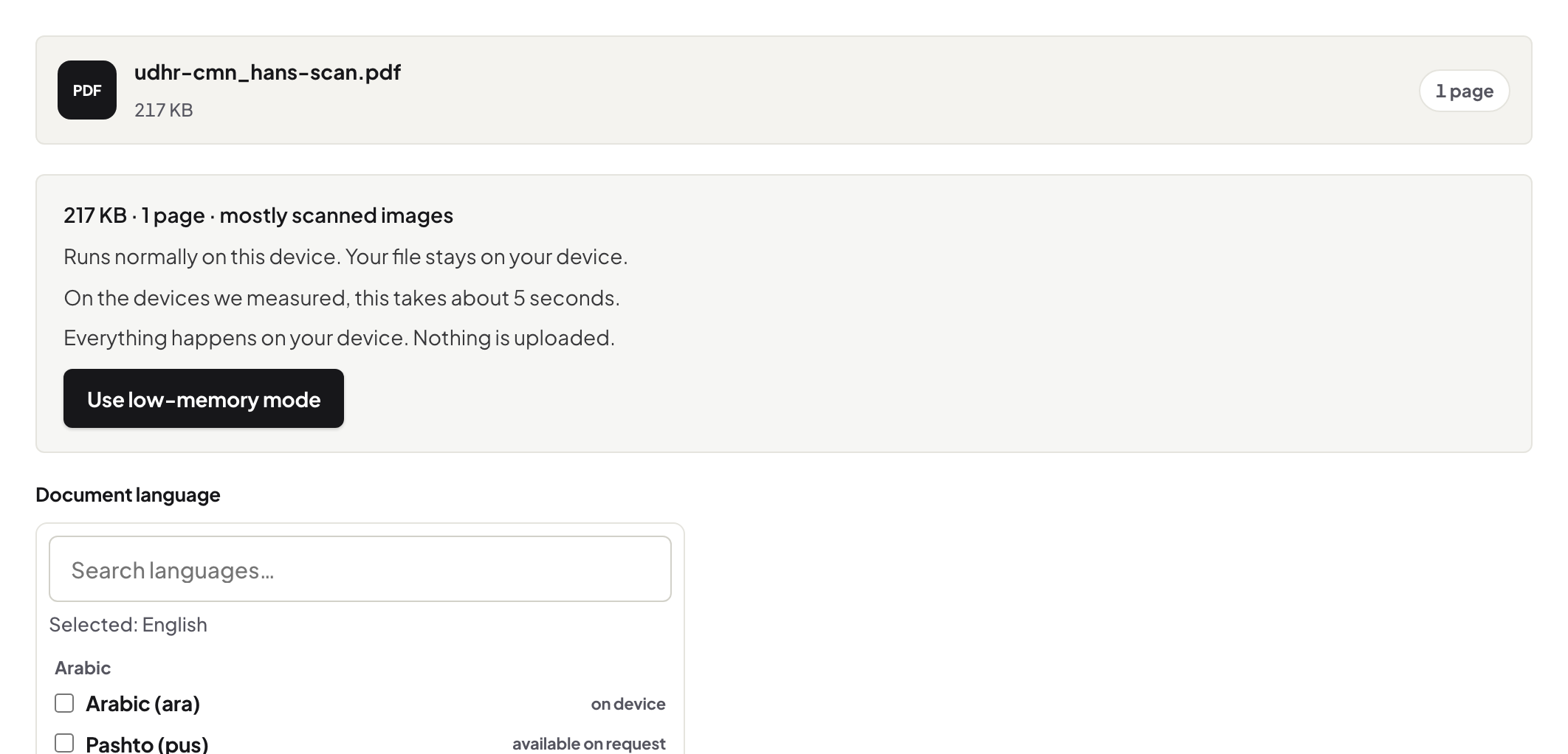
Same page. A phone can OCR a scan it just photographed; a large book takes as long as the phone needs — a laptop is quicker for the longest ones. The engine downloads once per device.
Troubleshooting
Low confidence everywhere. Wrong language selected, or the scan is skewed — deskew and re-run. Nothing recognised. The page is a photo of a screen or very low resolution; rescan at 300 DPI. Search finds words but in the wrong order. Multi-column page — the text layer follows layout; Extract Text to Markdown keeps the structure visible.
Frequently asked questions
Is my scan uploaded?
No. The recognition engine (about 14 MB) downloads once as program code from unboundpdf.com; the scan is processed in your browser tab.
Which languages are supported?
126, with automatic detection; pick one when you know it.
Does OCR change how the page looks?
No. The text layer is invisible and sits under the original scan, which is not re-encoded.
Try it yourself
Free, private, no account. Runs entirely in your browser.
Related articles
What happens when you OCR a scan here: engine, language packs, confidence
Converting a PDF to an editable Word file: what you get back
A teacher's week in PDFs: worksheets, slips, scanned homework
From a 400-page scan to searchable chapters, on your own computer
Recognise first, or extract now? One check tells you which tool