A teacher's week in PDFs: worksheets, slips, scanned homework
The PDF jobs teachers actually do — worksheet packs, signed permission slips, searchable scanned homework, portal-sized files — in a browser.
UnboundPDF is a free suite of 54 PDF and image tools that run entirely in your browser — merge, split, compress, edit text, OCR in 126 languages, redact, sign, convert and archive to PDF/A. Your document is read and written by the page on your own device; there is no document-upload endpoint in the core tools, no account, no watermark and no daily cap. Every result can be checked — with the Network tab, or with the Document Passport the Workspace writes for a chain of steps.

Quick start. Worksheets → Merge + Add page numbers. Slips → Fill & Sign. Scanned homework → OCR PDF. Everything → Compress for the portal. All in the browser.
Worksheet packs
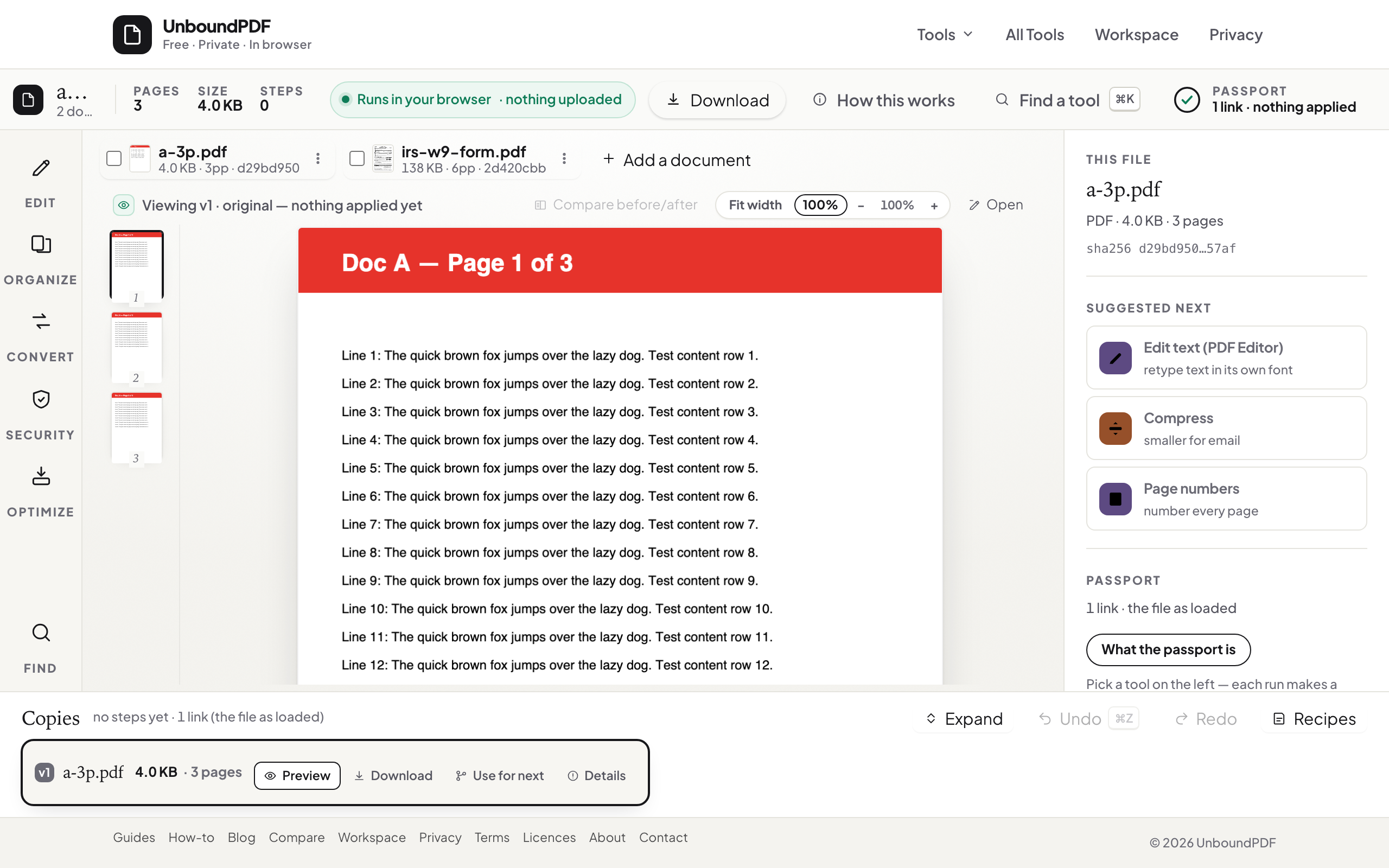
In the Workspace you can run these steps on one document without re-picking the file. Merge the week's worksheets in lesson order and number the pages so "page 3" means the same thing in every family. Split by range later when one worksheet needs to go out alone.
Permission slips
Sign the slip with a drawn or typed signature and flatten it so parents see a final document. Parents can sign back the same way on a phone — the page works there too. A visible signature suits permission slips and everyday approvals; it is not a certificate-based signature.
Scanned homework
Photos of homework have no text. OCR PDF makes a class set searchable — a name, a date, a question number — on your device, in the pupils' language (126 supported, auto-detected).
The parent portal cap
Balanced compression takes a scanned pack down while keeping the worksheets' text selectable — a scanned letter measured 141 KB to 84.6 KB in Balanced on 13 August 2026 — and Split by Size cuts a long pack at the portal's limit.
Pupil data
What you may store, scan or share about pupils is set by your school's policy; the tools process files on your device and send nothing anywhere, which is the right starting point.
Troubleshooting
A worksheet is sideways. Rotate PDF before merging. OCR confidence is low. Deskew the scan and re-run. The portal wants images. PDF to JPG renders pages.
Frequently asked questions
Do I need to install anything?
No — a browser on any device.
Can parents sign on a phone?
Yes — Fill & Sign works on phones; they draw with a finger.
Is pupil work uploaded?
No. Files are read and written in the browser tab.
Try it yourself
Free, private, no account. Runs entirely in your browser.