A year of receipts, one storable archive: compressing bookkeeping scans
Compress receipt scans and paperwork PDFs for bookkeeping: which mode suits scans, keeping them legible for inspection, and a filing routine that holds.
UnboundPDF is a free suite of 54 PDF and image tools that run entirely in your browser — merge, split, compress, edit text, OCR in 126 languages, redact, sign, convert and archive to PDF/A. Your document is read and written by the page on your own device; there is no document-upload endpoint in the core tools, no account, no watermark and no daily cap. Every result can be checked — with the Network tab, or with the Document Passport the Workspace writes for a chain of steps.

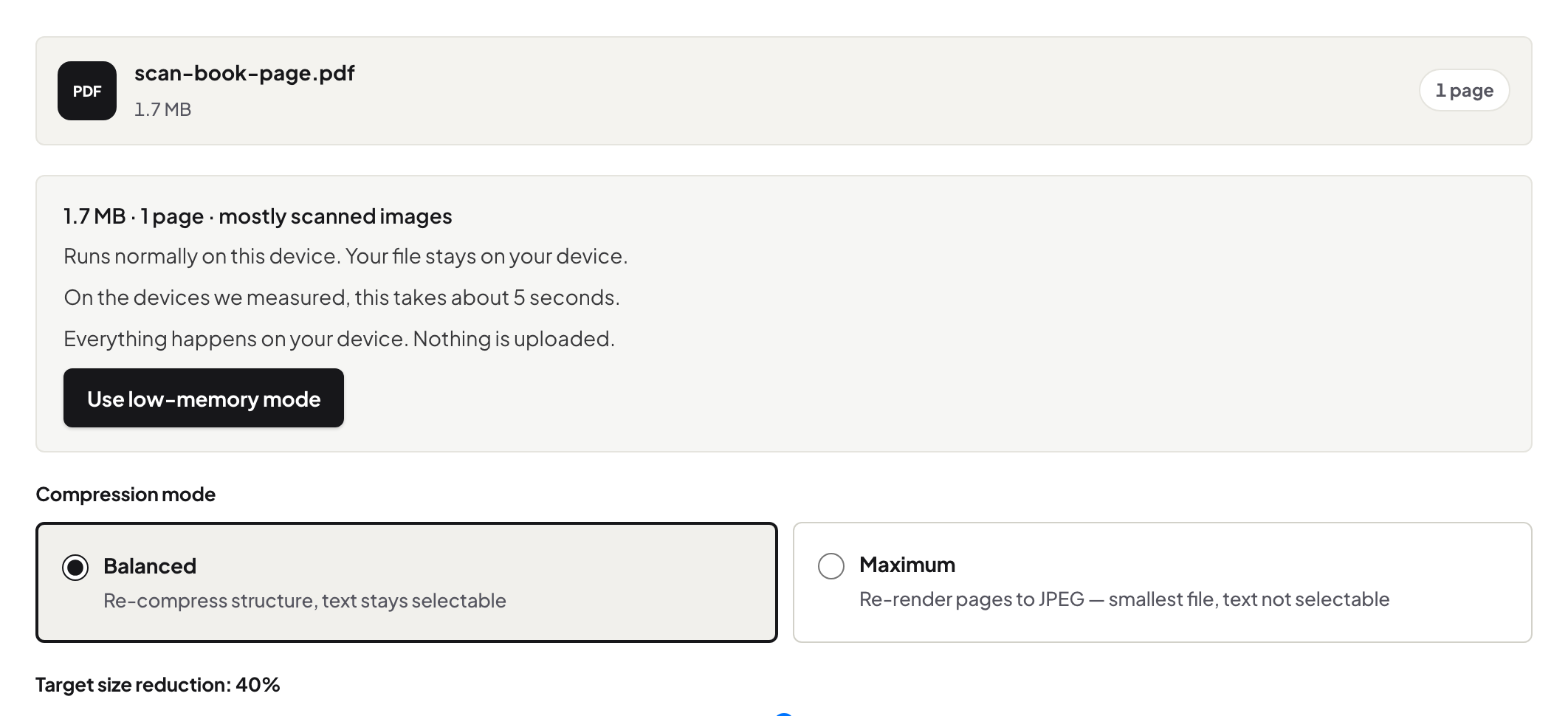
Quick start. Photograph or scan receipts as they arrive, bundle each month with JPG to PDF + Merge, then run the bundle through Compress PDF before filing. Scans shrink dramatically; the numbers stay readable.
Why bookkeeping files balloon
Phone photos of receipts are multi-megabyte frames of mostly white paper, and a year of them is gigabytes of white paper. Scanned pages carry the same overhead. Compression targets exactly this — the images are re-encoded at a quality suited to documents rather than landscapes — which is why receipt bundles show some of the biggest before/after gaps of any file type.
Legible is the requirement
The constraint is not beauty; it is that the vendor, date, amount and tax line read clearly for whoever inspects the books, possibly years from now. After compressing a bundle, zoom the faintest receipt — thermal-paper ones fade worst — to 100% and read the total. Passes: file it. For consistently faint originals, photograph better (fill the frame, good light) rather than compressing softer forever.
A routine that survives busy months
One folder per year, one PDF per month, receipts in date order, filename 2026-08-receipts.pdf. The bundle-compress-file pass takes five minutes at month end. Your accountant gets the compressed bundles — the accountant handoff guide covers the rest of that exchange — and your own storage stops growing by gigabytes a year.
Troubleshooting
A receipt is unreadable after compression. Re-add that page from its original photo and recompress lighter; originals are why you keep the camera roll until the month is filed. The bundle is still big. A few full-page colour scans dominate — they may not need to be colour; rescan as grayscale documents. Need the numbers as data too? Statements to spreadsheet covers the extraction side.
Frequently asked questions
How small is too small for a receipt scan?
If the numbers, date and vendor read clearly at 100% zoom, it is fine. If you squint, you compressed too hard — recompress lighter from the original.
Do receipts leave my machine during compression?
No — financial paperwork is processed in the browser tab, which is exactly where you want it to stay.
One PDF per receipt, or monthly bundles?
Monthly bundles, named by month, with receipts in date order — that matches how accountants and audits actually read them.
Try it yourself
Free, private, no account. Runs entirely in your browser.