The listing packet is 48 MB and the mail server's limit is 25: fix it in the browser
Compress a real-estate listing or disclosure packet under email limits: why photo-heavy packets shrink well, mode choice, and the legibility check after.
UnboundPDF is a free suite of 54 PDF and image tools that run entirely in your browser — merge, split, compress, edit text, OCR in 126 languages, redact, sign, convert and archive to PDF/A. Your document is read and written by the page on your own device; there is no document-upload endpoint in the core tools, no account, no watermark and no daily cap. Every result can be checked — with the Network tab, or with the Document Passport the Workspace writes for a chain of steps.

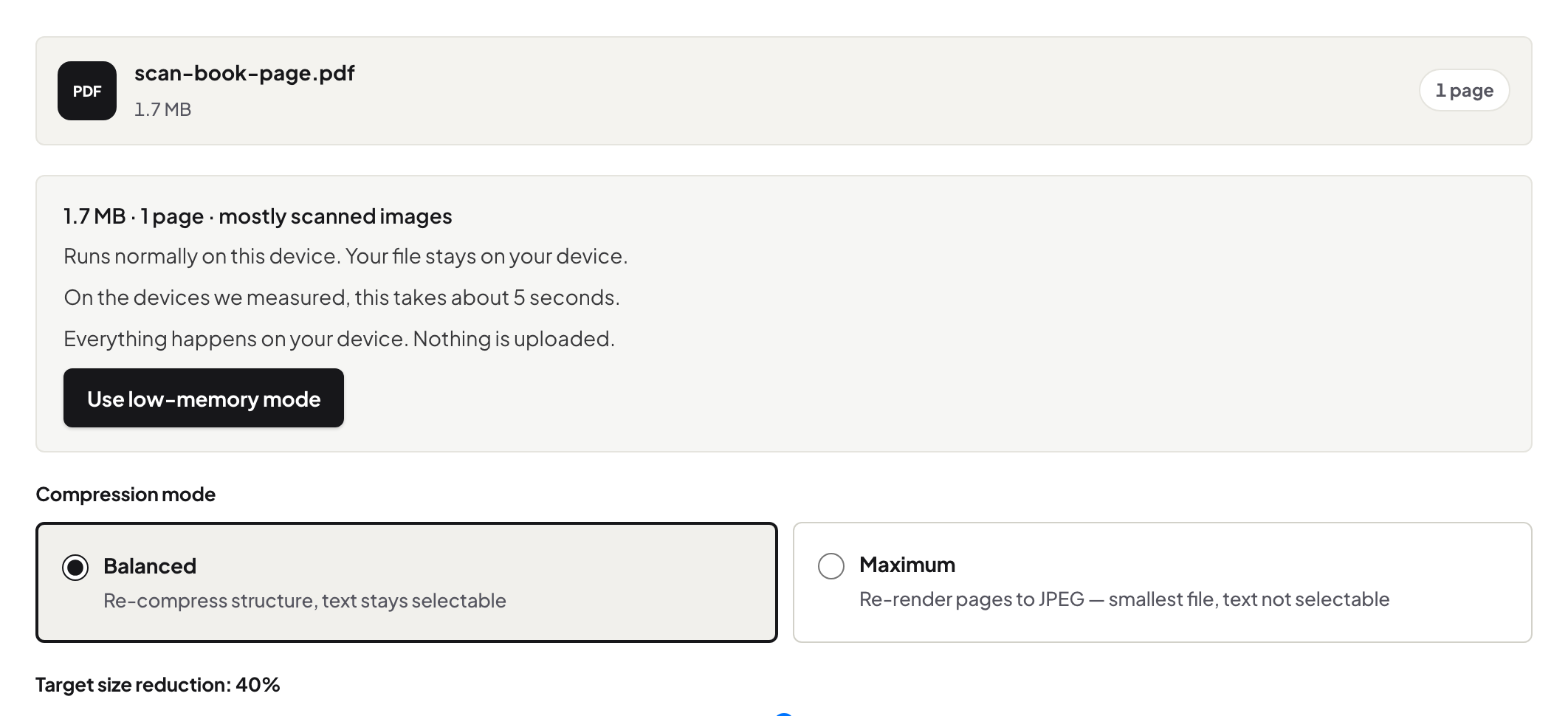
Quick start. Run the finished packet through Compress PDF on Balanced, check the size against the limit, zoom the floor plan and the faintest scanned page once, and send. Photo-heavy packets routinely come down to a fraction of their size.
Why listing packets compress so well
The weight is photographs — interior shots, the drone frame, the scanned energy certificate — and photographs are exactly what re-encoding shrinks. The typed disclosures and the vector floor plan barely weigh anything. That mix is why a packet that seems hopeless at 48 MB fits comfortably under a 25 MB limit without looking any different at reading zoom.
The check that matters here
Three zooms after compressing: the floor plan (measurements legible), the darkest interior photo (no smearing at reading size), the scanned certificate (the numbers read). Documentation quality, not gallery quality, is the bar — the buyer's gallery lives on the portal; the packet is the record.
When compression is still not enough
Under a stubborn portal cap, the biggest lever is the source: re-export the photo section at document resolution and rebuild the packet. Failing that, the size decision tree walks the split-vs-squeeze choice — named volumes beat a broken upload. The one thing not to do is Maximum mode on a packet people must search: it renders pages to images.
Troubleshooting
Mail bounced anyway. The recipient's limit can be lower than yours; ask, or split into two named volumes. A scanned page went muddy. Re-add that page from its original and recompress lighter. The packet keeps changing. Compress last, after the final merge — see the packet chain for the order of operations.
Frequently asked questions
Will the floor plan stay readable?
Balanced keeps text as text and line drawings crisp; zoom the plan once after compressing to confirm the room measurements read.
Every recipient a copy, or compress once?
Compress once, send the same file to everyone — one artefact, one size, one set of pages in every inbox.
Is the packet uploaded to be compressed?
No — it is processed in your browser, which for documents full of a seller's details is the right place.
Try it yourself
Free, private, no account. Runs entirely in your browser.