Deed, disclosures, inspections, floor plan: one packet a buyer can actually read
Assemble a property disclosure packet as one PDF: merge the documents in a fixed order, number the pages, compress for email — and state the page count.
UnboundPDF is a free suite of 54 PDF and image tools that run entirely in your browser — merge, split, compress, edit text, OCR in 126 languages, redact, sign, convert and archive to PDF/A. Your document is read and written by the page on your own device; there is no document-upload endpoint in the core tools, no account, no watermark and no daily cap. Every result can be checked — with the Network tab, or with the Document Passport the Workspace writes for a chain of steps.

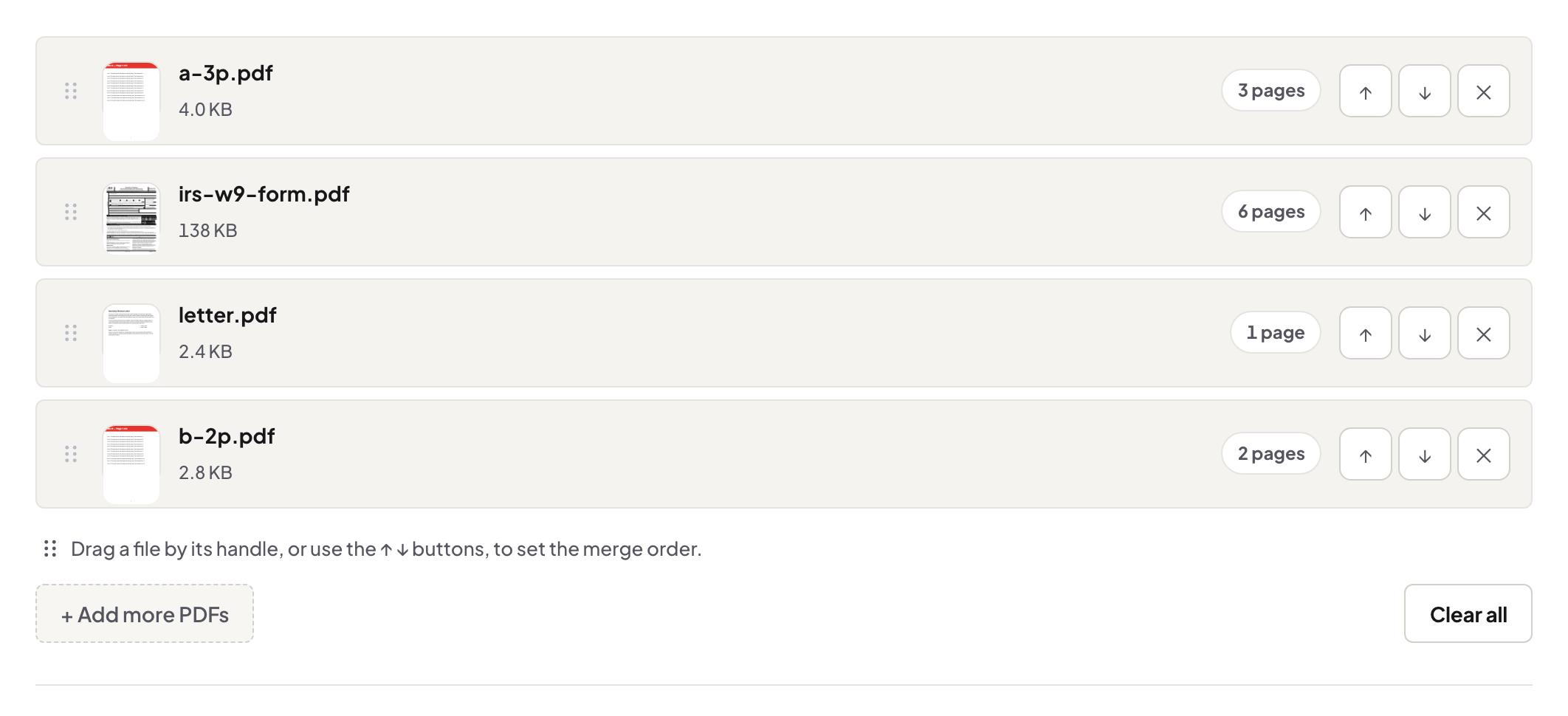
Quick start. Collect every document as a PDF, name them in packet order (01-summary, 02-disclosures …), merge, then number the pages and note the total in your cover message. One file, one order, one page count.
One packet beats eleven attachments
Eleven attachments arrive in eleven orders on eleven devices, and the buyer's lawyer reads them in a twelfth. A single merged packet in a deliberate order is read the way you assembled it — and when a question comes back, "page 34" locates it for everyone. That alone is worth the ten minutes.
The scanned pieces need a pass first
Inspection reports arrive digital; the older survey and the signed disclosures arrive as scans. Before merging: rotate the sideways pages, deskew the crooked ones, and OCR the lot so the whole packet is searchable — a buyer's lawyer searching "asbestos" should find the mention in the scanned report, not just the typed one.
Numbering, and saying the number
Stamp page numbers over the merged whole, then write the count into the email: "Disclosure packet attached, 87 pages." It sets the completeness expectation, and it makes the incomplete-forward — someone re-sending pages 1–40 of 87 — visible to its recipient. Numbering styles compared, if a transaction needs the legal flavour.
Troubleshooting
The packet is too big to email. Compress it — photo-heavy reports shrink well — or split into named volumes as a last resort. A document arrives after the packet went out. Re-merge, restamp, and version the filename (packet-v2) — never send loose pages to append. A report is password-locked. Get the open copy from its issuer; a packet with a locked page inside fails at the worst moment.
Frequently asked questions
What order should the packet run in?
The order your checklist or local practice prescribes; failing that, summary first, then disclosures, reports, and plans. Fixed order across all your listings is what matters.
Buyers say a page is missing — how do I prevent the argument?
Number the packet's pages after merging and state the page count in the cover email. "87 pages" is checkable in a way "everything attached" is not.
Are these documents uploaded while I assemble them?
No — the merge and numbering run in your browser; the packet exists only on your machine until you send it.
Try it yourself
Free, private, no account. Runs entirely in your browser.