The locked statement is too big to send: unlock, compress, re-protect
A password-protected PDF won't compress as-is: unlock it with its password, compress the open copy, and re-protect if it still needs the lock. The chain.
UnboundPDF is a free suite of 54 PDF and image tools that run entirely in your browser — merge, split, compress, edit text, OCR in 126 languages, redact, sign, convert and archive to PDF/A. Your document is read and written by the page on your own device; there is no document-upload endpoint in the core tools, no account, no watermark and no daily cap. Every result can be checked — with the Network tab, or with the Document Passport the Workspace writes for a chain of steps.

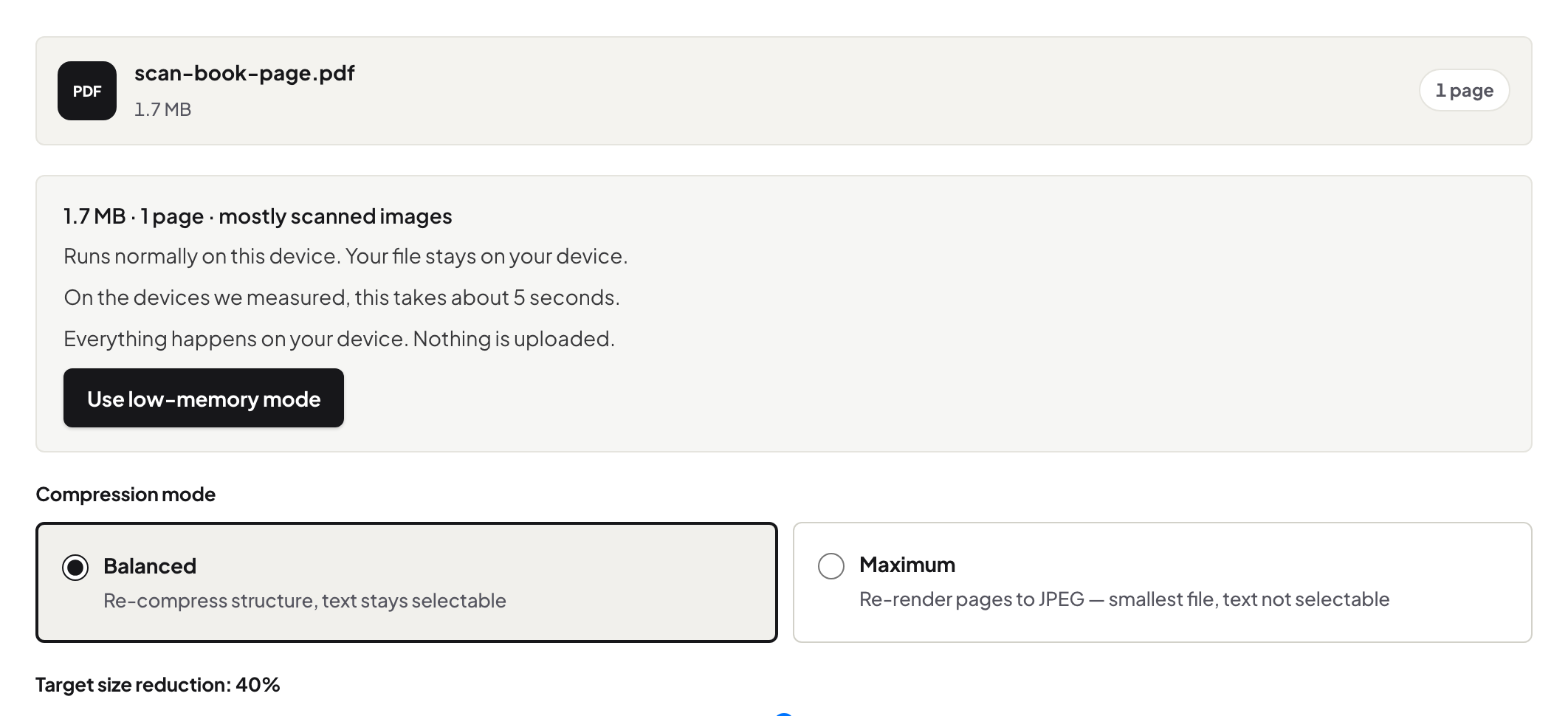
The chain. Unlock with the password you have → compress the open copy (Balanced) → re-protect if it still needs the lock. Three steps, all local, five minutes.
Why there is no one-step version
Encryption exists precisely so the content is unreadable without the key — and compression must read the content to re-encode its images. So every honest tool needs the file opened first; a tool promising to compress a locked PDF without its password is describing either opening it (needs the password) or breaking it (be suspicious). The chain is the feature, not a workaround.
The middle step is ordinary compression
Once open, the file compresses like any other — Balanced keeps text selectable while re-encoding the scans and images that made a statement or report heavy in the first place. What compression changes and what it never touches, if you want the mechanics.
Decide the ending deliberately
Re-protect when the file continues to be sensitive in transit — fresh password, second channel. Skip re-protection when the destination is your own secure archive; a lock whose password future-you must remember is its own risk. What you should not do is default: the ending is a decision, made by where the file goes next.
Troubleshooting
I don't have the password. Then the chain cannot start — request an open copy or the password from the issuer; that is the system working. Compression barely helped. The document is mostly text — already light — or its images are already tight; the decision tree has the next moves. The recipient's portal refuses locked files. Stop after compressing — send the open copy through the portal's own secure channel.
Frequently asked questions
Why can't tools just compress it locked?
An encrypted file's content is unreadable until opened — by design. Any processing needs the open document, which needs the password.
Do I put the same password back after?
Your call: same password if the recipient already knows it, or a fresh one for a fresh send — protection is applied to the compressed copy either way.
Does the password or file leave my machine in this chain?
No — unlock, compression and re-protection all run in the browser.
Try it yourself
Free, private, no account. Runs entirely in your browser.
