The portal says 20 MB. Your thesis says 84. Close the gap without wrecking it
Compress a thesis PDF under a university upload limit without losing selectable text: what makes theses heavy, which mode to use, what to check after.
UnboundPDF is a free suite of 54 PDF and image tools that run entirely in your browser — merge, split, compress, edit text, OCR in 126 languages, redact, sign, convert and archive to PDF/A. Your document is read and written by the page on your own device; there is no document-upload endpoint in the core tools, no account, no watermark and no daily cap. Every result can be checked — with the Network tab, or with the Document Passport the Workspace writes for a chain of steps.

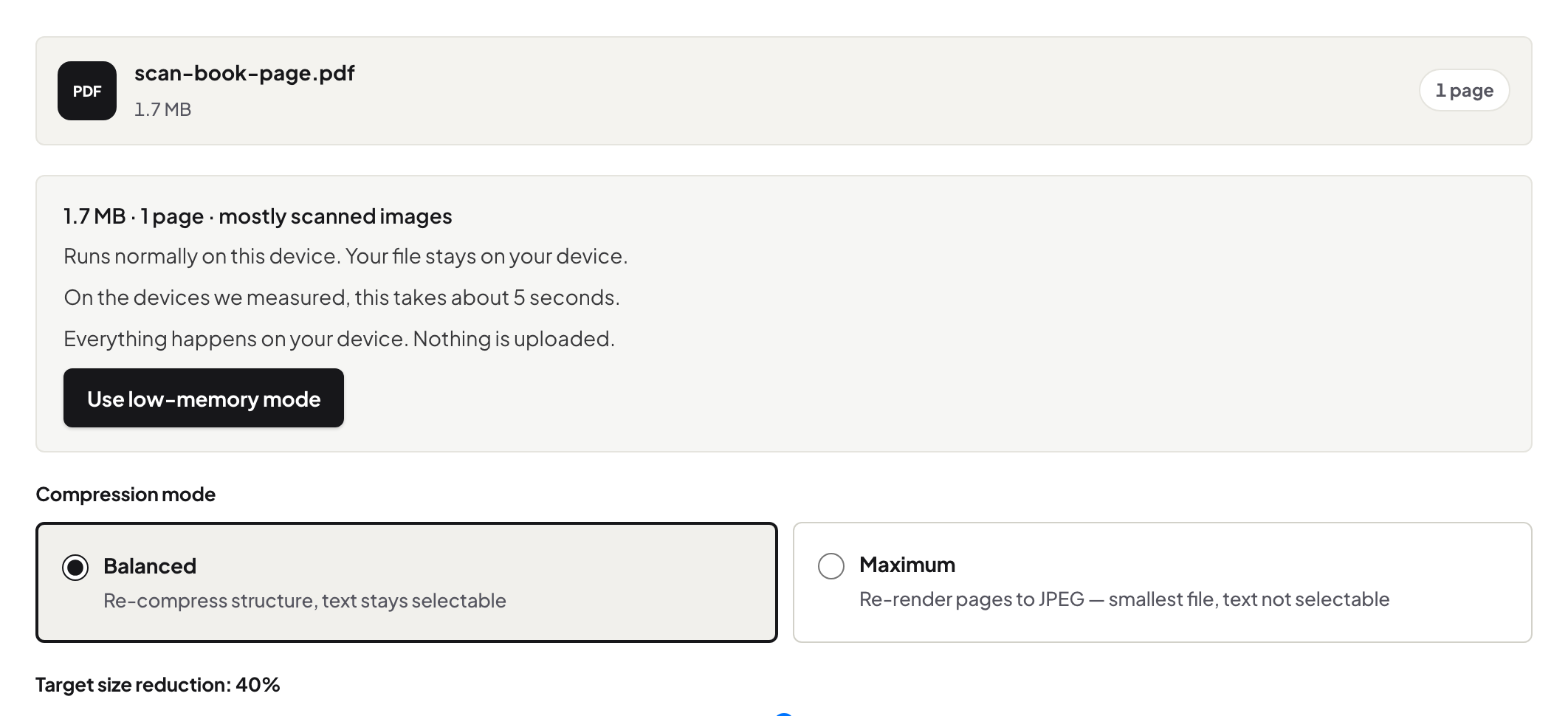
Quick start. Open Compress PDF, add the thesis, choose Balanced, download, and check the size against the portal's limit. Text stays selectable; figures are re-compressed; the original stays untouched on your machine.
Where the megabytes live
A thesis is text plus figures, and the text is nearly free — 300 pages of prose is a small file. The weight is in embedded photographs, scanned permission letters, microscope images and 600-DPI plots exported from analysis software. That is good news: image re-compression is exactly what shrinks well, and your equations, references and body text are untouched by it.
Balanced, and why not Maximum
Balanced re-encodes images and drops what the file does not need while keeping the text layer intact. Maximum goes further by rendering entire pages to images — smaller, but your thesis stops being searchable, which examiners and repositories both care about. For a thesis the answer is Balanced, and if that is not enough, fix the heaviest figures at the source: re-export the two 40 MB photographs at sensible resolution and rebuild. How the compression actually works explains what changes and what never does.
Check before you submit
Three checks, two minutes: the size is under the limit; a text search for a known phrase still finds it; the worst-case figure — the detailed map, the blot, the micrograph — still reads at the zoom an examiner would use. If the portal also demands PDF/A, convert after compressing: PDF/A for thesis submission walks that step.
Troubleshooting
Still over the limit. The heaviest figures need re-exporting at lower resolution from their source; compression cannot shrink what the layout genuinely uses. A figure went soft. Re-run with a lighter touch or re-place that one image at higher quality in the source document and reconvert. Portal wants separate chapter files too. Split the compressed PDF by your chapter ranges.
Frequently asked questions
Will compression break the examiners' ability to search my text?
Balanced keeps text as text — searchable and selectable. Avoid Maximum for a thesis; it renders pages to images.
Why is my thesis so large in the first place?
Almost always the figures: photographs, scanned material, high-resolution plots. The text of 300 pages is small.
Is the thesis uploaded to compress it?
No — the work happens in your browser. The first upload your thesis makes is to the university.
Try it yourself
Free, private, no account. Runs entirely in your browser.