Getting the actual images out of a PDF, not screenshots of them
A PDF stores its photos as files inside the file. We pulled a JPEG out byte-for-byte, checksum-verified, and show the difference against a screenshot.
UnboundPDF is a free suite of 54 PDF and image tools that run entirely in your browser — merge, split, compress, edit text, OCR in 126 languages, redact, sign, convert and archive to PDF/A. Your document is read and written by the page on your own device; there is no document-upload endpoint in the core tools, no account, no watermark and no daily cap. Every result can be checked — with the Network tab, or with the Document Passport the Workspace writes for a chain of steps.
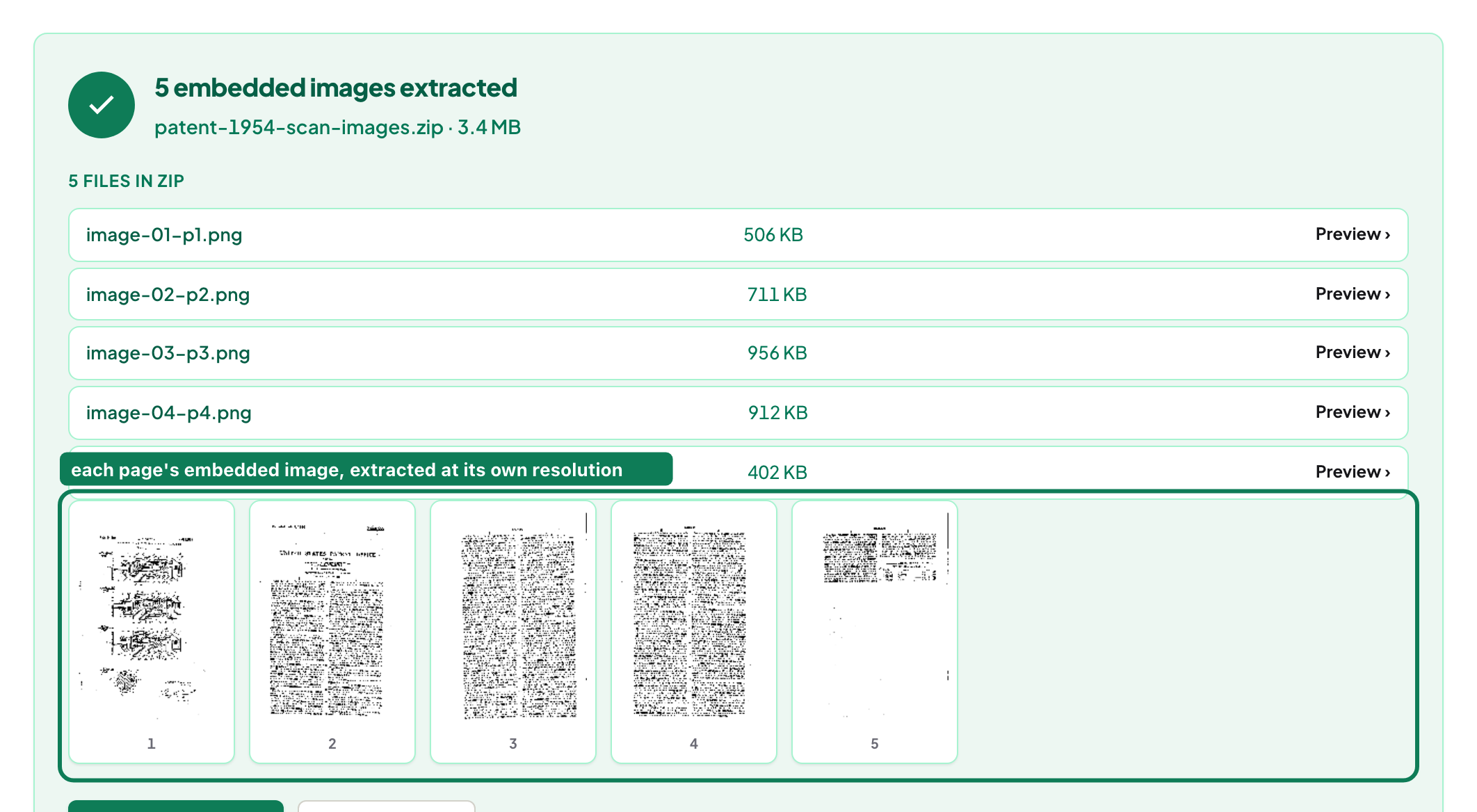
There are two ways to get a picture out of a PDF. One is a screenshot: whatever your screen shows, at your screen's resolution, with your OS's compression on top. The other is to reach into the file and take the image object itself — because a PDF stores each photo as an embedded file with its own resolution, untouched by how it happens to be displayed. The second way is what Extract Images does, and the difference is measurable.
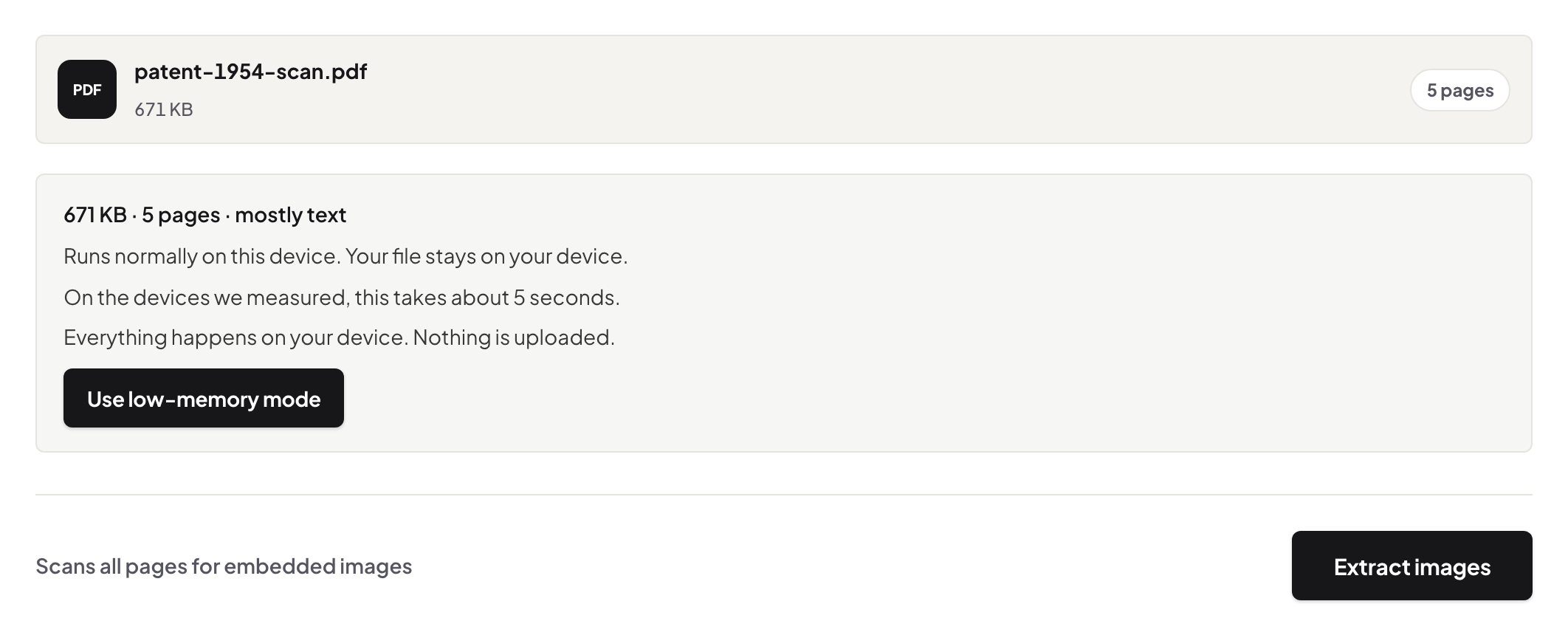
What comes out, exactly
JPEGs come out with their exact original bytes — not “high quality”, identical: the file that was placed into the PDF when it was made. Other embedded formats are exported as lossless PNG. A 300-dpi product photo in a catalogue leaves as the 300-dpi photo, even if the PDF page only ever displayed it two centimetres wide. That is the whole argument against screenshots in one sentence.
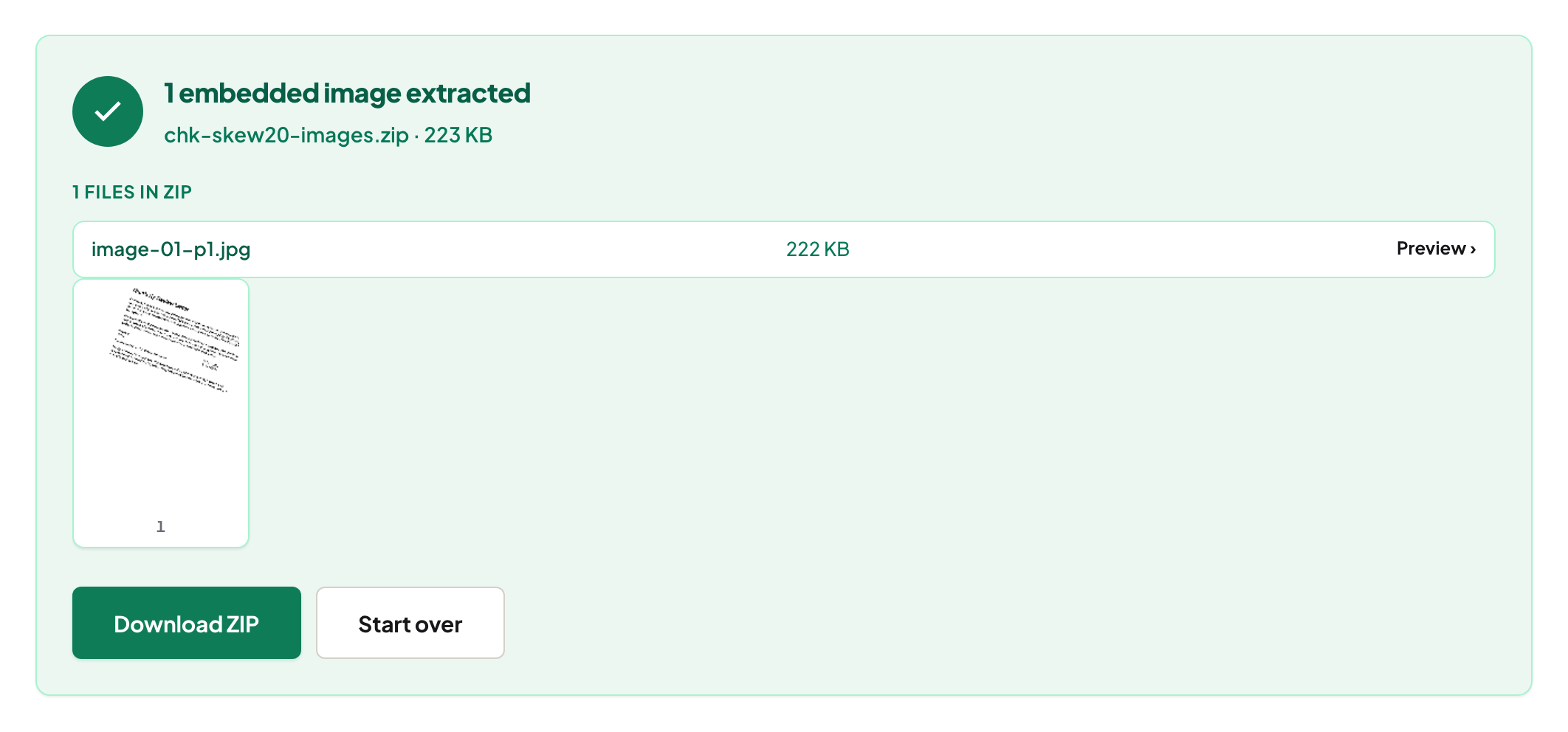
image-01-p1.jpg checksums identical (SHA-256) to the JPEG bytes already sitting inside the source PDF — nothing was decoded or re-encoded.One picture or all of them
Everything found is listed with a preview. Take the one logo you came for, or the whole set as a ZIP — for a report with a hundred figures, the ZIP is the sane route, and tiny icons and bullets are skipped so it isn't padded with 12-pixel dots.
When it finds nothing — and why that's information
Some PDFs contain no raster images at all: the charts, logos and decorations are vector drawings — instructions, not pixels. There is nothing to extract because no photo exists in the file. If what you need is a picture of the page, that is a different operation: PDF to JPG renders pages to images at a resolution you choose. Scans are the mirror case — each page is one big photo, and extracting gives you the scan itself.
Why this stays on your device
Extraction reads the PDF's internal objects in your browser and writes the ZIP there too — the document is never uploaded. For a report full of unreleased product shots, that is not a nicety. The network panel proves it; here is how to check. The deeper how-and-why lives in extract images without screenshots.
Frequently asked questions
Are the extracted images the same quality as in the PDF?
They are the same files. JPEGs keep their exact original bytes; other formats export as lossless PNG. Nothing is rescaled or recompressed.
Why did the tool find no images in my PDF?
Your PDF's graphics are vector drawings, not embedded photos — there is no image file inside to extract. Render the page itself with PDF to JPG instead.
Can I download all images at once?
Yes, as one ZIP. Tiny icons are skipped so the archive holds the real pictures.
Try it yourself
Free, private, no account. Runs entirely in your browser.