One application, five sources: assembling a single PDF that reads right
A worked example of merging real paperwork — order, separators, page numbers, size — with checks that prove the merged file is right before you send it.
UnboundPDF is a free suite of 54 PDF and image tools that run entirely in your browser — merge, split, compress, edit text, OCR in 126 languages, redact, sign, convert and archive to PDF/A. Your document is read and written by the page on your own device; there is no document-upload endpoint in the core tools, no account, no watermark and no daily cap. Every result can be checked — with the Network tab, or with the Document Passport the Workspace writes for a chain of steps.
The commonest merge is paperwork assembly: a signed form from your phone, a PDF invoice from email, two scanned certificates, a letter exported from Word. Combining them takes a minute; combining them so the reader on the other end finds everything in the right place takes a plan. Here is the whole job, done on real files, with the checks at the end that prove it worked.
Order is the product
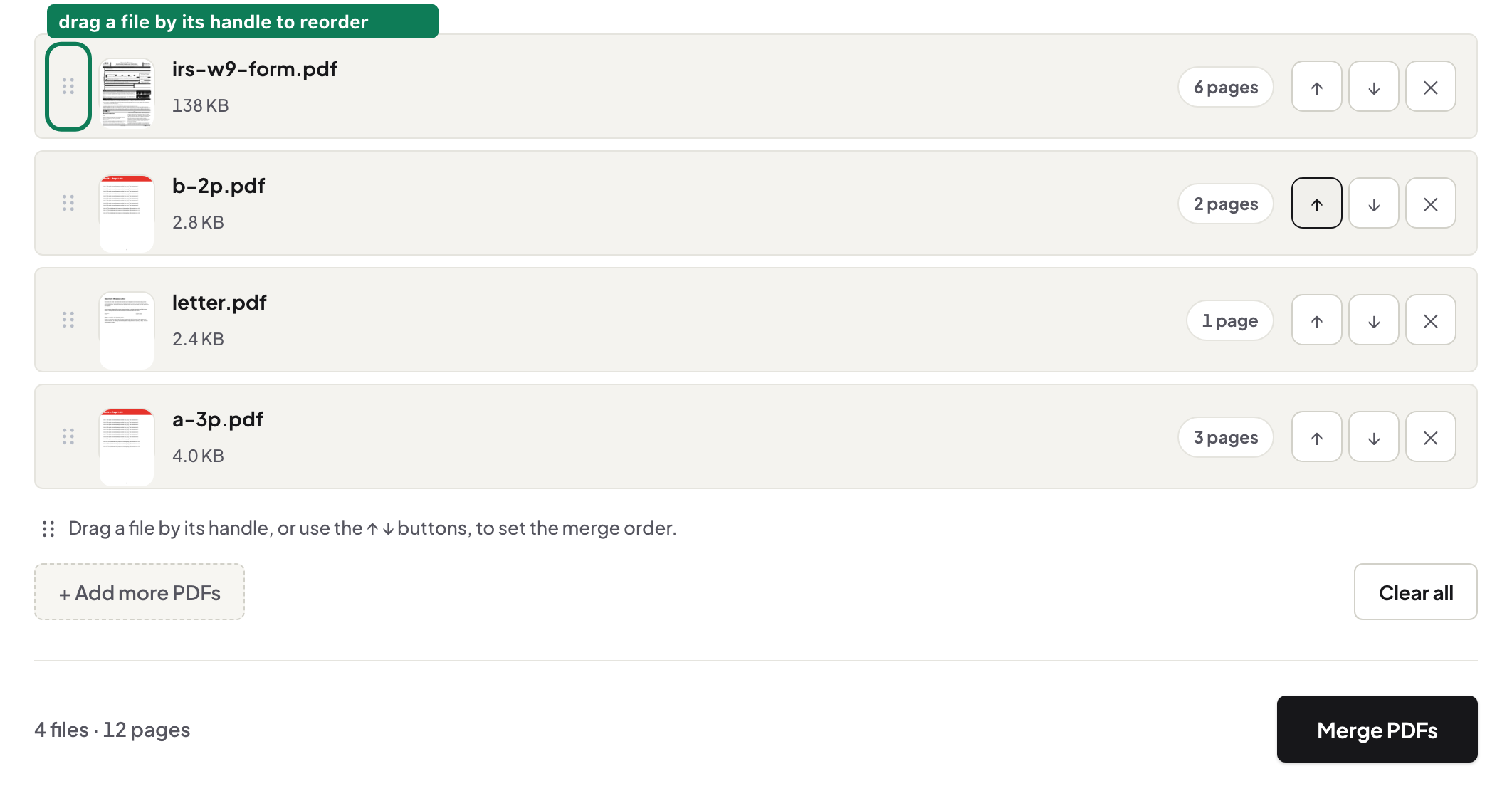
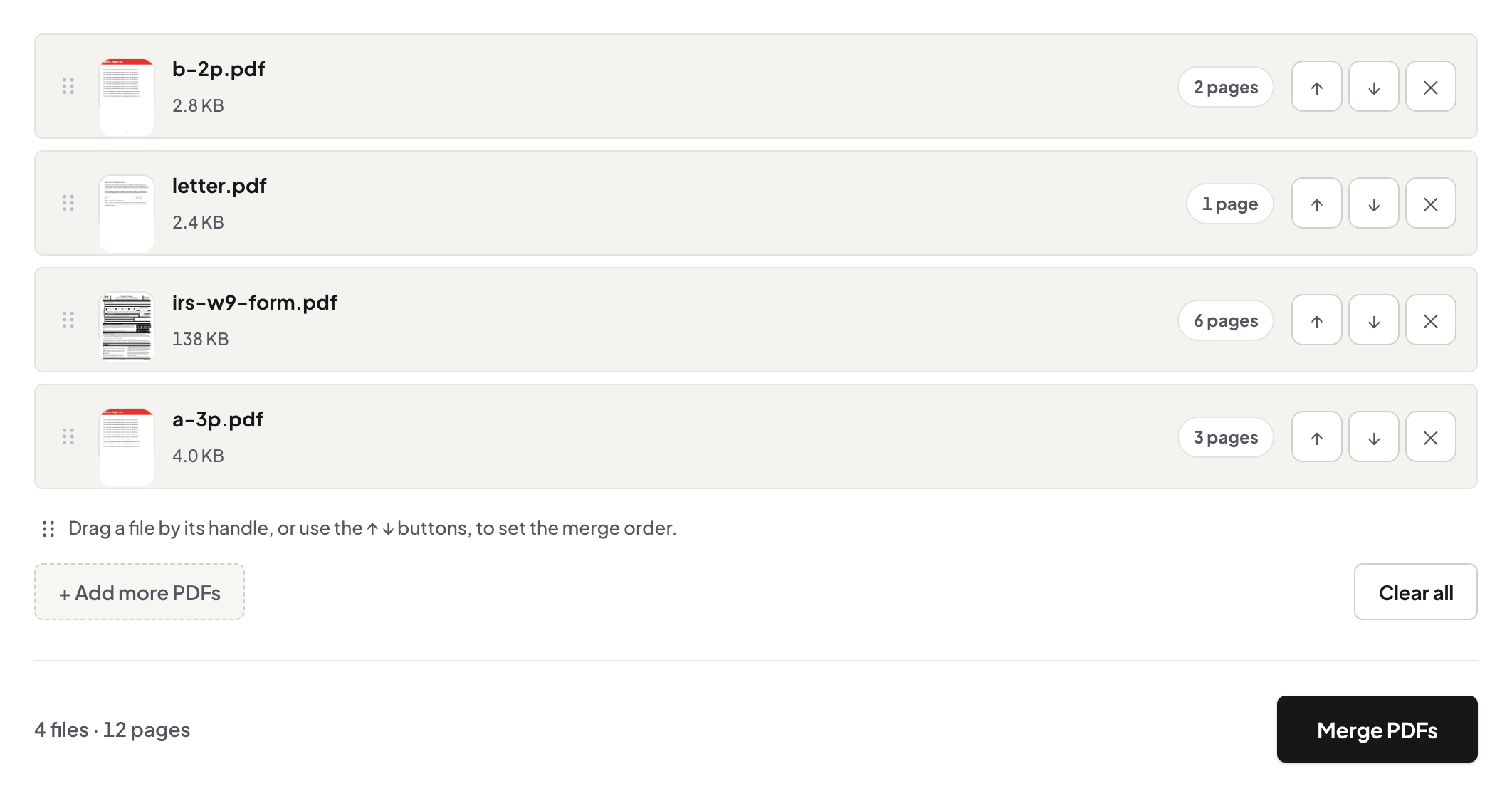
The order that reads well is the order someone expects to check it in — form first, then the evidence in the order the form mentions it. Drop everything into Merge PDF and drag the list until it tells that story; the merge follows the list exactly, and pages inside each file stay untouched. If a certificate came in sideways, rotate it before merging — a rotation inside a merged file means finding those pages again later.
Photos become a PDF first
The merge combines PDFs, so the snapped receipt goes through JPG to PDF first — it takes several images at once and produces one document at the photos' own resolution. Two steps rather than one magic step.
Keeping each document findable
A merged file has no combined table of contents, so a long bundle can become a haystack. Three options, in increasing effort: put the documents in a predictable order and say so in your covering note (“form, then certificates, then invoice”); add a one-line separator page between documents before merging (made in the editor in thirty seconds); or number the whole bundle afterwards with Add Page Numbers, so “the certificate starts at page 7” is a sentence you can write. And when each source carries bookmarks the reader will need, consider not merging at all — files kept separate in a zip preserve navigation a merge would flatten. A clear refusal beats a right-looking file nobody can navigate.
The thirty-second proof
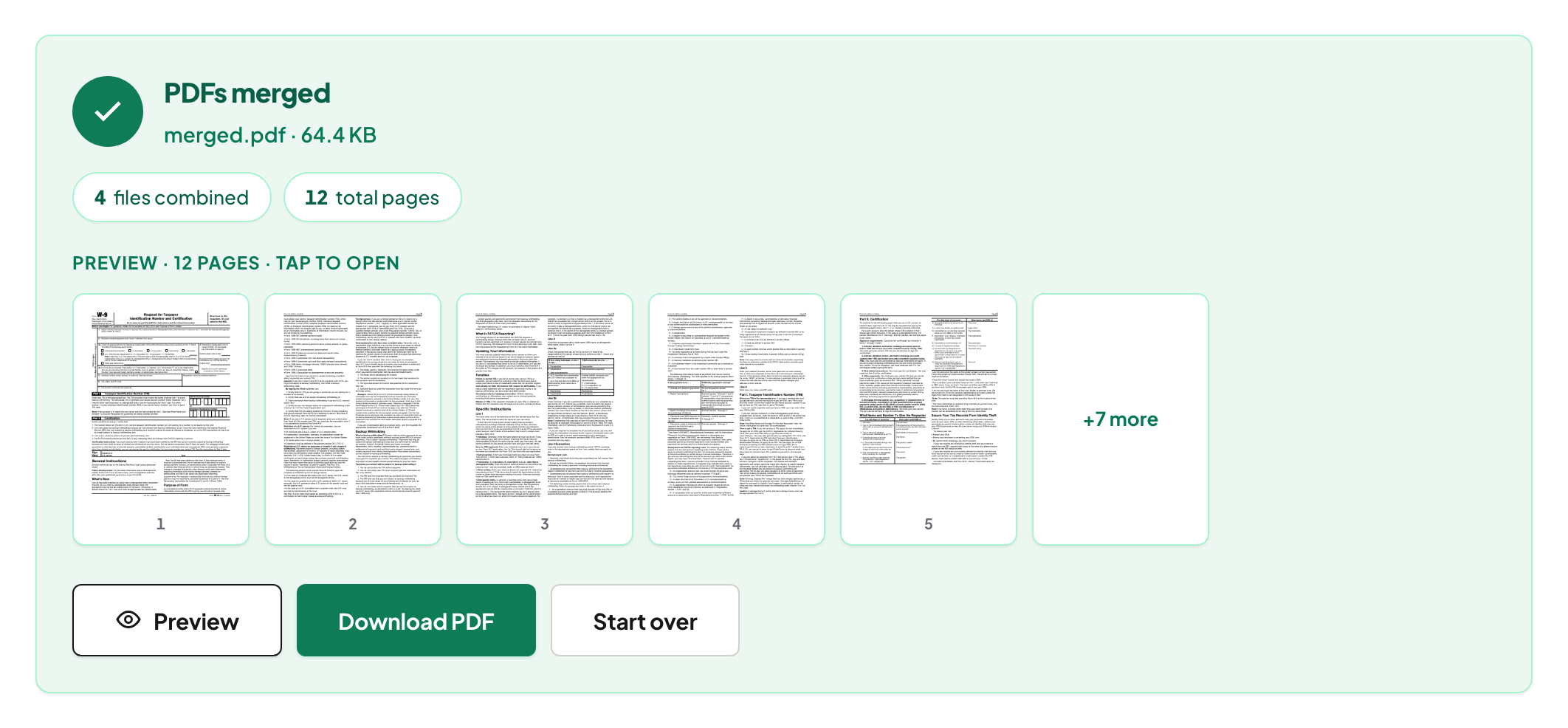
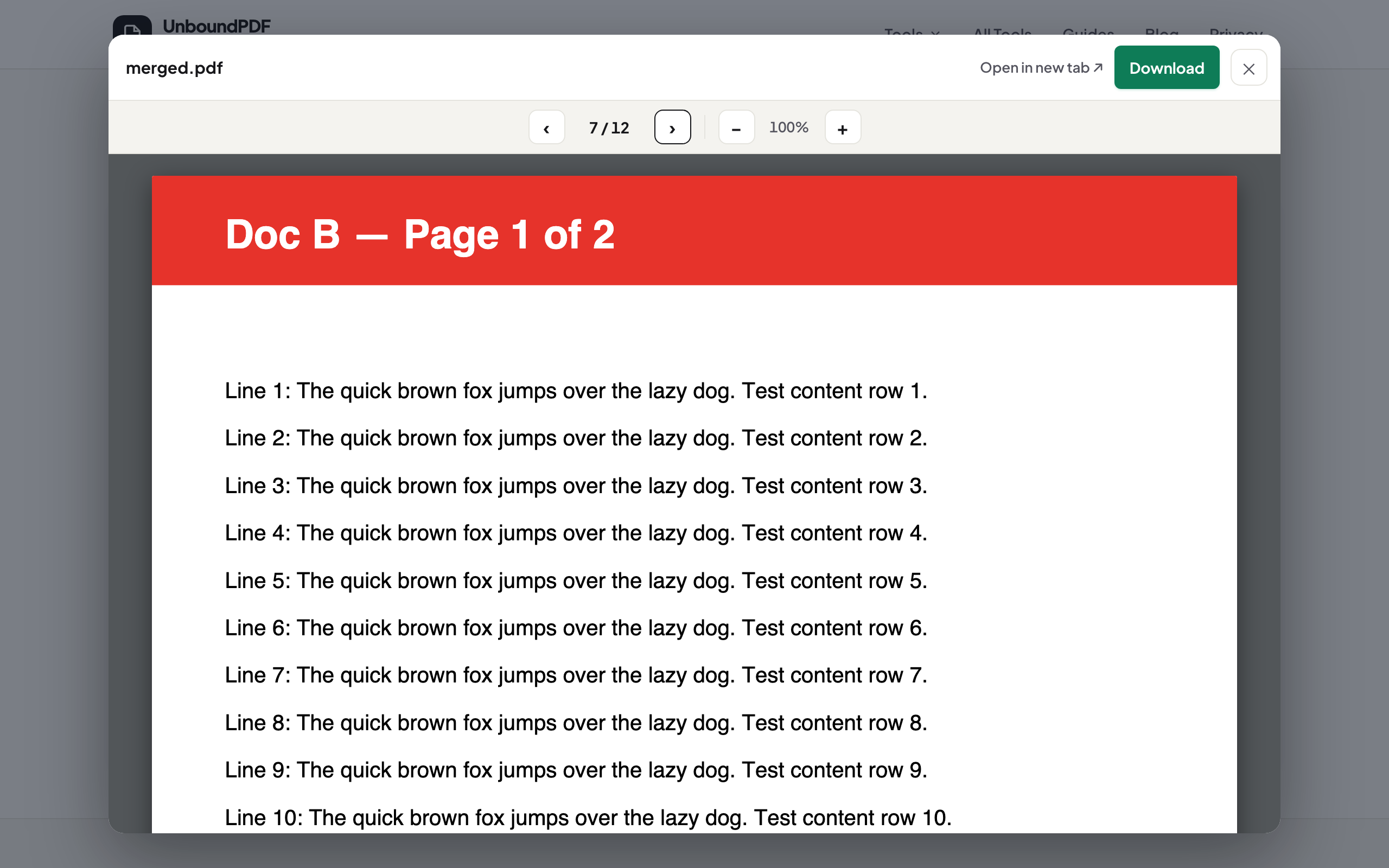
Three checks on the output, in any reader: the page count equals the sum of the parts (the result panel reports it — 6 + 2 + 1 + 3 = 12 pages, above); the seams — scroll to the first page of each section, because the commonest mistake is two files swapped in the list; and one text selection inside a formerly-separate document, proving pages came through as pages, not pictures. None of this requires trusting us: they are checks on the file itself.
Size, and the privacy point
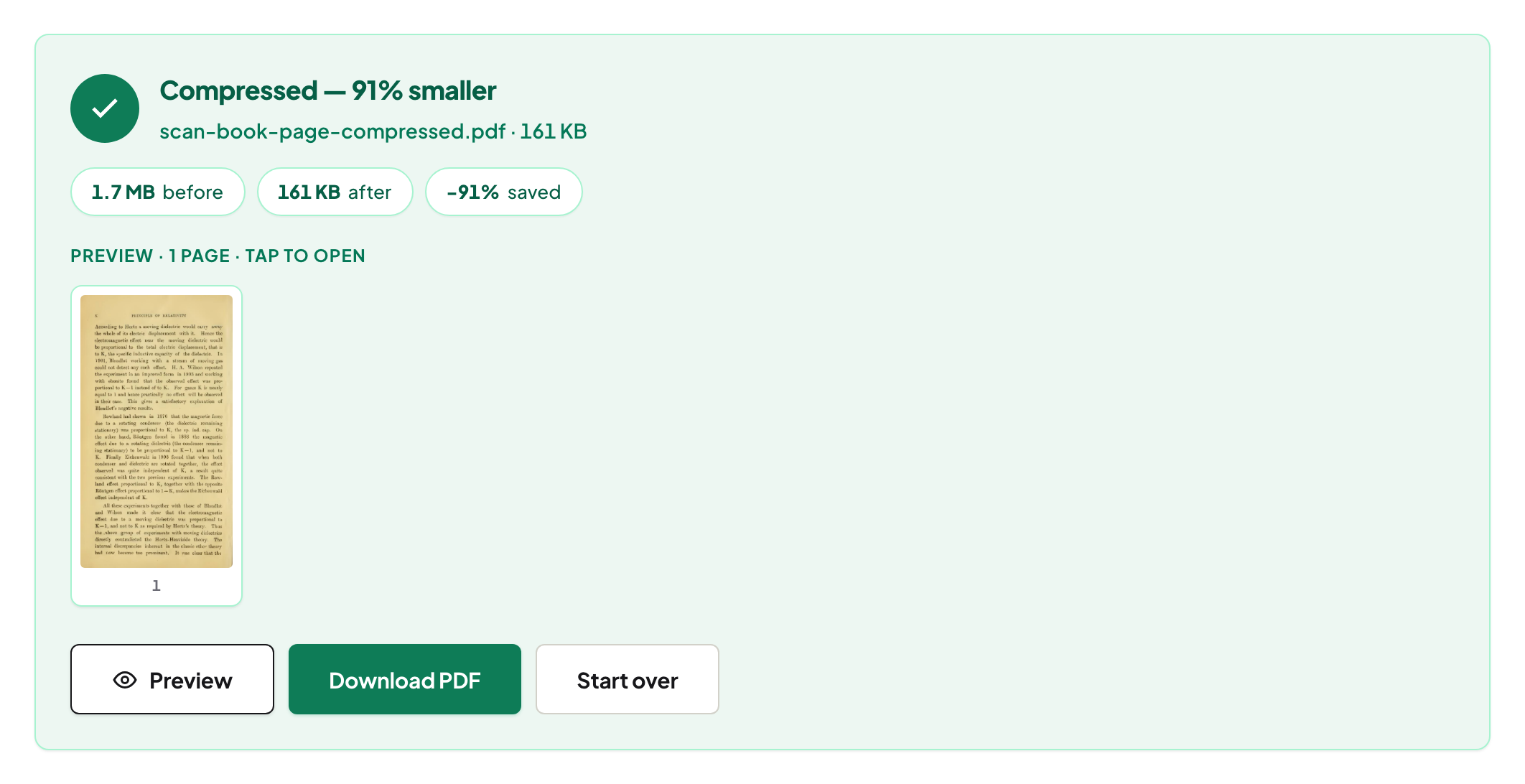
A merged bundle of scans can come out heavy; if it must go by email, compress it — Balanced keeps the text selectable. And the reason this whole job is comfortable to do with real paperwork: every step above ran in the browser. The form, the certificates, the invoice — none of it was uploaded anywhere, which for an application bundle is precisely the point. The short answer-first version of merging privately is in merge PDFs privately.
Frequently asked questions
Can I merge photos and PDFs together?
Convert the photos first with JPG to PDF (several images become one document), then merge that PDF with the rest. The merge tool itself combines PDFs.
How do I keep the merged file navigable?
Predictable order plus a covering note, separator pages, or page numbers added after the merge. Document-level bookmarks usually don't combine, so plan navigation deliberately.
How do I check the merge worked?
Page count equals the sum of the parts, the seams show the right documents in the right order, and text is still selectable inside each section.
Try it yourself
Free, private, no account. Runs entirely in your browser.
Related articles
Cropping a PDF's margins — what actually changes in the file

Inside a PDF repair: four strategies, and which one worked
Merging PDFs properly: order, size, what survives, and what to check
Getting the actual images out of a PDF, not screenshots of them