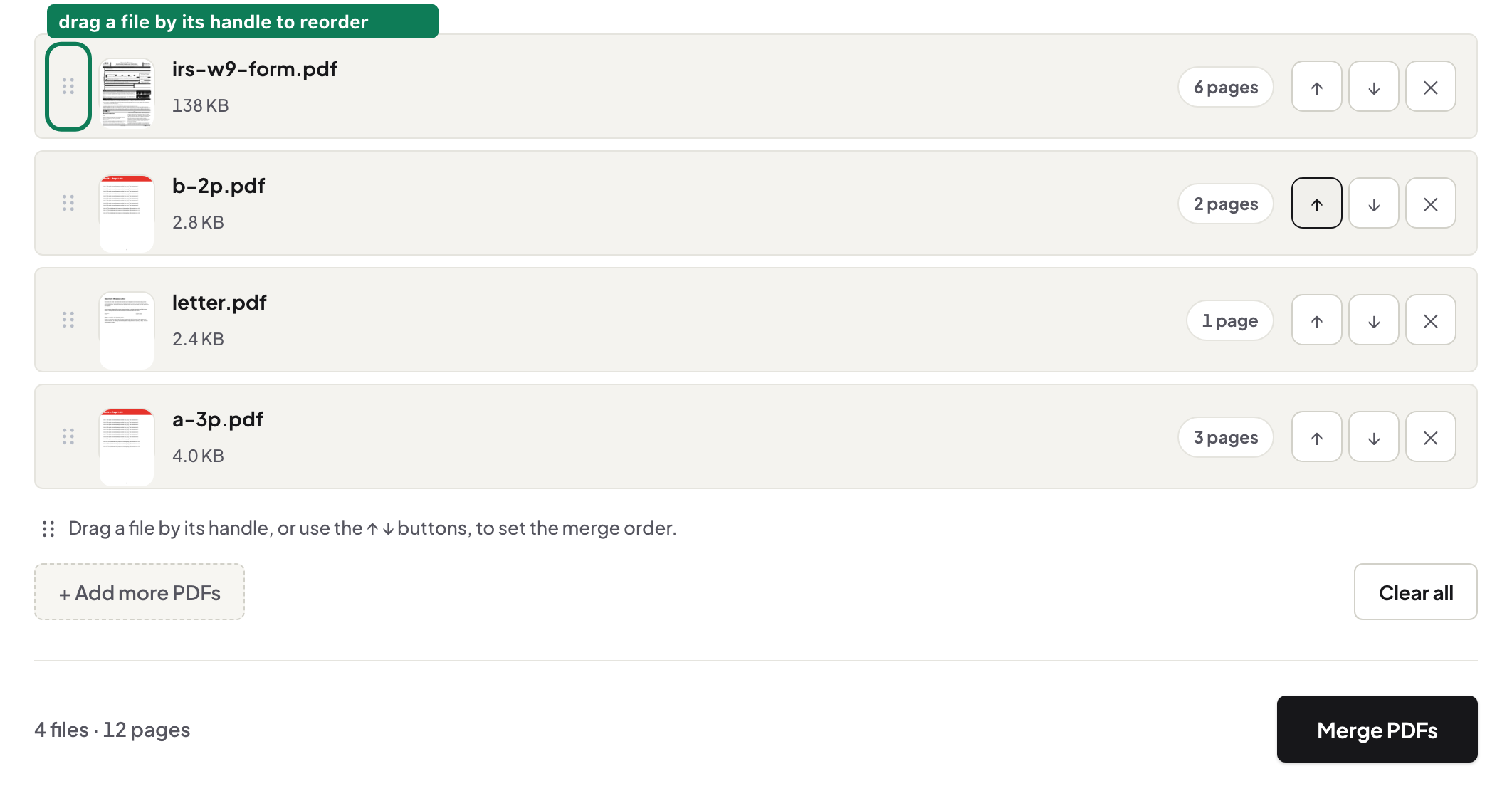
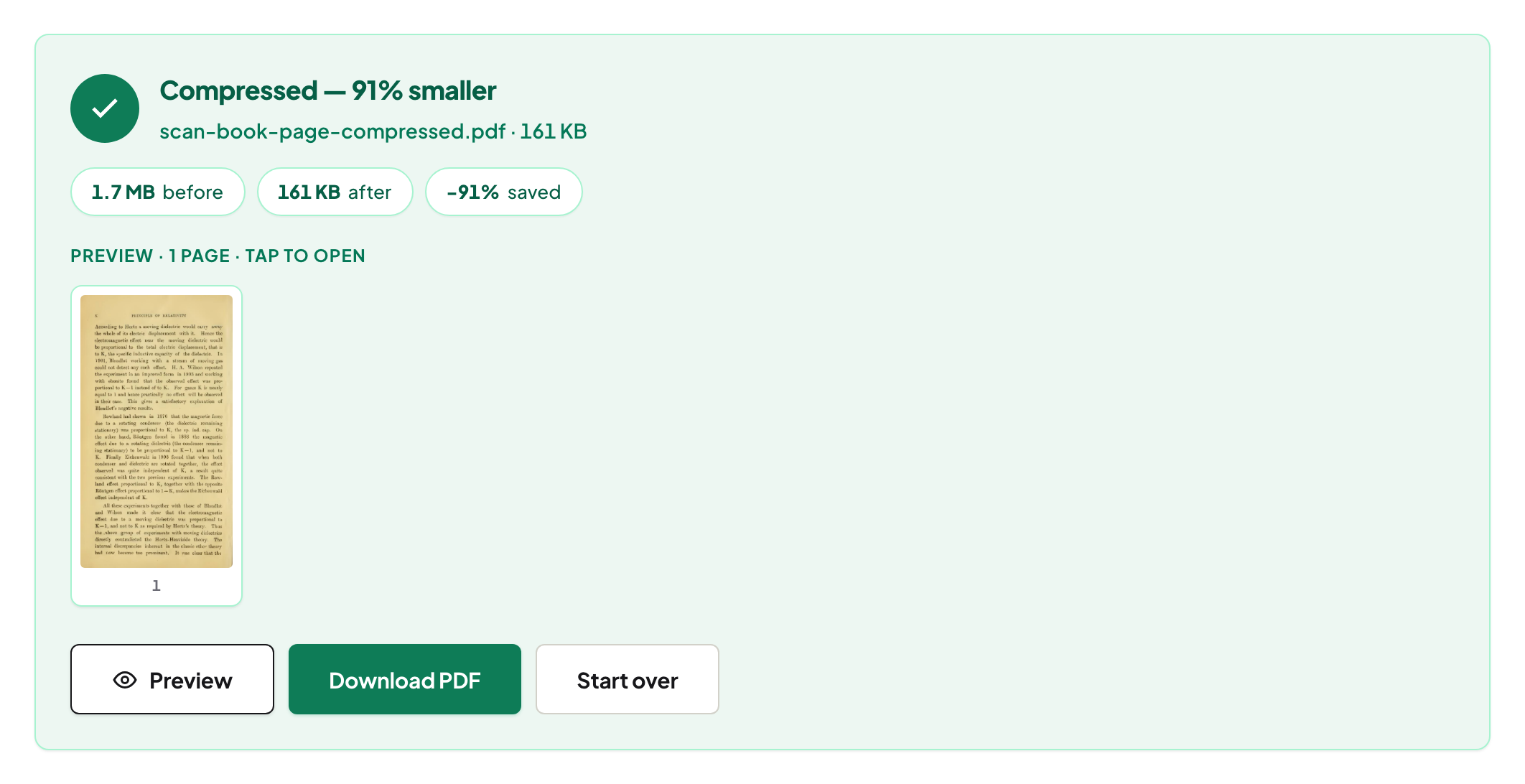
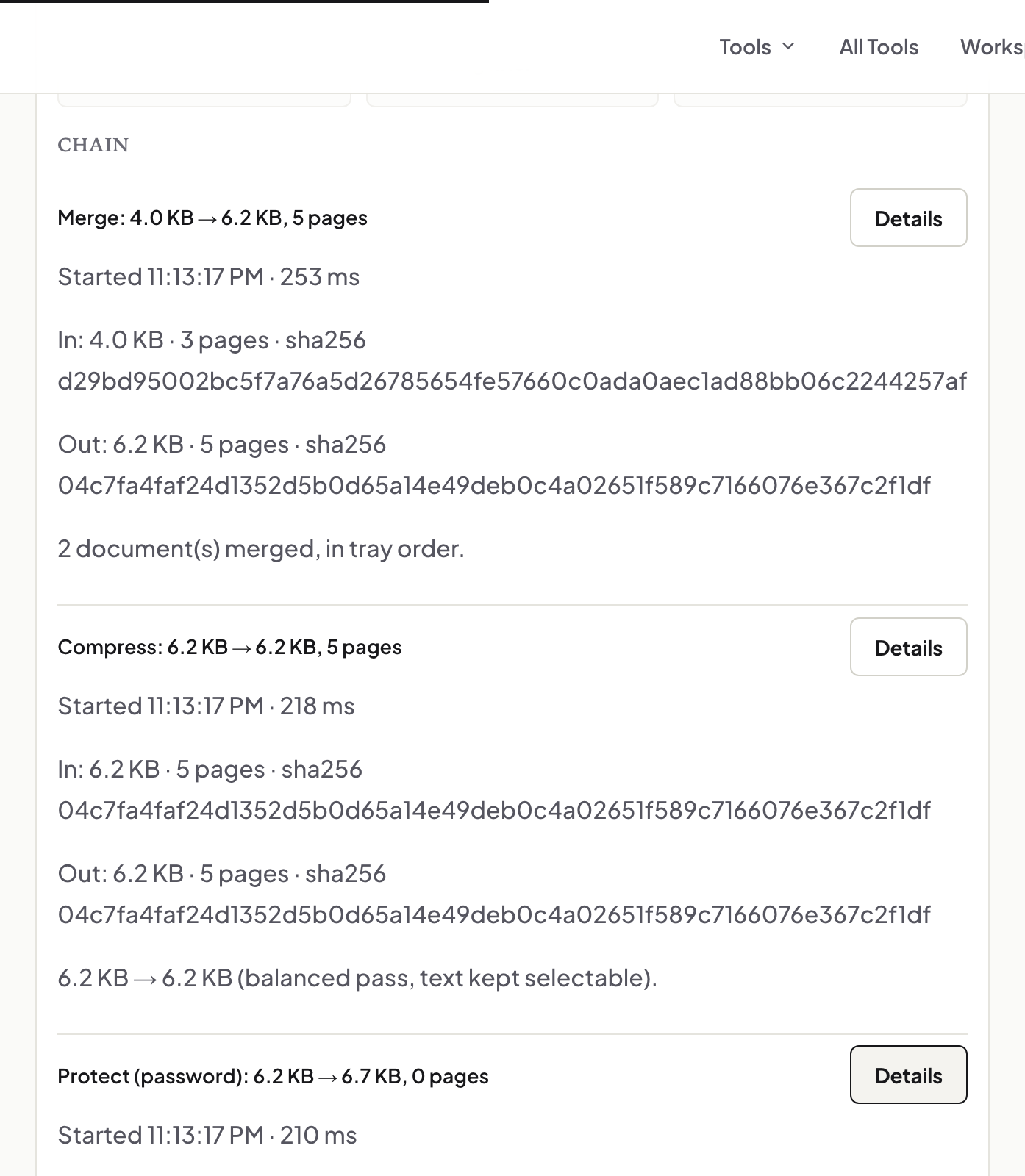
Inside a PDF repair: four strategies, and which one worked
We broke real PDFs seven ways — deleted the index, cut the tail, injected garbage — then photographed what came back, and what the tool says did not.
UnboundPDF is a free suite of 54 PDF and image tools that run entirely in your browser — merge, split, compress, edit text, OCR in 126 languages, redact, sign, convert and archive to PDF/A. Your document is read and written by the page on your own device; there is no document-upload endpoint in the core tools, no account, no watermark and no daily cap. Every result can be checked — with the Network tab, or with the Document Passport the Workspace writes for a chain of steps.

A PDF that won't open is usually not destroyed — it is lost. The pages are still in the file; what's broken is the index that says where everything lives. So we broke real documents seven different ways — deleted the index outright, cut the file's tail off, injected garbage into the middle, duplicated objects — and ran each through Repair PDF, photographing what came back. If the file opens but the page itself looks wrong rather than refusing outright, the same diagnosis applies — see why a PDF won't open for that case.
The index is the usual victim
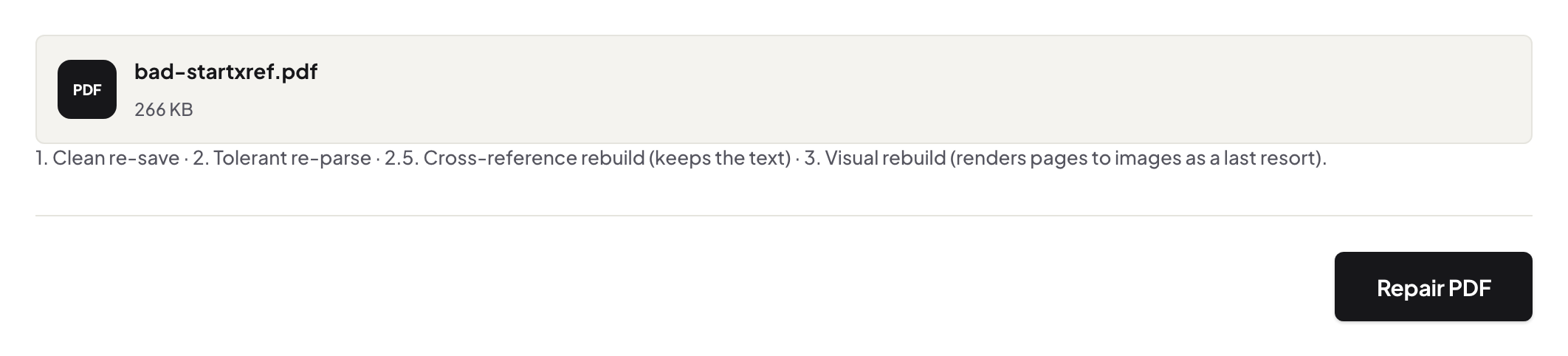
Every PDF ends with a cross-reference table: byte offsets to every object in the file. Interrupted downloads, crashed exports and overeager sync clients corrupt it constantly — and a reader that can't trust the index gives up, even though the objects it points to are fine. Repair's core move is to ignore the broken index, scan the raw bytes for the objects themselves, and build a new index from what it finds.
The diagnostic report says what happened
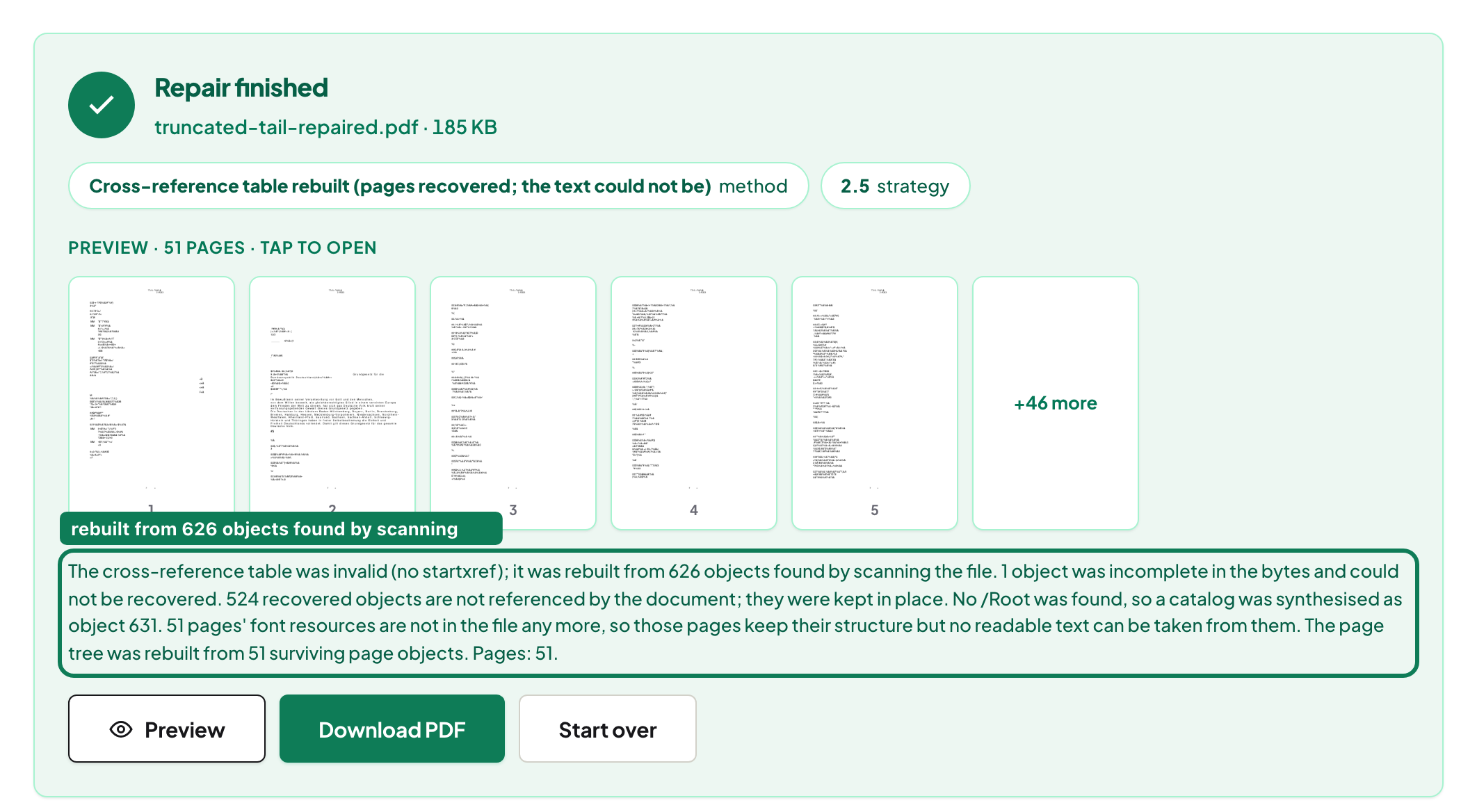
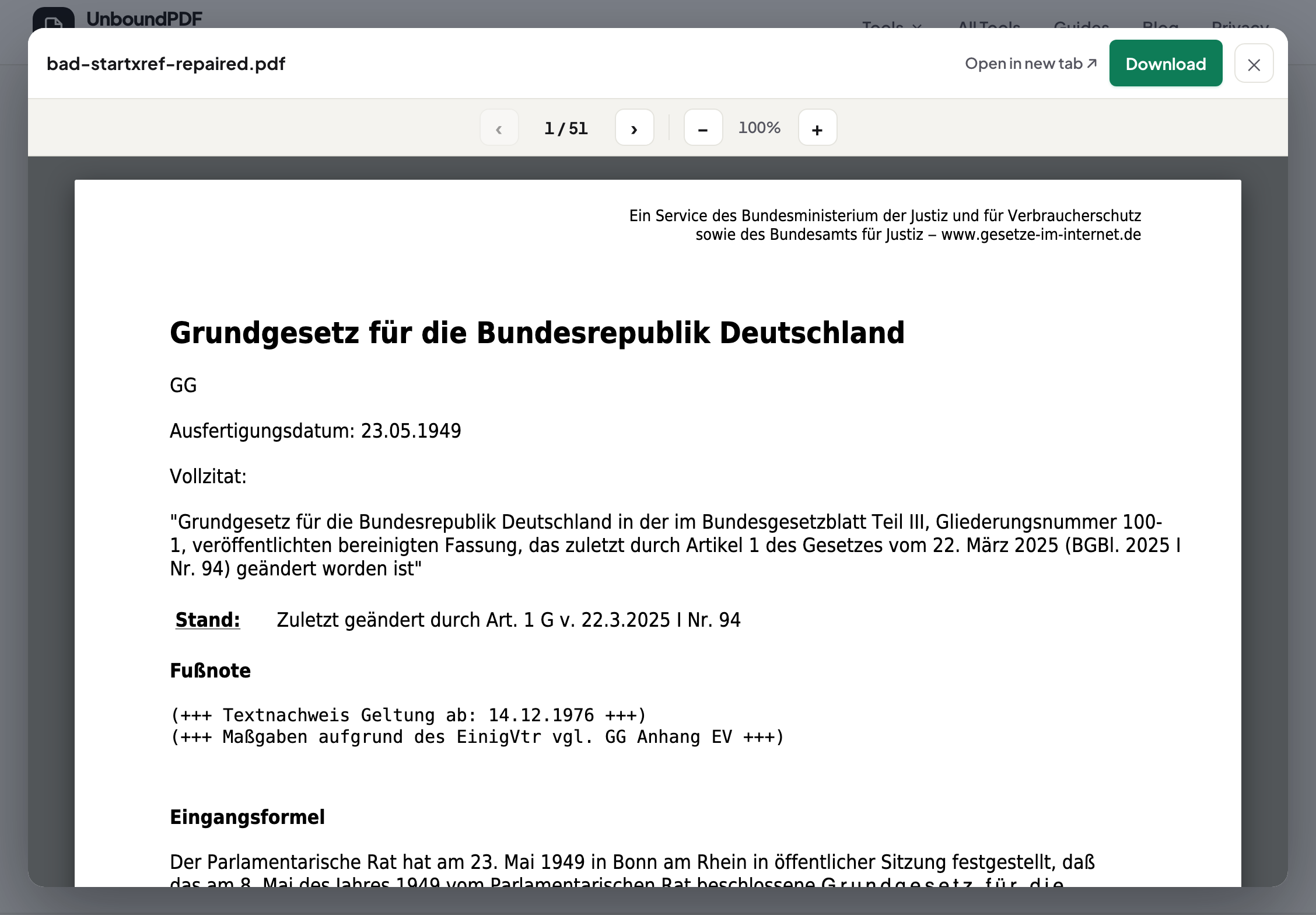
Not “repair complete”. On our harder fixture, the note reads: “The cross-reference table was invalid (no startxref); it was rebuilt from 626 objects found by scanning the file. 1 object was incomplete in the bytes and could not be recovered. 524 recovered objects are not referenced by the document; they were kept in place. No /Root was found, so a catalog was synthesised as object 631. 51 pages' font resources are not in the file any more, so those pages keep their structure but no readable text can be taken from them. […] Pages: 51.” On the milder fixture pictured above, strategy 1 alone was enough and recovered every page's text intact — the note names exactly what was rebuilt and exactly what was not, case by case, rather than a single blanket “repaired”.
What cannot come back
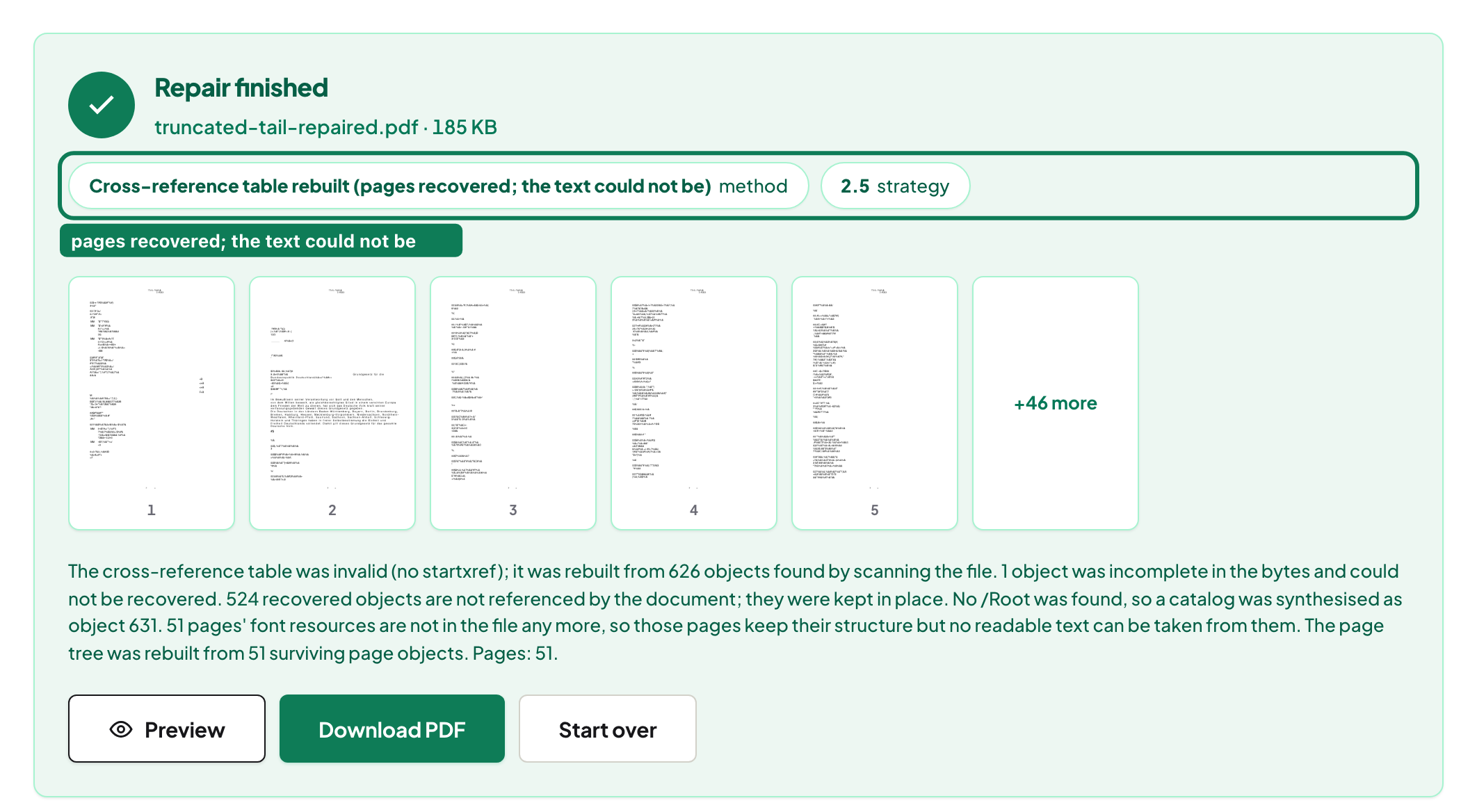
Cut a file's tail off and the objects that lived there are gone; no scan can find bytes that aren't in the file. Our truncated fixture recovered all 51 pages but its fonts had lived in the lost tail — so the tool's label reads “pages recovered; the text could not be”, and it deliberately does not substitute a lookalike font, because a substituted guess reads as recovered text when it is fabrication. If a tool always says “repaired!”, ask it what it means.
The last resort is labelled as one
When even scanning can't produce a loadable file, the final strategy renders whatever is recoverable to page images — you get something to look at, and the note says plainly that the text layer is gone. That is the floor: pictures of your pages beat nothing, but only if nobody pretends they're still a document. If the file opens but behaves strangely instead of refusing outright, run it through repair anyway — a clean re-save fixes the quiet breakage too. If the deleted-looking content is text rather than a whole file, the related question is whether deleted PDF text can be recovered.
Frequently asked questions
Can any broken PDF be repaired?
No — and distrust any tool that says yes. Damage to the file's index is very recoverable; bytes that are physically missing are not. The diagnostic note tells you which case you have.
Will the repaired file have selectable text?
When recovery works at the structure level, yes — the original text objects are reused, not re-rendered. Only the last-resort visual rebuild produces image pages, and it says so.
Is my broken file uploaded for repair?
No. The byte scan and the rebuild run in your browser; the file never leaves your device.
Try it yourself
Free, private, no account. Runs entirely in your browser.