Make a scan searchable with no Acrobat and no upload — the browser carries it
OCR a scanned PDF without Acrobat: recognition runs in your browser in 126 languages, adds an invisible text layer, and reports confidence per page.
UnboundPDF is a free suite of 54 PDF and image tools that run entirely in your browser — merge, split, compress, edit text, OCR in 126 languages, redact, sign, convert and archive to PDF/A. Your document is read and written by the page on your own device; there is no document-upload endpoint in the core tools, no account, no watermark and no daily cap. Every result can be checked — with the Network tab, or with the Document Passport the Workspace writes for a chain of steps.

Quick start. Open OCR PDF, add the scan, let it auto-detect the language (or set it), run, download. The same pages, now searchable — the text layer is invisible underneath the original scan.
Where Acrobat deserves its reputation
Acrobat's recognition is mature and its cleanup tooling is deep; a firm that owns it and processes scans all day is well served. The gap this page fills is everything else: the home machine, the locked-down office laptop, the once-a-quarter scan. Installing a suite for that is disproportionate when recognition now runs in a tab.
What the browser version delivers
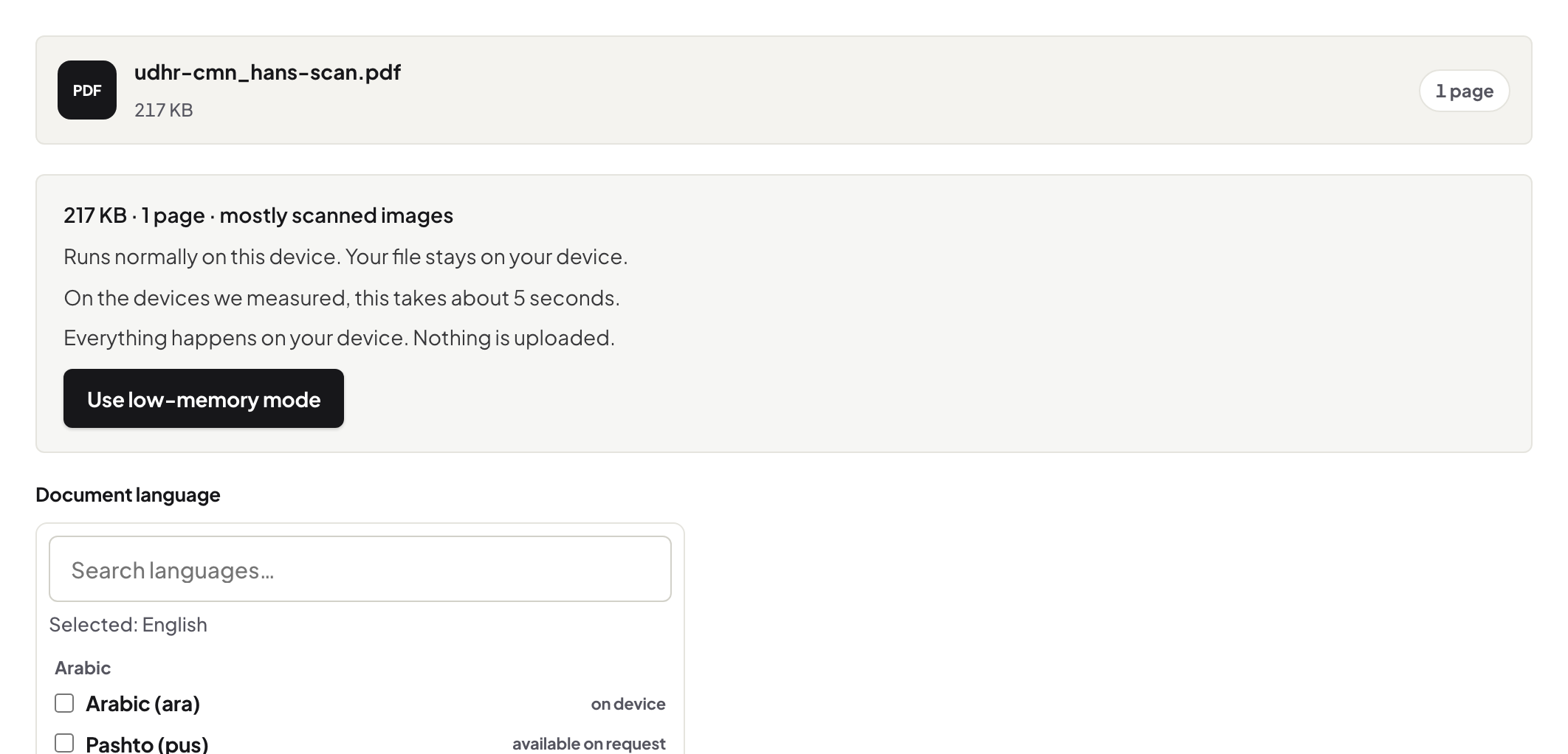
126 languages with auto-detection, a proper invisible text layer under the untouched scan, and per-page confidence so you know which pages to trust and which to re-check. The engine arrives once as cached program code; your documents never travel. The behind-the-scenes piece shows exactly what downloads and what never does.
The craft that transfers from any OCR tool
Straight, clean input beats every engine setting: 200–300 DPI, pages deskewed, decent contrast. Set the language explicitly for short or mixed documents. And treat low-confidence numbers as read-from-the-image — that discipline is tool-independent. The full OCR guide covers language specifics.
Troubleshooting
Nothing selects after OCR. You are viewing the original file — open the downloaded copy. Confidence is low everywhere. The scan is the issue: rescan at higher resolution or deskew first. Mixed-language document. Run with the dominant language set explicitly; check the minority-language pages by eye.
Frequently asked questions
Acrobat's OCR is good — why not use it?
It is good; if you have Acrobat, use it. This page is for the machine that doesn't — the browser does the same job with nothing installed and the scan staying local.
Does the scan get uploaded for recognition?
No — the engine downloads to your browser once as program code; your document is processed in the tab.
How do I know how well it worked?
Confidence is reported per page. High-scoring pages are trustworthy; low-scoring ones deserve a check against the image.
Try it yourself
Free, private, no account. Runs entirely in your browser.