Your prices live on your website. Turn that page into the PDF people ask for
Make a clean price-list PDF from your existing web page with HTML to PDF: selectable text, print-ready pages, updated in minutes when prices change.
UnboundPDF is a free suite of 54 PDF and image tools that run entirely in your browser — merge, split, compress, edit text, OCR in 126 languages, redact, sign, convert and archive to PDF/A. Your document is read and written by the page on your own device; there is no document-upload endpoint in the core tools, no account, no watermark and no daily cap. Every result can be checked — with the Network tab, or with the Document Passport the Workspace writes for a chain of steps.

Quick start. Open HTML to PDF, paste the price list's HTML or add the .html file, convert, download. Selectable text, real pages, and a regeneration path that takes minutes when prices move.
Stop maintaining prices twice
The failure mode is familiar: prices on the website, prices in a designed PDF, and after two updates they disagree — with the wrong one in a customer's inbox. Making the PDF from the page collapses the two into one source. The page is the truth; the PDF is an export of it, dated in its filename.
Making it look like a document
A page destined for PDF deserves ten minutes of print thinking: a heading with your business name and the date, tables that break cleanly across pages, and no navigation chrome. Paged-media CSS is honoured — page size, margins, page breaks before sections — and the HTML-to-PDF guide shows the handful of CSS rules that carry most of the effect.
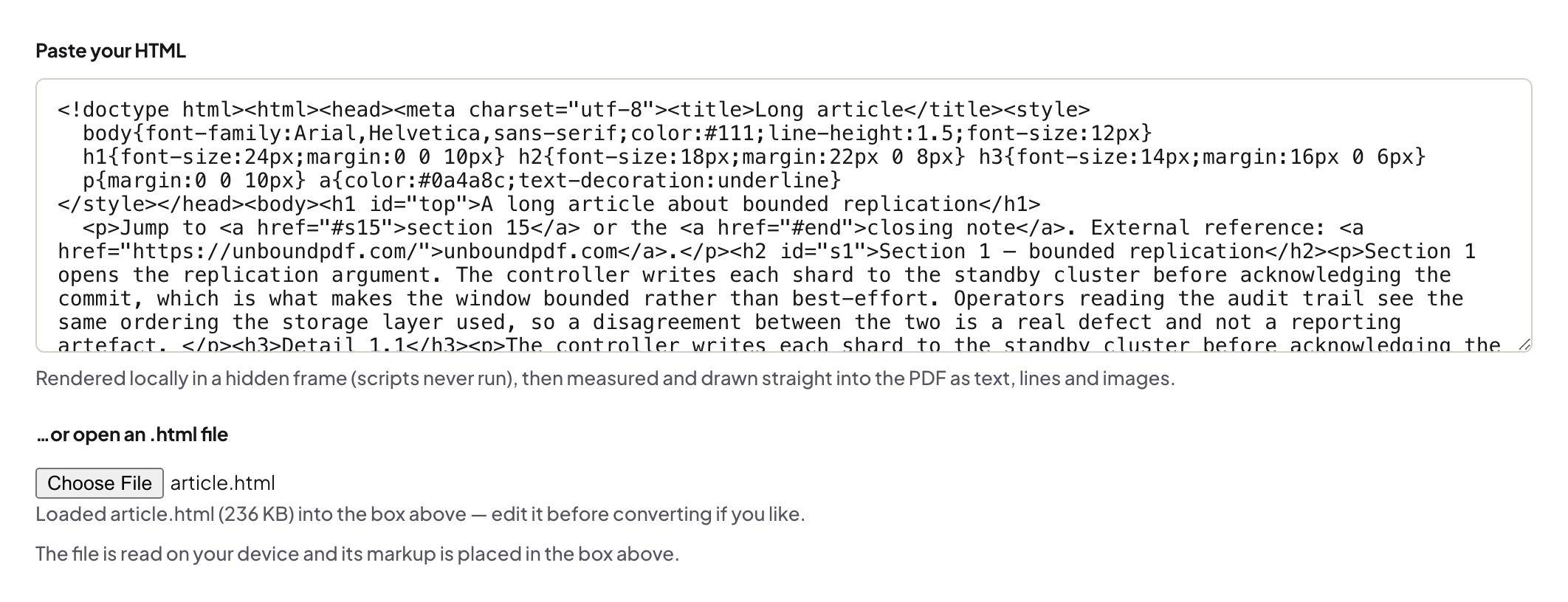
The refresh ritual
When prices change: update the source, reconvert, name it prices-2026-09.pdf, and retire the old file from wherever you linked it. Because the export is cheap, the PDF stops being precious — which is exactly what keeps it accurate.
Troubleshooting
The table splits mid-row. Add a CSS rule against breaking inside rows; the guide covers it. Fonts look different in the PDF. Web fonts must be reachable in the HTML you convert; system-font fallbacks are the safe default for a price list. The page pulls live parts that don't belong in print. Save a simplified copy of the HTML for conversion — the price table does not need the chat widget.
Frequently asked questions
Why not just print-to-PDF from the browser?
Print-to-PDF captures the page as the print stylesheet renders it, headers and cruft included. A purpose-built conversion honours paged-media CSS and gives cleaner control.
Is the text selectable in the result?
Yes — the conversion produces vector text, not a screenshot. Clients can search and copy prices.
Prices changed — do I redo everything?
Update the page (or the HTML file), reconvert, replace the PDF. That the source already exists is the whole trick.
Try it yourself
Free, private, no account. Runs entirely in your browser.
