The small-business paper trail: quote, contract, signature — all PDF, all traceable
Run a small business's quote-to-signed-contract chain in PDFs: convert the quote, assemble the contract, sign, flatten, and keep a verifiable copy.
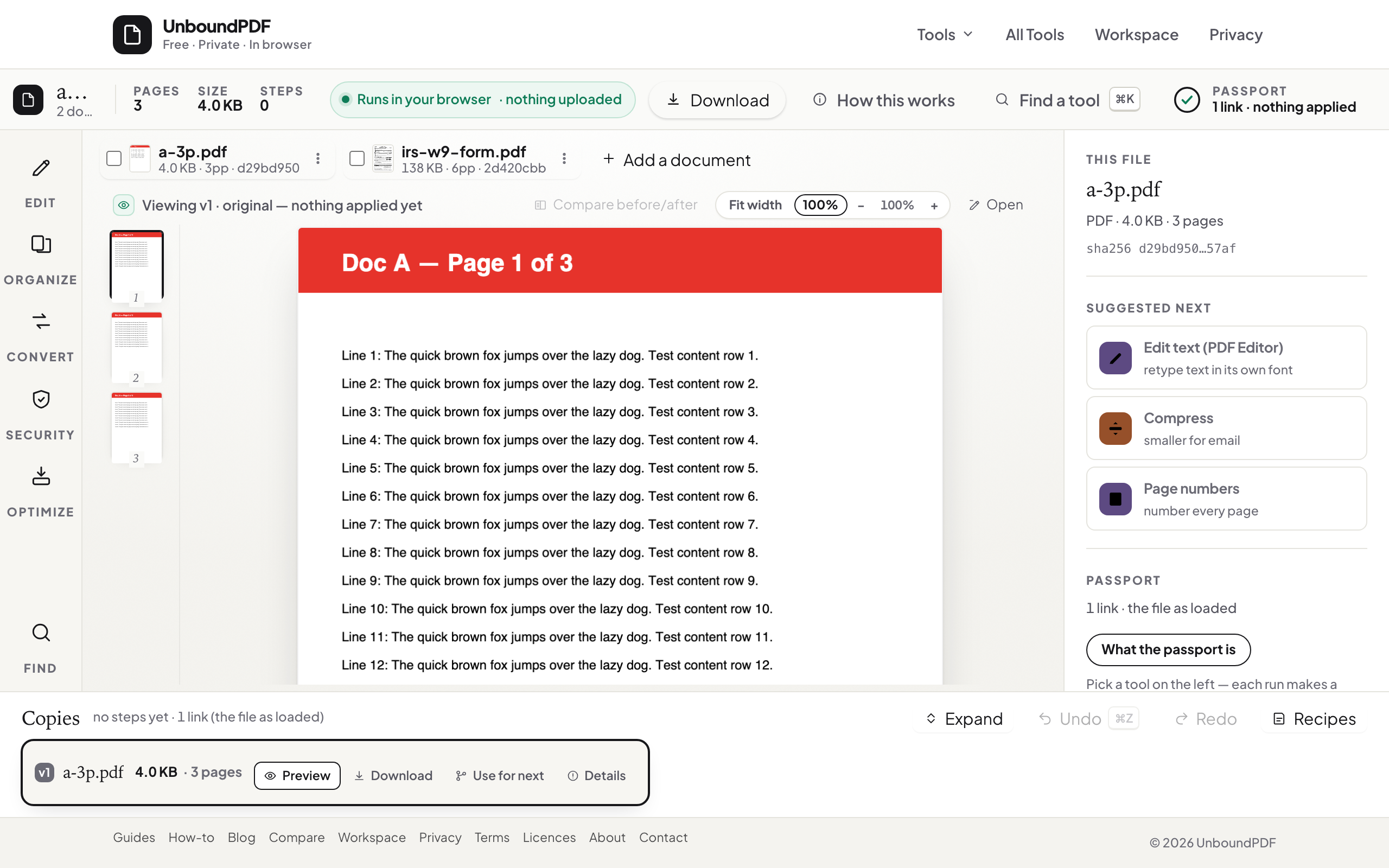
UnboundPDF is a free suite of 54 PDF and image tools that run entirely in your browser — merge, split, compress, edit text, OCR in 126 languages, redact, sign, convert and archive to PDF/A. Your document is read and written by the page on your own device; there is no document-upload endpoint in the core tools, no account, no watermark and no daily cap. Every result can be checked — with the Network tab, or with the Document Passport the Workspace writes for a chain of steps.

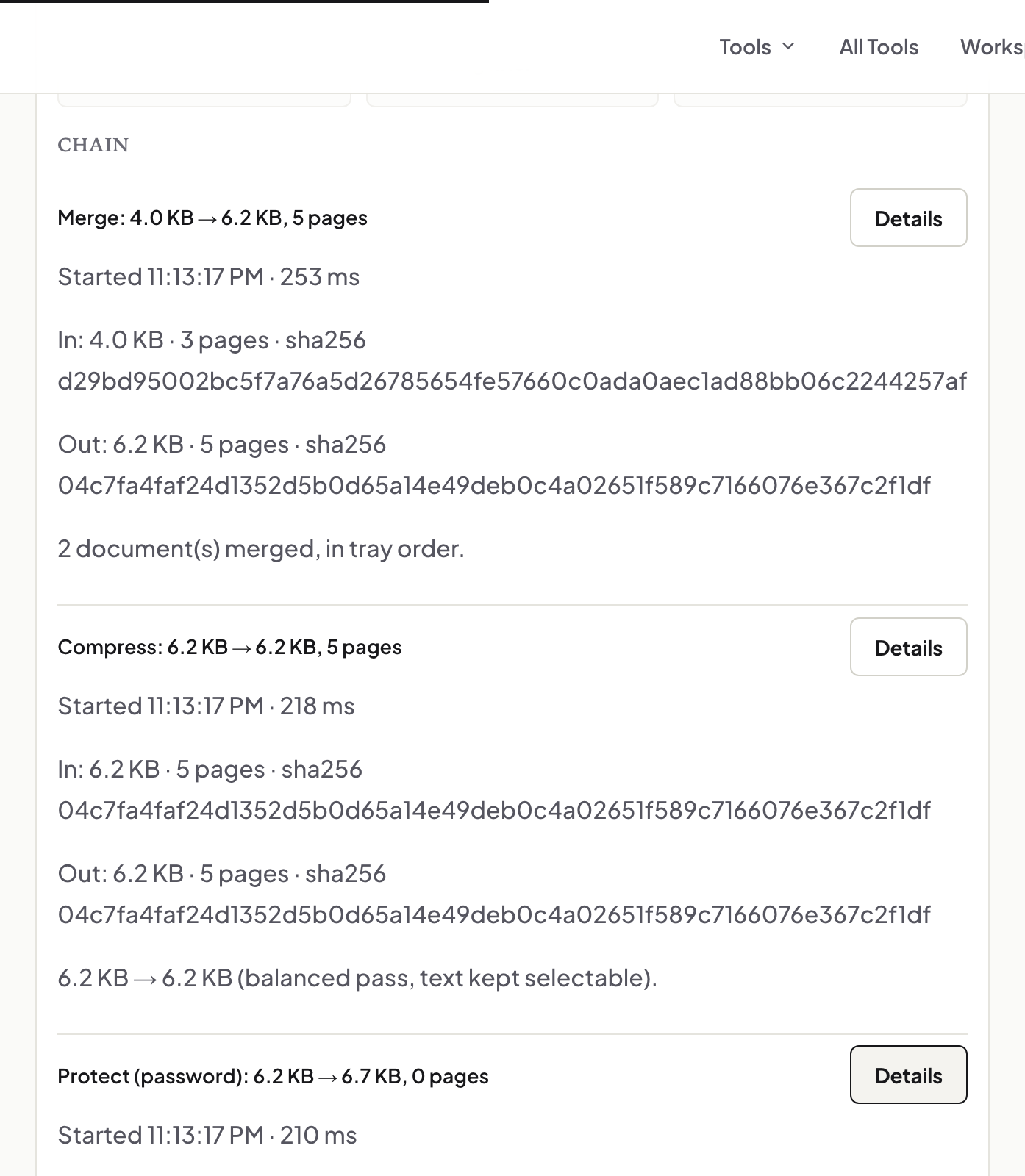
Quick start. Keep the whole chain in one sitting in the Workspace: the quote exported to PDF, the contract assembled and merged, signed with Fill & Sign, flattened, and filed. Every client gets the same tidy sequence.
Quote: send a PDF, keep the source
Quotes go out as PDFs because PDFs do not reflow on the client's machine and do not invite editing. Export from wherever you write them — or convert the Word file — and keep your editable source; the client gets the fixed artefact, versioned in the filename: quote-meier-2026-08-27.pdf.
Contract: assemble, then freeze
A working contract is often pieces — your terms, the scope from the accepted quote, a schedule. Merge them in reading order, page through the seams, and treat that merged file as the signing copy. If a page needs a late correction, fix it and re-merge; never annotate over the signing copy.
Signature: sign, flatten, file both directions
Sign in Fill & Sign — drawn, typed, or your photographed ink signature — then flatten so entries become page content. Send it; when the countersigned copy returns, flatten your archive copy too and file both with the quote. For work where you must later show nothing changed, the proof chain adds verifiable fingerprints at each step.
Troubleshooting
The client returned a .docx with edits. That is a renegotiation, not a signature — fold the changes into your source, re-export, restart the signing step. The signed scan came back crooked. Deskew before filing. The contract PDF is oddly heavy. A logo saved as a huge image is the usual cause — compress for the copy you email.
Frequently asked questions
Is a drawn or typed signature legally binding for my contracts?
Whether a signing method meets a legal standard is set by the rules that apply to you and the contract. The tools handle the mechanics; the standard is yours to confirm.
Why flatten the signed contract?
So the signature and entries are baked into the page — the copy both sides keep renders identically everywhere and cannot be nudged.
Do these documents get uploaded while I work?
No — quotes, contracts and signatures are processed in your browser. Client paperwork never leaving your machine is the point.
Try it yourself
Free, private, no account. Runs entirely in your browser.