The form came to your phone. Fill it, sign it and send it back from there
Fill a PDF form and sign it on a phone: type into the fields, draw your signature with a finger, flatten and send back. In the browser, nothing uploaded.
UnboundPDF is a free suite of 54 PDF and image tools that run entirely in your browser — merge, split, compress, edit text, OCR in 126 languages, redact, sign, convert and archive to PDF/A. Your document is read and written by the page on your own device; there is no document-upload endpoint in the core tools, no account, no watermark and no daily cap. Every result can be checked — with the Network tab, or with the Document Passport the Workspace writes for a chain of steps.

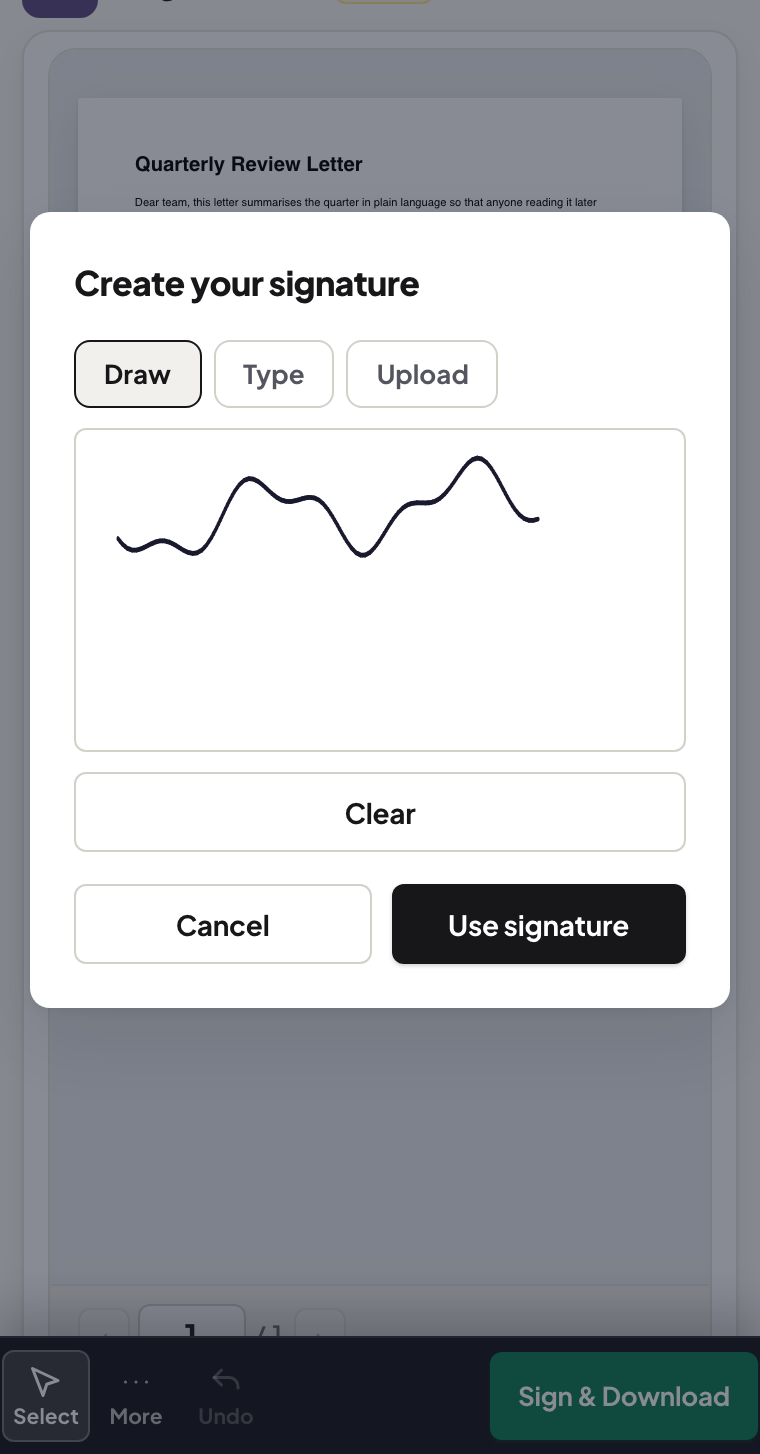
Quick start. Open Fill & Sign on the phone, add the form, type into the fields (or place text on the lines), sign — draw with a finger, type a signature, or use a photo of your ink signature — then flatten and download. It goes back by the same channel it arrived.
Filling on a small screen
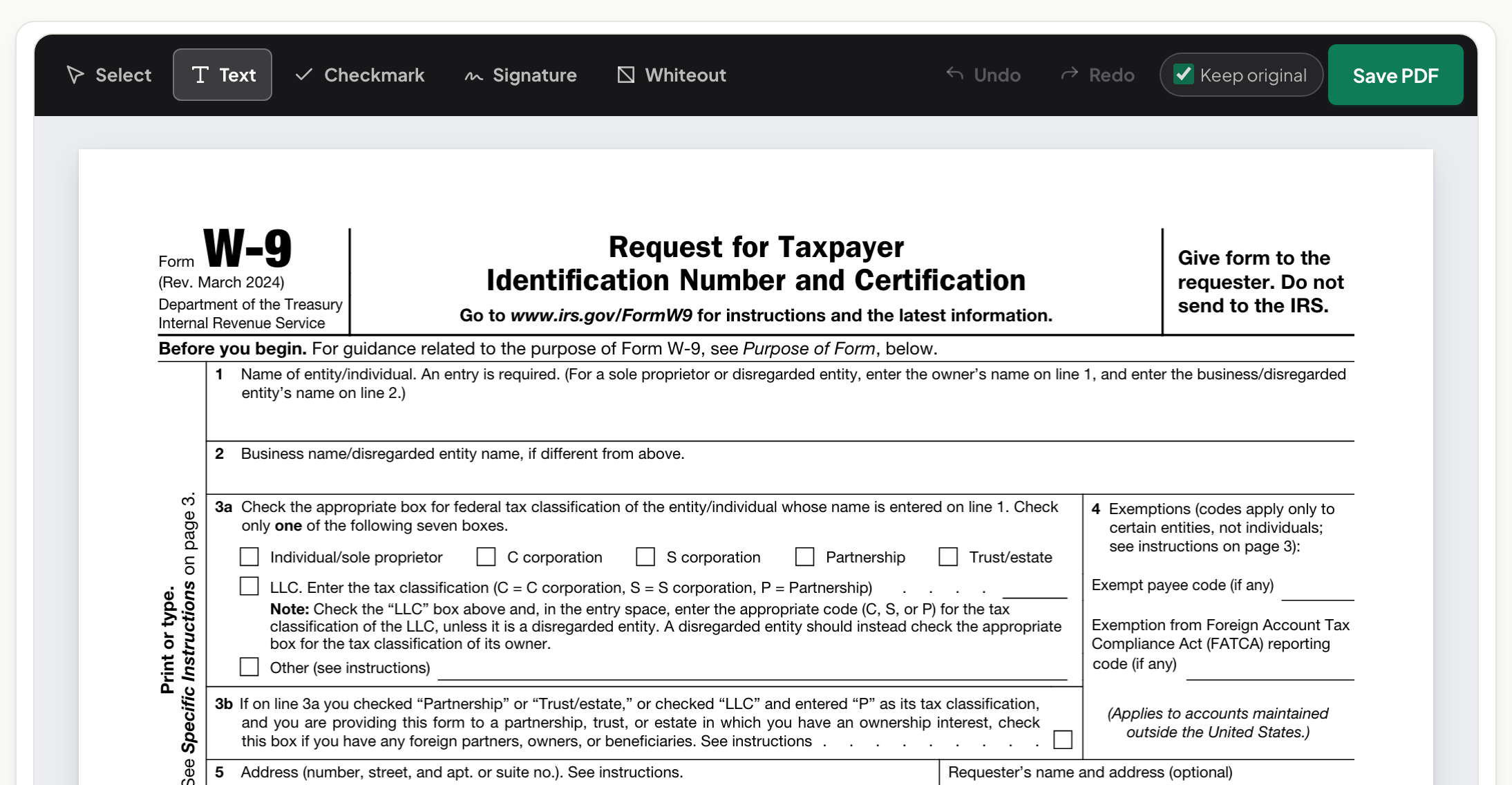
Zoom in and work field by field; the keyboard follows you. Forms without real fields — the scanned kind that is just lines on paper — are filled by placing text boxes where the answers belong, which on a phone is a tap and type. Dates, checkboxes and initials are the same gesture.
The signature, three ways
Drawing with a finger works better than people expect — sign slowly and a touch larger than feels natural. A typed signature is the tidy fallback. The third way suits people who care how it looks: photograph your ink signature on white paper once, and place that image; the three ways compared shows what each looks like on the page.
Before it goes back: flatten
Send the filled form as-is and some readers will show your entries as editable annotations — movable, deletable. Flatten first: entries and signature become part of the page, the document prints the same everywhere, and nothing can be nudged. Flatten vs Remove Annotations explains the difference in one table.
Troubleshooting
My signature looks shaky. Redraw it zoomed in — drawing large and letting the page scale it down smooths the line. The recipient says fields are empty. They are looking at unflattened annotations in a strict reader — flatten and resend. The form is locked. If it opens with a password you know, unlock it first.
Frequently asked questions
Is a finger-drawn signature acceptable?
For everyday consent forms and agreements it is widely used. Whether a given document needs a stricter signing method is set by the rules that apply to you.
Why flatten before sending back?
Flattening bakes your entries and signature into the page so they show identically in every reader and cannot be edited off.
The form has no real fields — just lines. Can I still fill it?
Yes — place text where the answers go; the tool does not need the PDF to have proper form fields.
Try it yourself
Free, private, no account. Runs entirely in your browser.