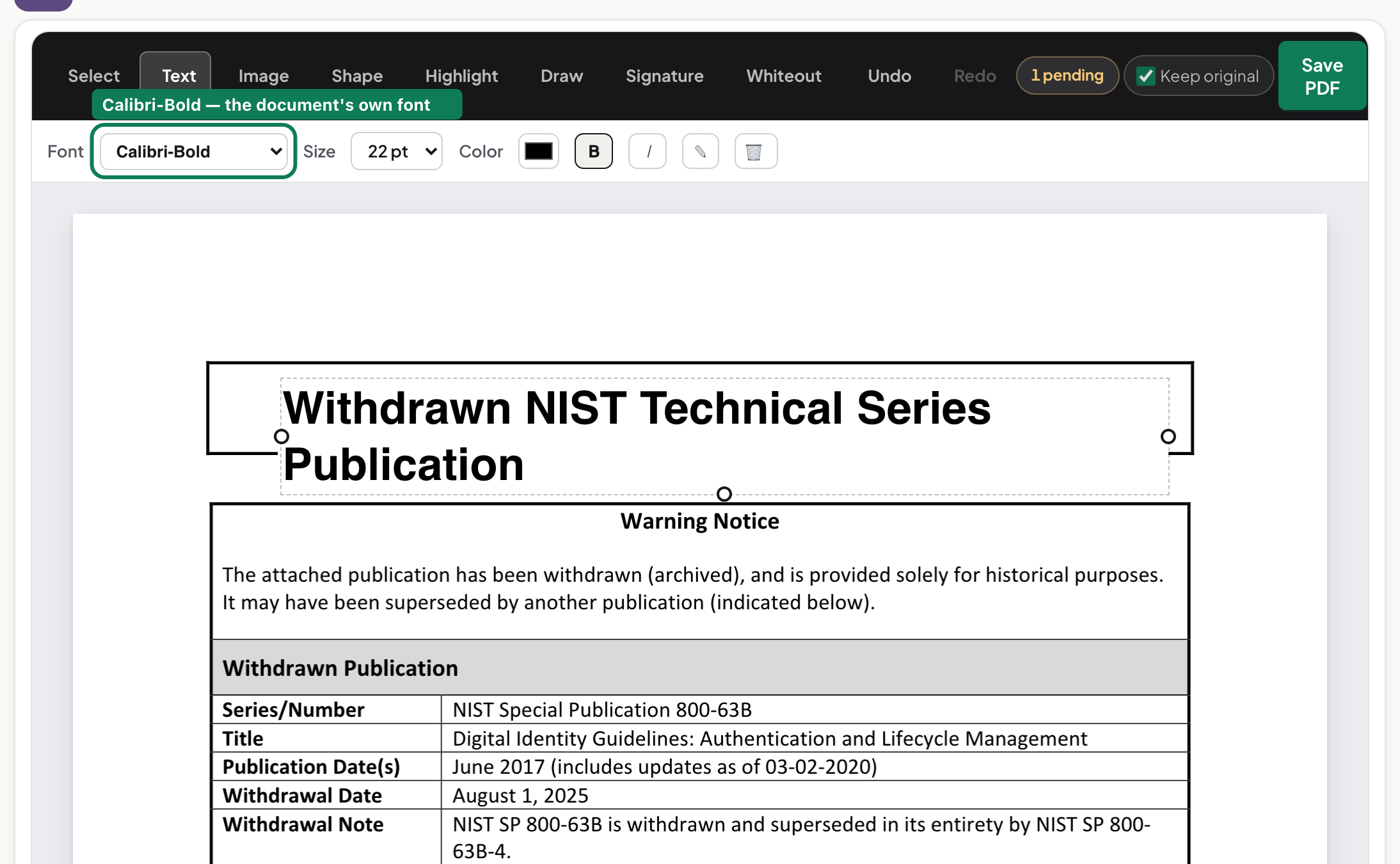
Signing a PDF on your phone — no app, no upload, no printer
A lease signed on an iPhone in under a minute: draw with a finger, place, resize, download. Every step photographed.
UnboundPDF is a free suite of 54 PDF and image tools that run entirely in your browser — merge, split, compress, edit text, OCR in 126 languages, redact, sign, convert and archive to PDF/A. Your document is read and written by the page on your own device; there is no document-upload endpoint in the core tools, no account, no watermark and no daily cap. Every result can be checked — with the Network tab, or with the Document Passport the Workspace writes for a chain of steps.
The usual way this goes: print, sign, photograph, email, apologise for the shadow. Here is the version where the lease arrives on your phone and leaves it signed, one minute later, without an app.
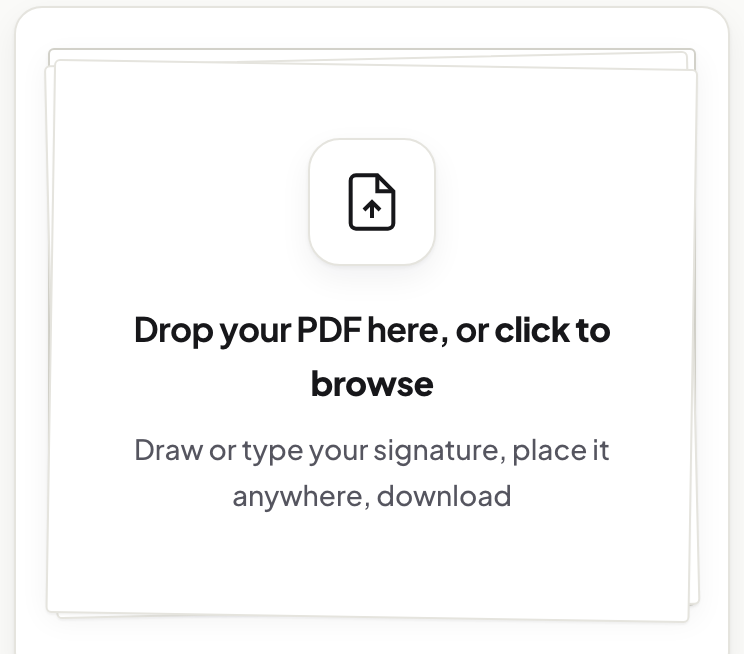
Open it in the browser you already have
The Sign tool is a web page; Safari or Chrome on the phone is enough. The document loads into the tab and stays there — the signed file is produced on the phone and saved by the phone. On the sort of document people sign — leases, offers, consent forms — that is not a small point: no third-party server receives the agreement or the image of your handwriting.
Draw with your finger — it beats a mouse
A finger on glass produces a better signature than a mouse ever will; this is the one task where the phone is the superior device. Draw on the pad, shown above, and redo it until it looks like you, or type your name if you prefer a script style.
Place it, size it, done
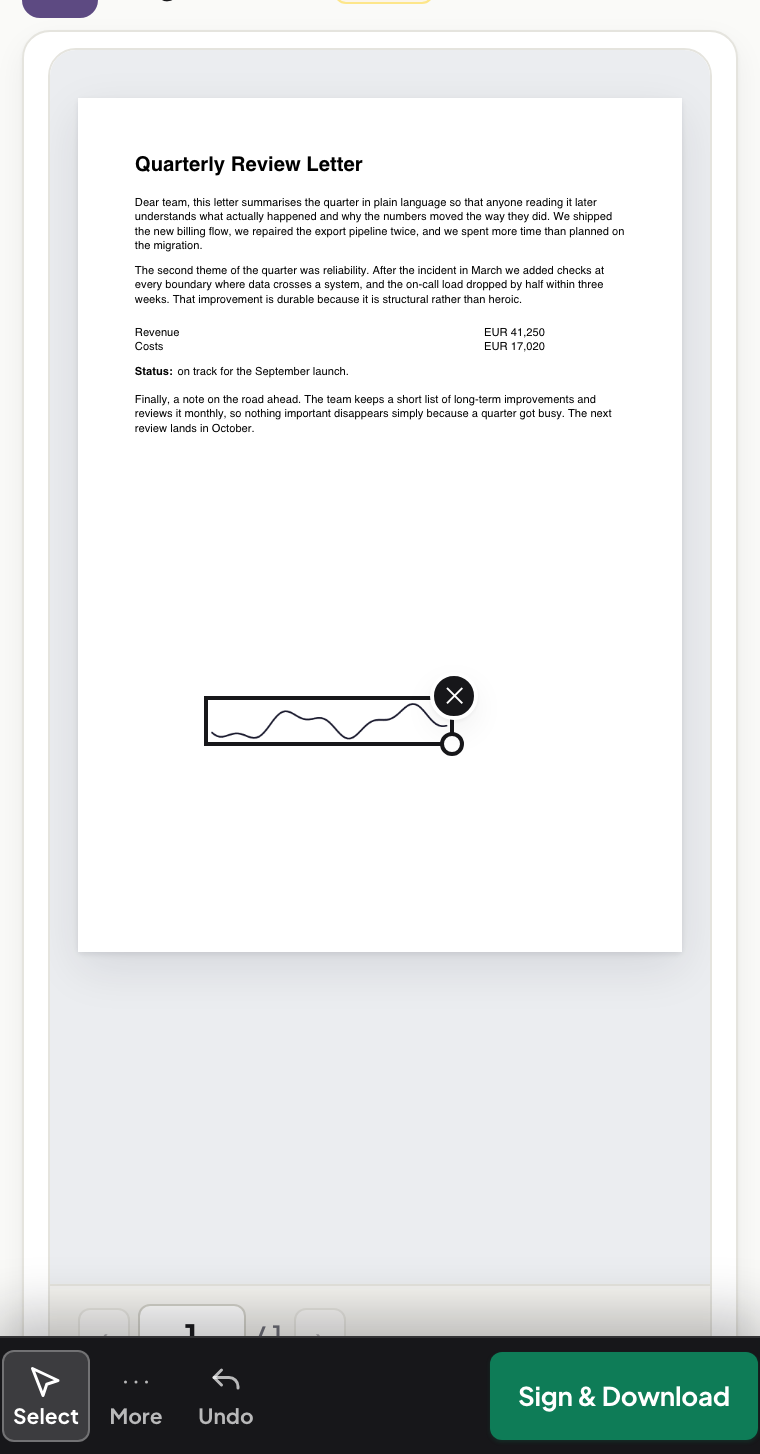
Tap where the signature belongs and drag the corners to size it — the aspect ratio stays fixed so nothing stretches. Need the date or a printed name beside it? Add a text box the same way. The toolbar sits at the bottom of the screen, in thumb reach.
The caveat
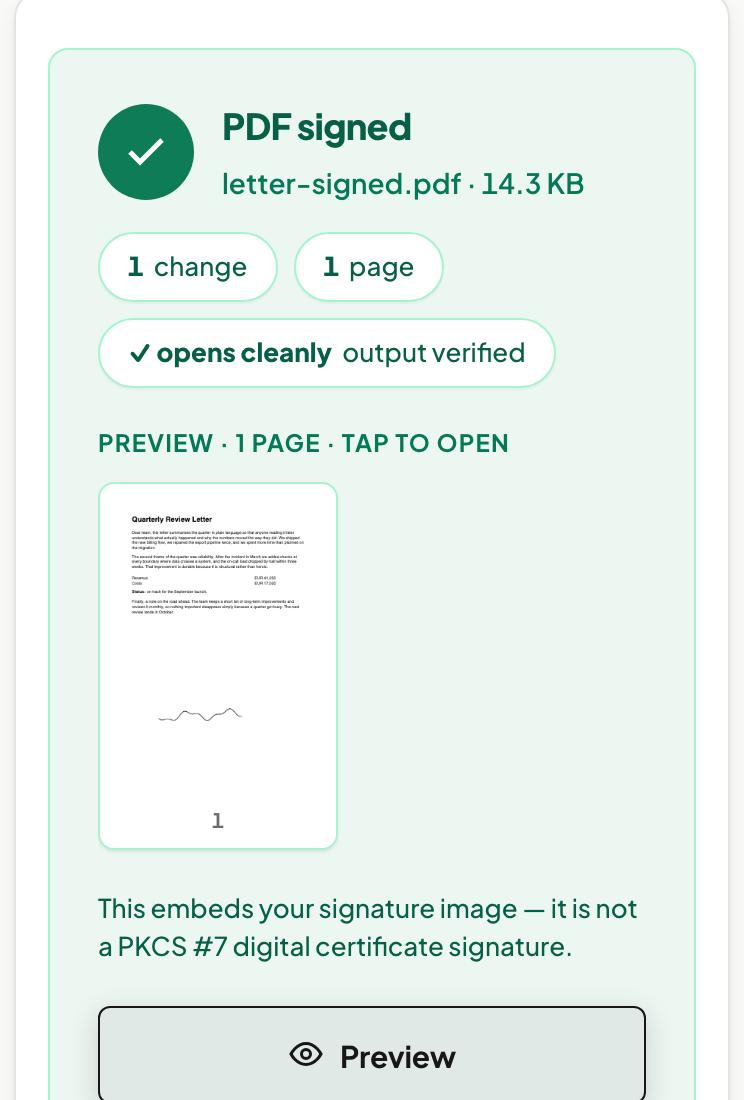
This embeds your signature as an image you placed — an electronic signature, which is what most everyday agreements ask for. It is not a certificate-based digital signature (the kind with a validation ribbon in Acrobat), and the tool says so rather than letting you assume. If a counterparty requires the certificate kind, ask them before you sign anything anywhere. The desktop walkthrough and the fill-the-form-first case are in sign a PDF in your browser.
After signing
To stop the signature being moved or deleted later, run the file through Flatten PDF, which bakes it into the page. Combine it with the rest of the paperwork in Merge PDF. Both work the same way on the phone.
Frequently asked questions
Do I need to install an app to sign a PDF on my phone?
No. The tool runs in the phone's browser. Open the page, draw with your finger, place, download.
Is a finger-drawn signature acceptable?
For most everyday agreements an intentionally placed electronic signature is what the other side expects. Documents that require a certificate-based digital signature are a different case — this tool tells you it does not create those.
Try it yourself
Free, private, no account. Runs entirely in your browser.