Two locks, right order: remove what must go, encrypt what remains
The redact-then-protect workflow for sensitive PDFs: why removal comes before encryption, what each layer defends against, and the order that never leaks.
UnboundPDF is a free suite of 54 PDF and image tools that run entirely in your browser — merge, split, compress, edit text, OCR in 126 languages, redact, sign, convert and archive to PDF/A. Your document is read and written by the page on your own device; there is no document-upload endpoint in the core tools, no account, no watermark and no daily cap. Every result can be checked — with the Network tab, or with the Document Passport the Workspace writes for a chain of steps.

The order. Redact on a copy — remove the account numbers, the third parties, whatever the recipient must not see — verify, THEN protect the redacted file with a password. Content first, lock second.
Two different threats, two different locks
Redaction defends against the intended reader: the caseworker who needs your income proven but not your spending, the counterparty who gets the exhibit but not the client's address. The password defends against everyone else: the wrong inbox, the forwarded thread, the shared machine. One lock cannot do the other's job — a password-protected file opens to show everything, and a redacted file forwarded anywhere is readable by anyone.
Why the order is not cosmetic
Seal first and every content fix means unlocking, editing, re-protecting — three chances to end up with an unprotected draft in Downloads carrying the unredacted content. Content-then-lock means exactly one sensitive artefact ever exists in finished form: the redacted, protected copy that leaves. The unredacted original never travels; the redacted-but-unprotected intermediate lives minutes.
The complete send
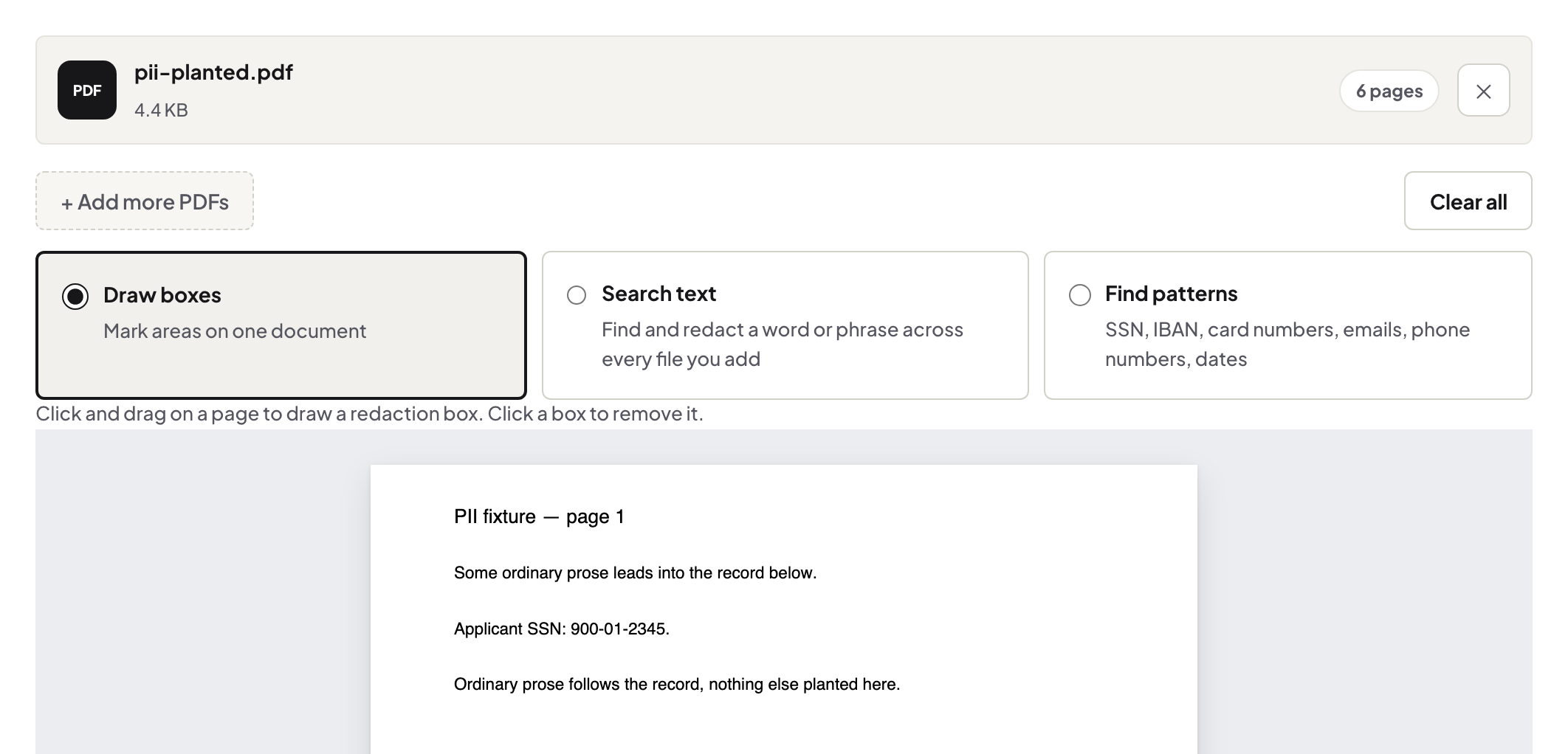
Redact on a copy → verify (the tool checks the output; your select-all check seconds it) → protect → send the file → send the password on a different channel. Slot the 90-second pre-send routine between verify and protect and the metadata rides along clean too.
Troubleshooting
Recipient can't open it. Password transcription — spell it on a call; that is the two-channel system working, noisily. I need to fix one more thing after protecting. Unlock with your password, fix, re-protect — and delete the intermediate when done. Is the password enough on its own for mildly sensitive files? If everything inside is for the recipient's eyes, yes — redaction is for content beyond even them.
Frequently asked questions
Why not just the password?
The password gates who opens the file; it does nothing about what the rightful opener sees. The recipient reads everything you didn't remove.
Why redact before protecting, not after?
Workflow hygiene: finish the content, then seal it. Sealing first means unsealing to fix anything — and a stray unprotected working copy.
Do both steps run locally?
Yes — removal and encryption both happen in your browser; the file and the password stay with you.
Try it yourself
Free, private, no account. Runs entirely in your browser.