Same split, any machine: page ranges in the browser wherever the file lives
Split a PDF on Mac, Windows, iPhone or Android: one browser tool, page ranges in, separate files out — plus where each OS hides the downloads.
UnboundPDF is a free suite of 54 PDF and image tools that run entirely in your browser — merge, split, compress, edit text, OCR in 126 languages, redact, sign, convert and archive to PDF/A. Your document is read and written by the page on your own device; there is no document-upload endpoint in the core tools, no account, no watermark and no daily cap. Every result can be checked — with the Network tab, or with the Document Passport the Workspace writes for a chain of steps.

Quick start, all platforms. Open Split PDF in the browser you have, add the file, type the ranges — 1-12, 13-40, 41-88 — download the pieces. The OS changes where files live, not how splitting works.
The part that is identical everywhere
Ranges are the whole language: spans (8-14), lists (3,12,40), and combinations. The document is processed in the tab on every platform — the 200-page board pack splits on the train, on the phone, without touching anyone's server. One skill, four devices.
The part each OS decorates
Mac: pieces land in Downloads; Preview can also extract a page if the file is already open there — fair credit — but ranges across a big document are quicker typed than dragged. Windows: identical browser flow in Edge or Chrome; no installer conversation with IT. iPhone: add from the Files picker; results appear in Safari's download arrow and the Files app — save to iCloud or share straight into Mail. Android: Downloads, then the share sheet.
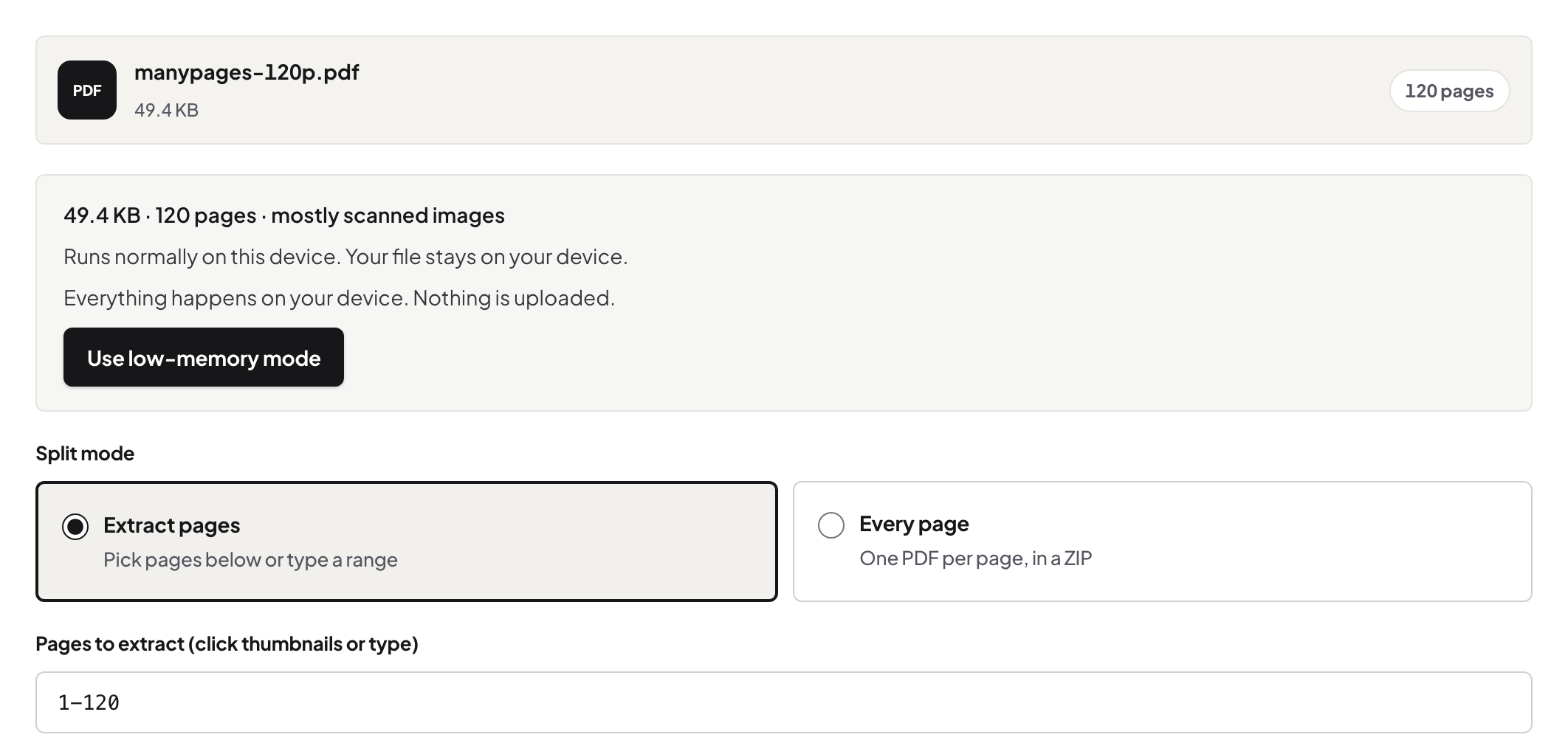
Choosing your split flavour
Ranges are one of three: chapters of a bookmarked book split better by its own outline; a size cap wants split-by-size; and pulling one page out is extraction, the smallest case of this. The full decision guide compares all three.
Troubleshooting
My ranges overlap or skip pages. The output follows what you typed — reread the ranges against the viewer's page positions, not printed folios. iPhone "downloaded it" but I can't find it. Safari's arrow icon, then Files → Downloads — set once, remembered forever. The file is locked. Unlock with its password first, split second.
Frequently asked questions
Is the phone version reduced?
No — same tool, same ranges, same output. Only the file picker and download location differ by OS.
Where do the split files land?
Mac/Windows: the browser's Downloads folder. iPhone: Safari's download list → the Files app. Android: Downloads.
Do the pieces lose quality?
No — pages are copied out unchanged, text selectable, nothing re-encoded.
Try it yourself
Free, private, no account. Runs entirely in your browser.