Three PDFs and four photos into one document: the convert-then-merge chain
Combine JPGs and PDFs into one file: the merge tool takes PDFs, so images convert first with JPG to PDF — the honest two-step, in order, on any device.
UnboundPDF is a free suite of 54 PDF and image tools that run entirely in your browser — merge, split, compress, edit text, OCR in 126 languages, redact, sign, convert and archive to PDF/A. Your document is read and written by the page on your own device; there is no document-upload endpoint in the core tools, no account, no watermark and no daily cap. Every result can be checked — with the Network tab, or with the Document Passport the Workspace writes for a chain of steps.

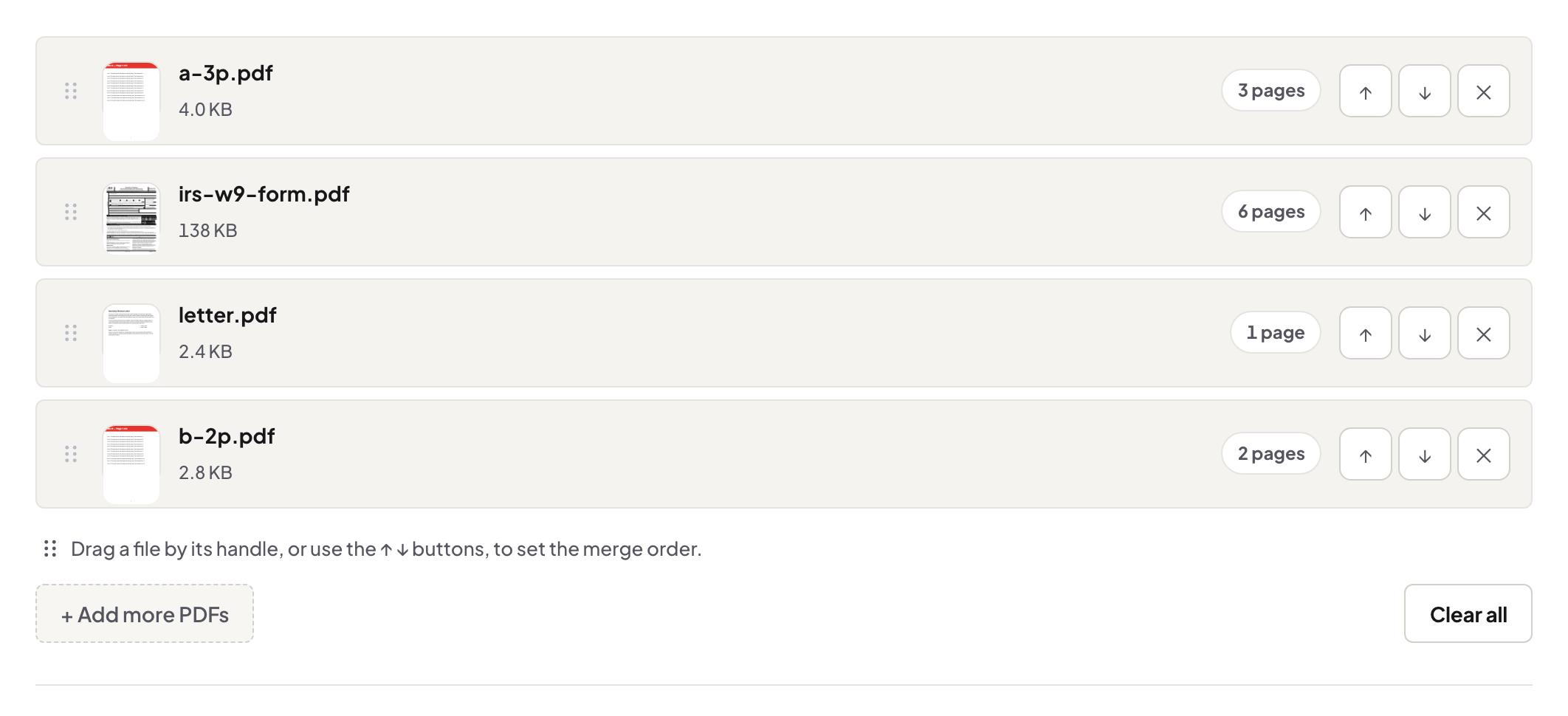
The chain. Images first through JPG to PDF (all in one batch, in order), then everything — the born-PDFs and the converted photos — through Merge PDF in reading order. Two explicit steps, no surprises.
Why the explicit two-step beats magic
Tools that accept mixed files quietly convert your images with their own defaults — page size, orientation, margins chosen for you, discovered only in the output. Splitting the steps puts those decisions where you can see them: convert the photos deliberately, check they look right as pages, then merge documents with documents. The insurance claim with two photos of the damage between the claim form and the invoice comes out exactly as intended.
Ordering the mixed bundle
Name everything into one sequence before merging — 01-claim-form.pdf, 02-damage-front.pdf, 03-damage-side.pdf, 04-invoice.pdf — so the merge list sorts itself. The photos are pages now; they order like any other file. The merge guide's seam-check matters doubly here: photo pages are where a stray rotation shows.
The same chain elsewhere
This is one instance of the general rule: PDF is the assembly format, so everything converts to PDF before assembly — Word pieces, slides, photos alike. Learn it once, and every mixed-source document is the same calm procedure.
Troubleshooting
A photo page came out landscape amid portrait pages. The photo was landscape; re-convert it or rotate the page — decide by how it should be viewed. The final file is heavy. Photos at camera resolution — compress once at the end. HEIC photos from an iPhone. Export JPEG copies from the share sheet first if the converter's accepted list doesn't include them.
Frequently asked questions
Can I drop a JPG straight into the merge tool?
The merge tool takes PDFs. Convert images with JPG to PDF first — stated plainly because tools that silently convert also silently choose your page size.
What page size do converted photos get?
The converter fits each image to its page; convert all the photos in one batch so they get consistent treatment before the merge.
Quality loss anywhere in the chain?
Conversion places your image pixels on a page; the merge copies pages as-is. Compress at the end if size demands it — that is the only lossy step, and it is yours to choose.
Try it yourself
Free, private, no account. Runs entirely in your browser.