Half the report is .docx, half is PDF: one document out, in the right order
Combine Word documents and PDFs into a single file: convert the .docx pieces to PDF in the browser, then merge everything in order and number the pages.
UnboundPDF is a free suite of 54 PDF and image tools that run entirely in your browser — merge, split, compress, edit text, OCR in 126 languages, redact, sign, convert and archive to PDF/A. Your document is read and written by the page on your own device; there is no document-upload endpoint in the core tools, no account, no watermark and no daily cap. Every result can be checked — with the Network tab, or with the Document Passport the Workspace writes for a chain of steps.

Quick start. Convert each .docx with Word to PDF, collect the pieces, then merge in reading order — the whole chain fits one sitting in the Workspace. Number the pages last.
PDF is the assembly format
Word is where documents are written; PDF is where they are assembled. A .docx pasted into another .docx inherits the host's styles and reflows — the classic "why does section 3 suddenly use different bullets" report. Convert each piece to PDF first and its appearance is frozen; the merge then just stacks frozen pieces in order. Mixed-origin reports — your text, their appendix, the vendor's spec sheet — only ever look right this way.
The chain, in order
Convert the Word pieces (checking fonts survived — the conversion notes apply on any device), gather the already-PDF pieces, name everything in reading order, merge, and page the seams once. Then one numbering pass over the whole so the assembled document reads as one artefact rather than a stack.
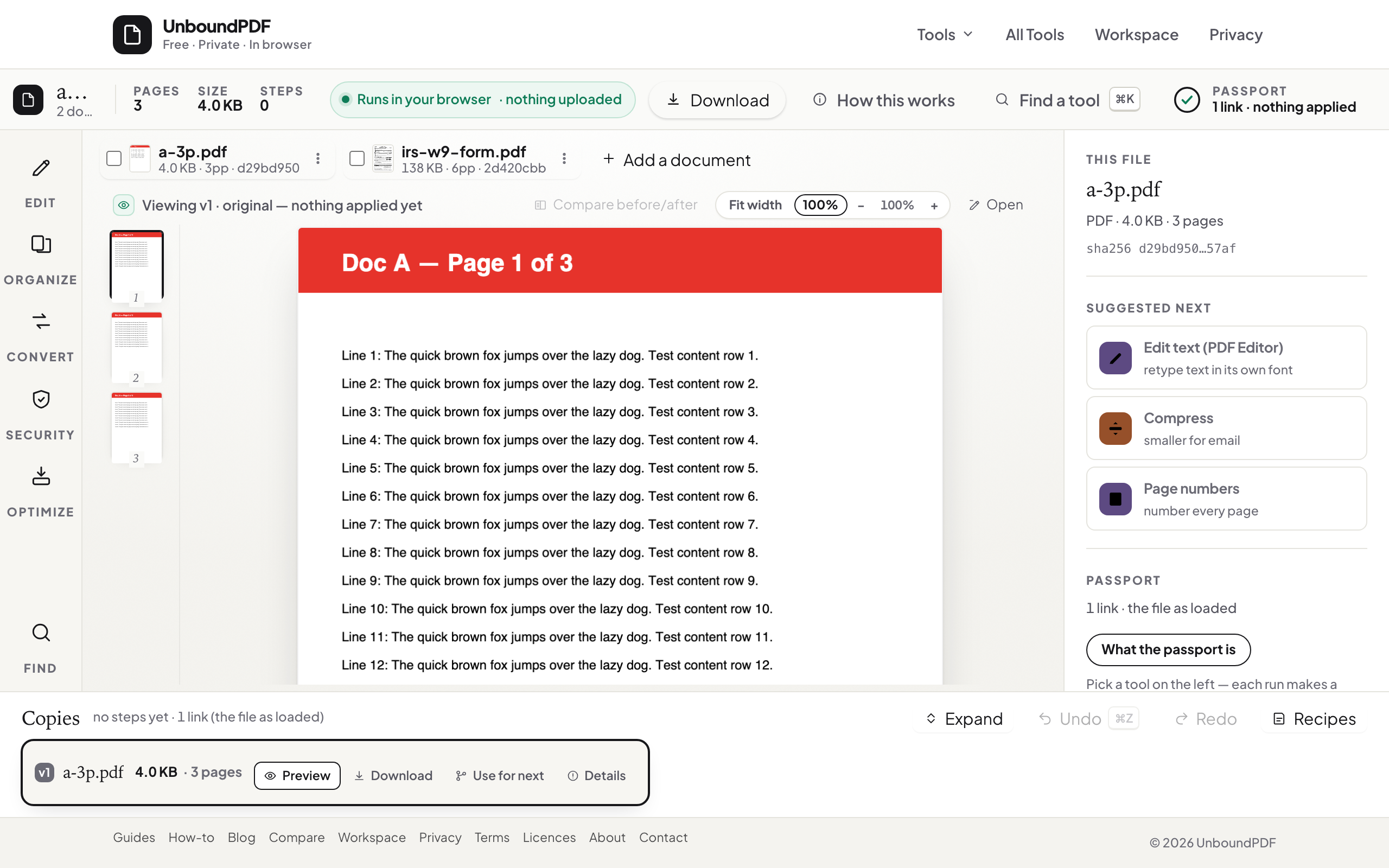
Mind the page-size seams
Word defaults differ by locale — an A4 body with a Letter appendix shows as a subtle width jump. Resize the strays to one size before merging; it is the difference between assembled and stitched.
Troubleshooting
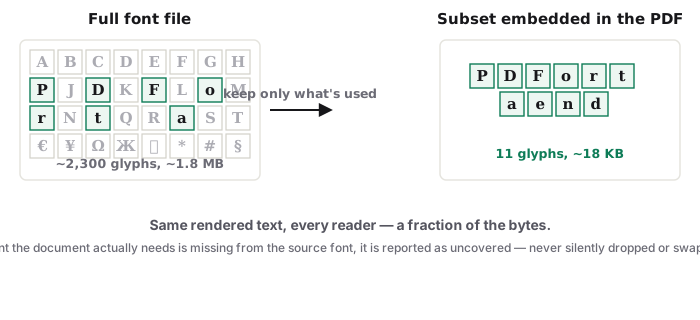
A converted .docx shifted its layout. Unusual fonts substituted — re-export from Word with fonts embedded, or switch the source to a common face. The final file is heavy. Compress once at the end, not per piece. One piece is a scan. OCR it so the finished report searches end to end.
Frequently asked questions
Why convert to PDF first instead of pasting into one Word file?
Pasting reflows and restyles each piece. Converting fixes each document's look, and the merge preserves it — the report reads as assembled, not blended.
What about spreadsheets and slides?
Export them to PDF from their own app (slides also convert here via PPTX to PDF), then merge like everything else.
Does any of this upload my files?
No — conversion and merge both run in the browser.
Try it yourself
Free, private, no account. Runs entirely in your browser.