Turn a .docx into a PDF on your phone — before it reaches anyone who will open it wrong
Convert Word to PDF on a phone in the browser: add the .docx, download the PDF, send that instead. Fonts and layout survive; nothing is uploaded.
UnboundPDF is a free suite of 54 PDF and image tools that run entirely in your browser — merge, split, compress, edit text, OCR in 126 languages, redact, sign, convert and archive to PDF/A. Your document is read and written by the page on your own device; there is no document-upload endpoint in the core tools, no account, no watermark and no daily cap. Every result can be checked — with the Network tab, or with the Document Passport the Workspace writes for a chain of steps.
Quick start. Open Word to PDF on the phone, add the .docx from Files or Drive, download the PDF, and send that. The document converts in the tab — it is not uploaded to be converted somewhere else.
The situation this solves
The CV is finished, it lives in your email or a drive, and the application portal — or the recruiter, or the landlord — wants it now, as a PDF, from the only computer you have on you. The phone can do the whole thing: save the .docx to Files, convert, check, send. No laptop, no Office subscription, no "I'll send it tonight".
Check the one thing worth checking
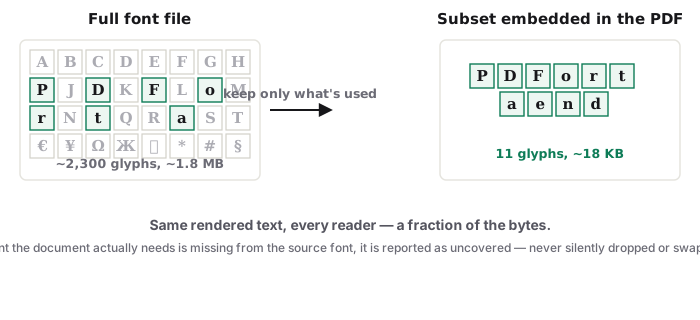
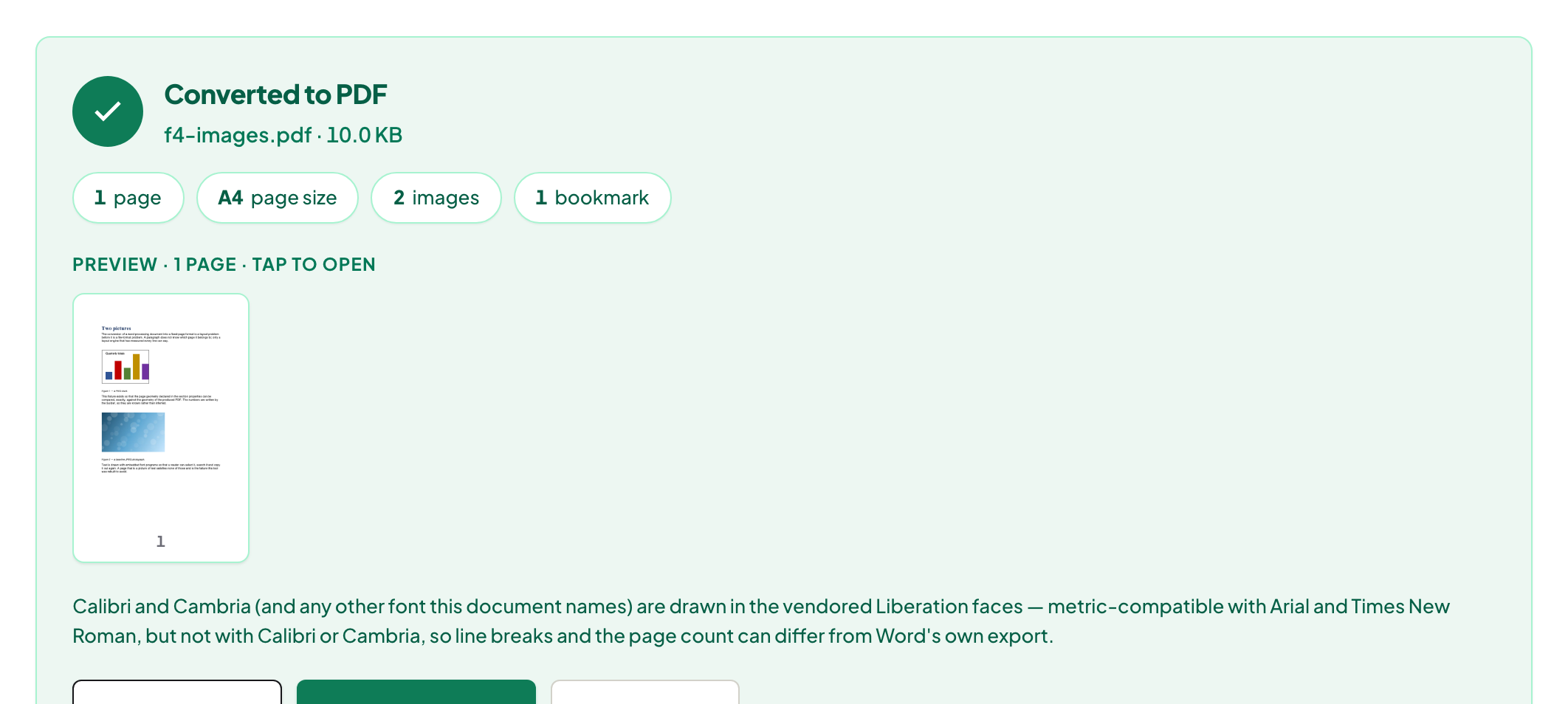
Open the converted PDF on the phone and scan the layout: page breaks, any table, and — if your document is not in a Latin script — the text itself. Fonts are the one place Word-to-PDF conversion can wobble; the fonts deep-dive explains what embeds, what substitutes, and why Cyrillic, Arabic and Indic documents deserve the extra ten seconds of checking.
Then, usually: attach it to something bigger
A phone conversion is often step one of a bundle — CV plus cover letter plus certificates as one file. Merge does that next, and the job-application walkthrough chains the whole path on any device.
Troubleshooting
The picker cannot see the file. It is still inside the email — save the attachment to Files/Downloads first. Layout shifted. Unusual fonts substituted; if the .docx is yours, switch it to a common face and reconvert. Portal wants under 2 MB. Compress the PDF — text documents shrink well with Balanced.
Frequently asked questions
Why send a PDF instead of the .docx?
A PDF looks the same on every device; a .docx reflows with whatever fonts and app the recipient has. For anything final, send the PDF.
Do I need Word or an Office app on the phone?
No — the converter reads the .docx itself, in the browser.
Will my fonts survive?
The converter embeds what the document needs; unusual fonts substitute. Check the output once — it renders instantly on the phone.
Try it yourself
Free, private, no account. Runs entirely in your browser.
