Four people, nine files, one deadline: assembling the group submission
Turn a group project's files — Word sections, slides, scans, photos — into one clean PDF: convert each piece, merge in order, number, compress, submit.
UnboundPDF is a free suite of 54 PDF and image tools that run entirely in your browser — merge, split, compress, edit text, OCR in 126 languages, redact, sign, convert and archive to PDF/A. Your document is read and written by the page on your own device; there is no document-upload endpoint in the core tools, no account, no watermark and no daily cap. Every result can be checked — with the Network tab, or with the Document Passport the Workspace writes for a chain of steps.

Quick start. Collect everyone's pieces as PDFs, then do the assembly in one sitting in the Workspace — convert the stragglers, merge in the agreed order, number the pages, compress if the portal has a cap. One person assembles; everyone else just delivers a PDF.
Rule one: the assembler is one person
Group submissions go wrong in the handoffs, not the tools. Pick one assembler; everyone else owes them a finished PDF of their section by a deadline that is not the real deadline. A shared naming scheme — 01-intro-anna.pdf, 02-methods-jonas.pdf — means the merge order builds itself.
Converting the zoo
Word sections go through Word to PDF; the slide deck through PPTX to PDF; the survey photos through JPG to PDF; the signed consent scan may need deskewing. Each member can convert their own piece on their own machine — including the one working entirely from a phone.
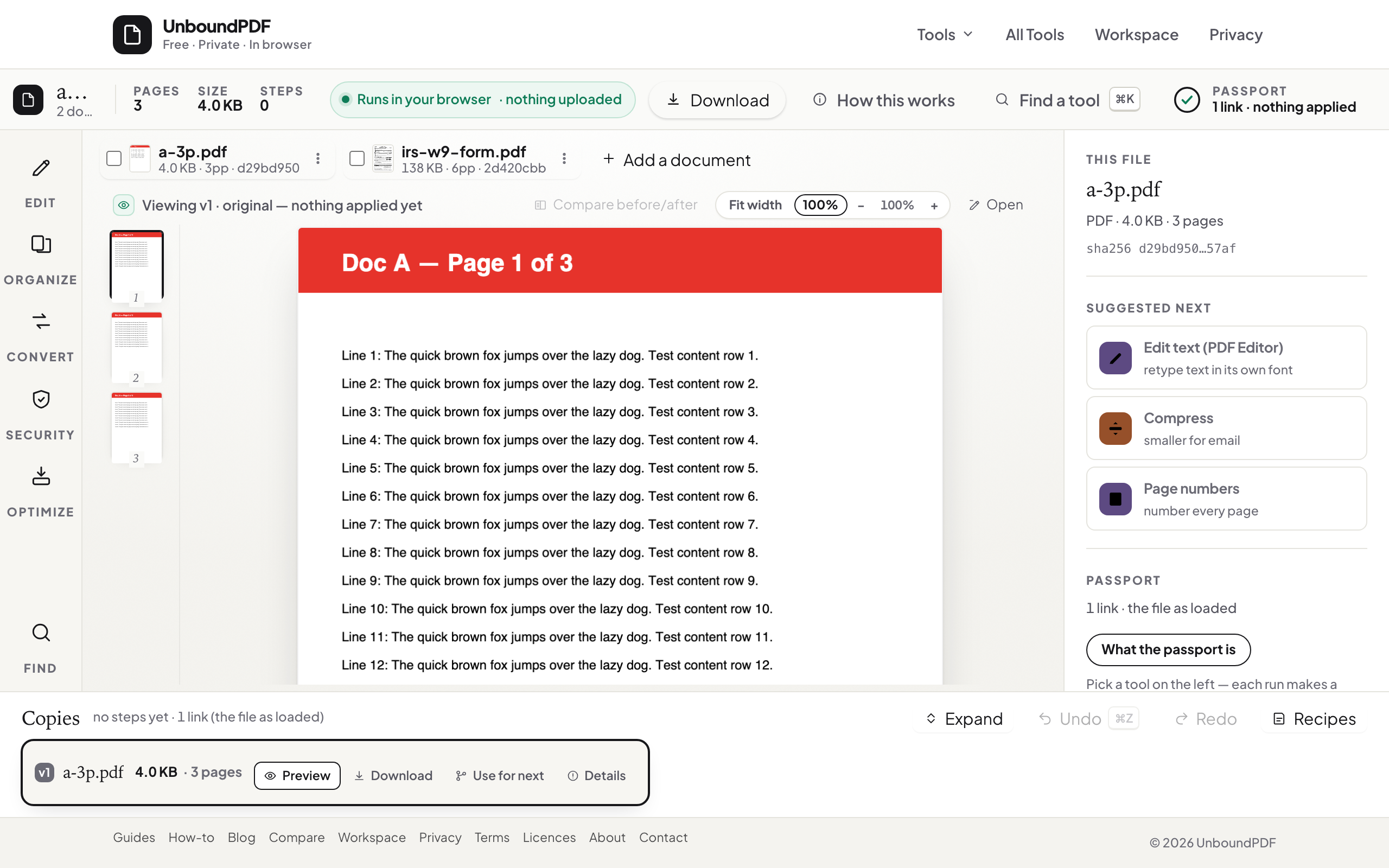
Assembly, in order
Merge, page through once at the seams, number the pages, compress if the portal complains. The Workspace keeps the intermediate copies distinct while you work, so "wait, which version has the fixed chart" stops being a group chat thread. Submit, and send the group the final PDF so everyone has the same artefact.
Troubleshooting
A section arrived as .pages/.odt/something else. Have its author export to PDF from their app — every editor exports PDF — rather than converting an unfamiliar format blind. Mixed page sizes look ragged. Resize to one size before numbering. The portal rejects the size. Compress — slide-heavy and photo-heavy projects shrink a lot.
Frequently asked questions
Everyone used different tools. Is that a problem?
No — convert each piece to PDF first (Word, slides, photos all have a converter), then merge. PDFs from different sources combine cleanly.
One member only has a phone. Can they still contribute?
Yes — the tools run in a phone browser; they can convert and send their PDF like everyone else.
Are the files uploaded while we work?
No — each person's files are processed in their own browser. Only the finished piece gets shared with the group.
Try it yourself
Free, private, no account. Runs entirely in your browser.