Six chapter files, front matter, appendices: one submission PDF, in order
Merge thesis chapters into one PDF for submission: naming that keeps order, page-size consistency, front matter first, and the checks examiners notice.
UnboundPDF is a free suite of 54 PDF and image tools that run entirely in your browser — merge, split, compress, edit text, OCR in 126 languages, redact, sign, convert and archive to PDF/A. Your document is read and written by the page on your own device; there is no document-upload endpoint in the core tools, no account, no watermark and no daily cap. Every result can be checked — with the Network tab, or with the Document Passport the Workspace writes for a chain of steps.

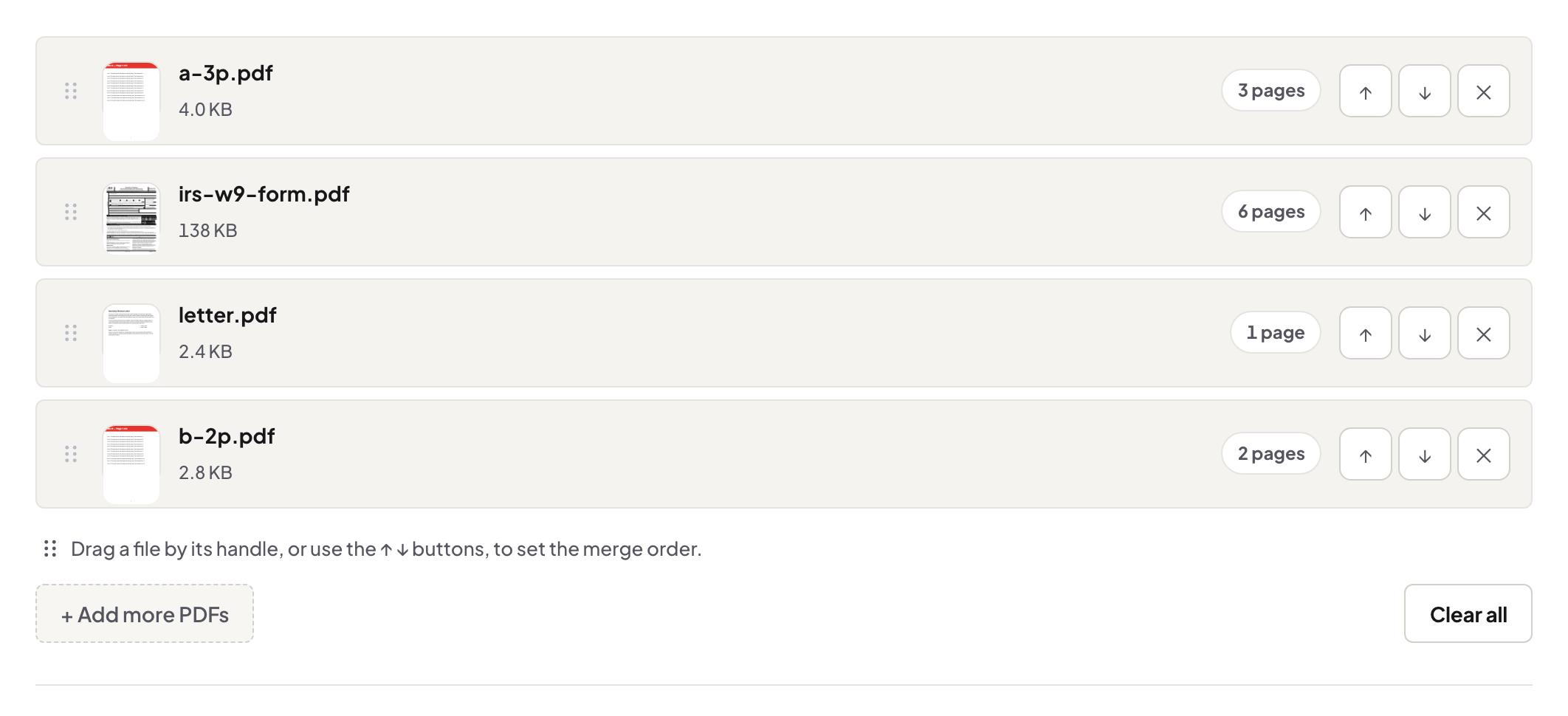
Quick start. Name the files so they sort — 00-front-matter, 01-chapter, 02-chapter … 90-appendix — then open Merge PDF, add them all, confirm the order on screen, merge, and page through the seams once.
The order is the document
Front matter first (title page, declaration, abstract, contents), chapters in sequence, references, appendices last — your university's format guide is the authority, and the merge list on screen is where you enforce it. Numbered filenames make the order automatic and make the inevitable re-merge — there is always a re-merge — a thirty-second job. The general merge guide covers the mechanics.
Mixed sources, one look
LaTeX chapters, a Word-built abstract and scanned ethics approvals will happily live in one PDF, but two things betray a stitched document: page size and searchability. Convert everything to the same page size beforehand (Resize PDF normalises A4/Letter strays) and OCR scanned appendices so the examiner's search works across the whole file, not just the typed parts.
After the merge, in this order
Page numbers over the final document (the thesis numbering rules), then compression if the portal has a cap, then PDF/A if the repository demands it. Each pass works on the finished whole, which is why merging comes first.
Troubleshooting
A chapter is upside down or rotated. Fix it with Rotate before merging, not after. The merged file is huge. Normal — six chapters of figures add up; compress with Balanced. One chapter refuses to add. If it is damaged, repair it; if passworded, unlock it with its password first.
Frequently asked questions
My chapters come from different tools — Word, LaTeX, scans. Does that matter?
They merge fine. Watch page size (A4 vs Letter) and run OCR on scanned appendices so the whole document searches.
Do bookmarks survive merging?
Pages and content carry over; check the outline in the result and rebuild navigation where your university's template expects it.
Should I number pages before or after merging?
After — one pass over the final document gives one clean sequence.
Try it yourself
Free, private, no account. Runs entirely in your browser.