Roman for front matter, arabic from chapter one: numbering a thesis PDF
Add page numbers to a thesis PDF the way format guides expect: where numbering starts, front-matter conventions, position, and restamping after edits.
UnboundPDF is a free suite of 54 PDF and image tools that run entirely in your browser — merge, split, compress, edit text, OCR in 126 languages, redact, sign, convert and archive to PDF/A. Your document is read and written by the page on your own device; there is no document-upload endpoint in the core tools, no account, no watermark and no daily cap. Every result can be checked — with the Network tab, or with the Document Passport the Workspace writes for a chain of steps.

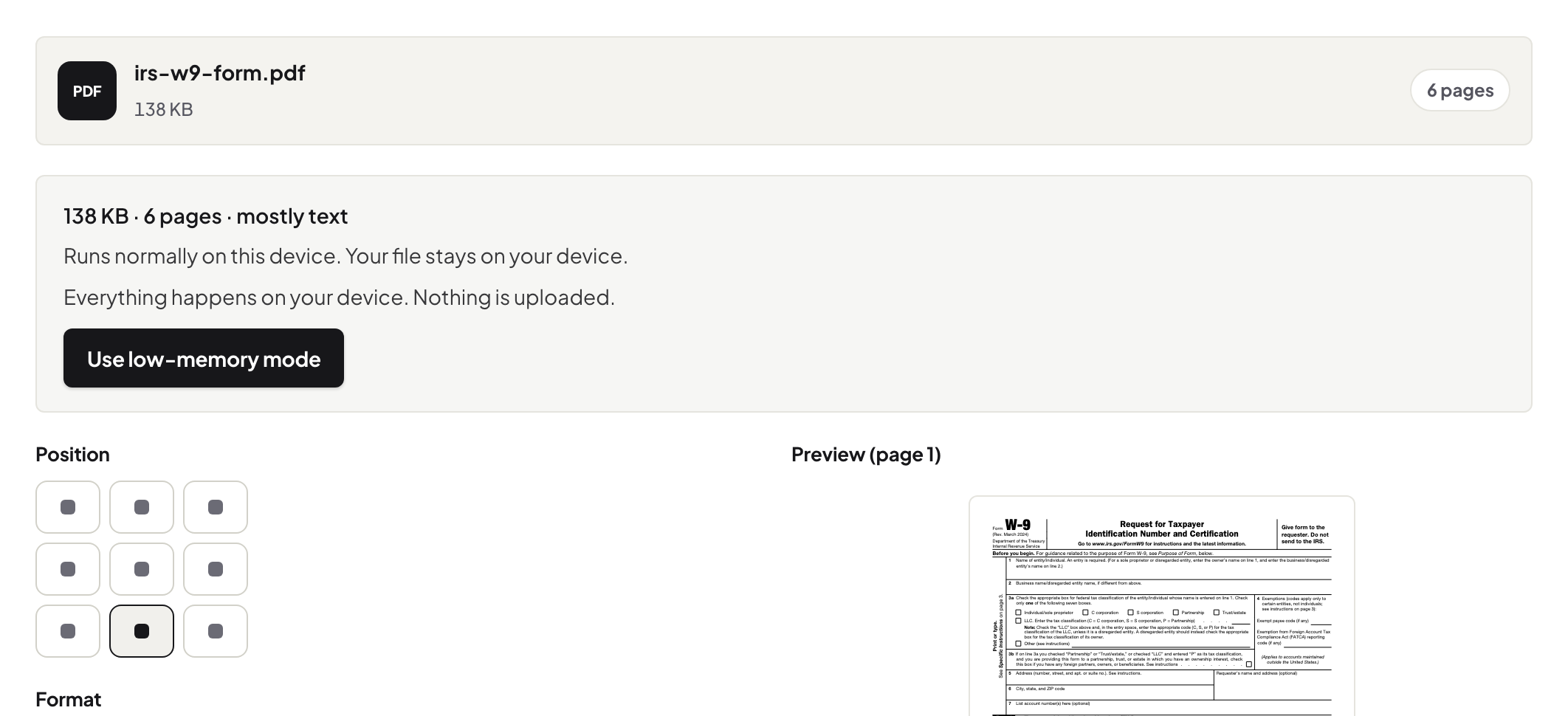
Quick start. Finish the document first — merged, final, no more edits — then open Add Page Numbers, choose where numbering begins and where on the page it sits, stamp, download. Numbering is the last coat of paint.
What format guides actually ask for
The near-universal pattern: the title page counts but carries no number, front matter is numbered in one sequence (many guides use roman numerals), and the main text runs in arabic numerals from the first chapter. Your university's guide is the authority — the tool's job is to let you start numbering at the page the guide names, in the position it names, bottom-centre being the common default.
Number the finished PDF, not the parts
Stamp after merging, never before: numbering chapter files individually gives you six documents that each start at 1. The right chain is merge → number → compress → PDF/A, each pass over the whole. If a correction lands later and shifts pages, restamp the corrected whole — it is a one-pass operation, not a renovation.
Numbers, headers, and what they are not
Page numbers answer "where am I in this document". Running headers with chapter names are a separate stamp (Headers & Footers), and legal-style Bates numbering is a different system entirely — the three compared if your document leaves academia.
Troubleshooting
The stamp collides with my footer text. Move the position, or leave more bottom margin in the source and re-export. Scanned appendix pages hide the number. Dark scan edges can swallow a stamp — place it where the scans are clean. I numbered a draft. Stamp the final export fresh from the unstamped original; do not stamp twice.
Frequently asked questions
My format guide says no number on the title page. Can I do that?
Yes — start stamping from the page your guide names; earlier pages stay clean.
The PDF's own page count and my printed numbers disagree. Is that wrong?
No — that is normal. Unnumbered front matter shifts them apart; examiners cite the printed numbers.
Can I restamp after a late edit changed the page count?
Yes — stamp the corrected document fresh. Always number the final PDF, not a draft.
Try it yourself
Free, private, no account. Runs entirely in your browser.