Joined files, lost outline: what happens to bookmarks in a merge, and the honest fixes
Bookmarks are usually not preserved when PDFs are merged — ours says so on the tool page. What actually happens to outlines, how to check, and the fixes.
UnboundPDF is a free suite of 54 PDF and image tools that run entirely in your browser — merge, split, compress, edit text, OCR in 126 languages, redact, sign, convert and archive to PDF/A. Your document is read and written by the page on your own device; there is no document-upload endpoint in the core tools, no account, no watermark and no daily cap. Every result can be checked — with the Network tab, or with the Document Passport the Workspace writes for a chain of steps.

The straight answer. On the Merge PDF page we state it plainly: bookmarks — the outline — are usually not preserved when files are joined. Pages and content carry over exactly; the navigation tree generally does not. Plan for that instead of discovering it.
What an outline actually is
The bookmarks panel is not part of any page — it is a tree of named pointers into the document's page space. Merge three documents and the pages renumber into one new space; the three old trees would need reconciling, re-targeting and nesting under new roots. Most tools, ours included, join the pages and leave the trees behind rather than guess at a structure. That is why the merged report opens with an empty panel.
Check, don't assume — in either direction
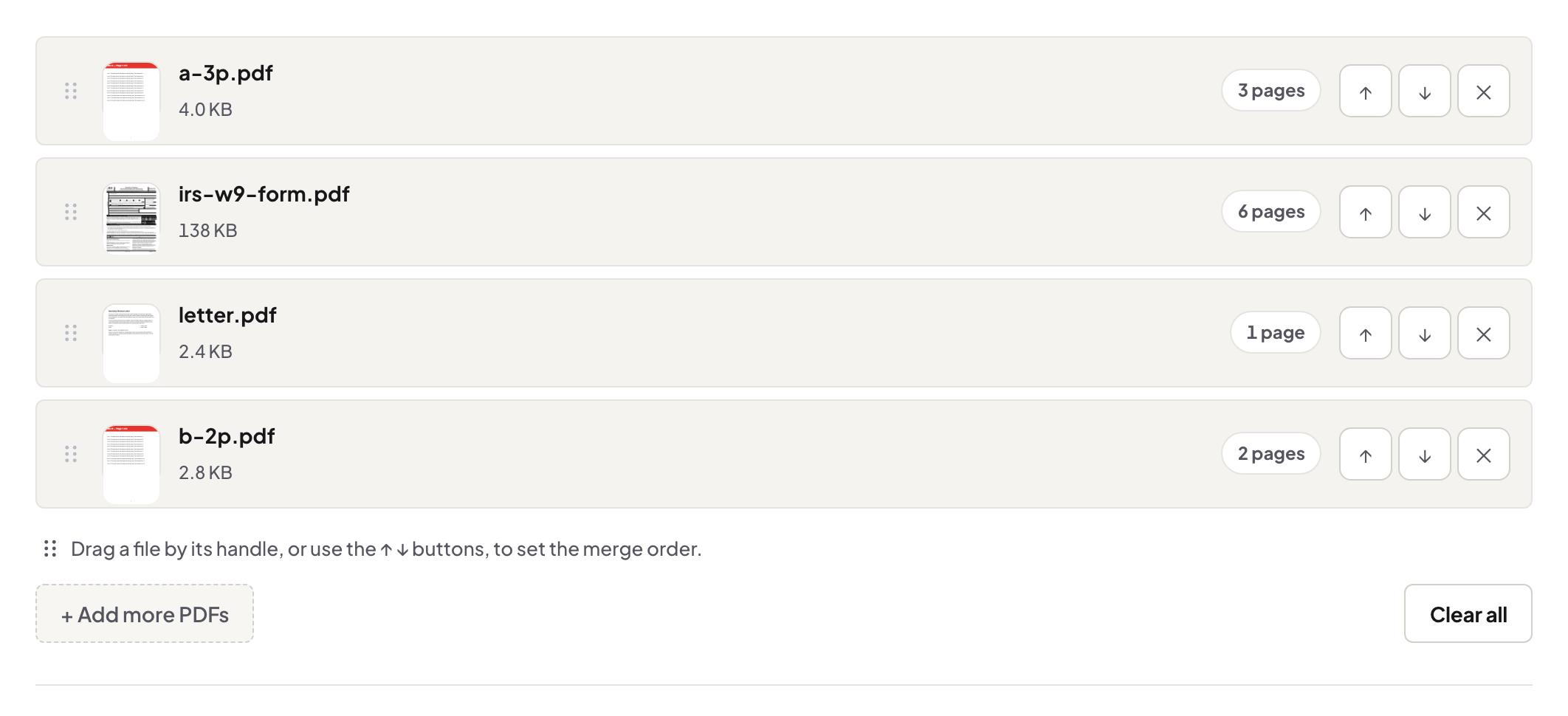
Before shipping a merged document to anyone who navigates by bookmarks, open it and look at the panel. If the outline mattered and is gone, decide with that knowledge — the check costs thirty seconds; the merge guide's other checks (order, sizes, seams) ride along in the same pass.
Living well without the tree
Navigation has sturdier carriers: files merged in a deliberate numbered order, page numbers stamped on the whole, and a first-page contents listing "Section 2 — p. 41". For the reverse journey — a bookmarked book you want as chapter files — the outline is exactly what Split by Bookmarks uses while it still exists.
Troubleshooting
The merged file's panel shows something odd. Implementations vary; trust what the panel shows over any assumption, ours or a competitor's. I need the outline back badly. Some desktop suites can edit outlines by hand; that is genuinely their territory — budget the time accordingly. My reader has no bookmarks panel. Phone viewers often hide it; the stamped page numbers work everywhere.
Frequently asked questions
Why do merges drop bookmarks at all?
An outline is document-level metadata pointing at page positions; joining files rebuilds the page space, and most merge implementations do not reconcile and rebuild the outlines.
How do I check what survived?
Open the merged file and look at the reader's bookmarks panel. Thirty seconds, before you ship it.
What's the practical fix?
For navigation, a numbered order and stamped page numbers carry most of the value; state the structure in a cover page or rely on the reader's page list.
Try it yourself
Free, private, no account. Runs entirely in your browser.