Combine files and get your document back — not an advert stamped on it
Merge PDFs without a watermark on the output: the combined file carries your pages and nothing else — no stamp, no account, processed in your browser.
UnboundPDF is a free suite of 54 PDF and image tools that run entirely in your browser — merge, split, compress, edit text, OCR in 126 languages, redact, sign, convert and archive to PDF/A. Your document is read and written by the page on your own device; there is no document-upload endpoint in the core tools, no account, no watermark and no daily cap. Every result can be checked — with the Network tab, or with the Document Passport the Workspace writes for a chain of steps.

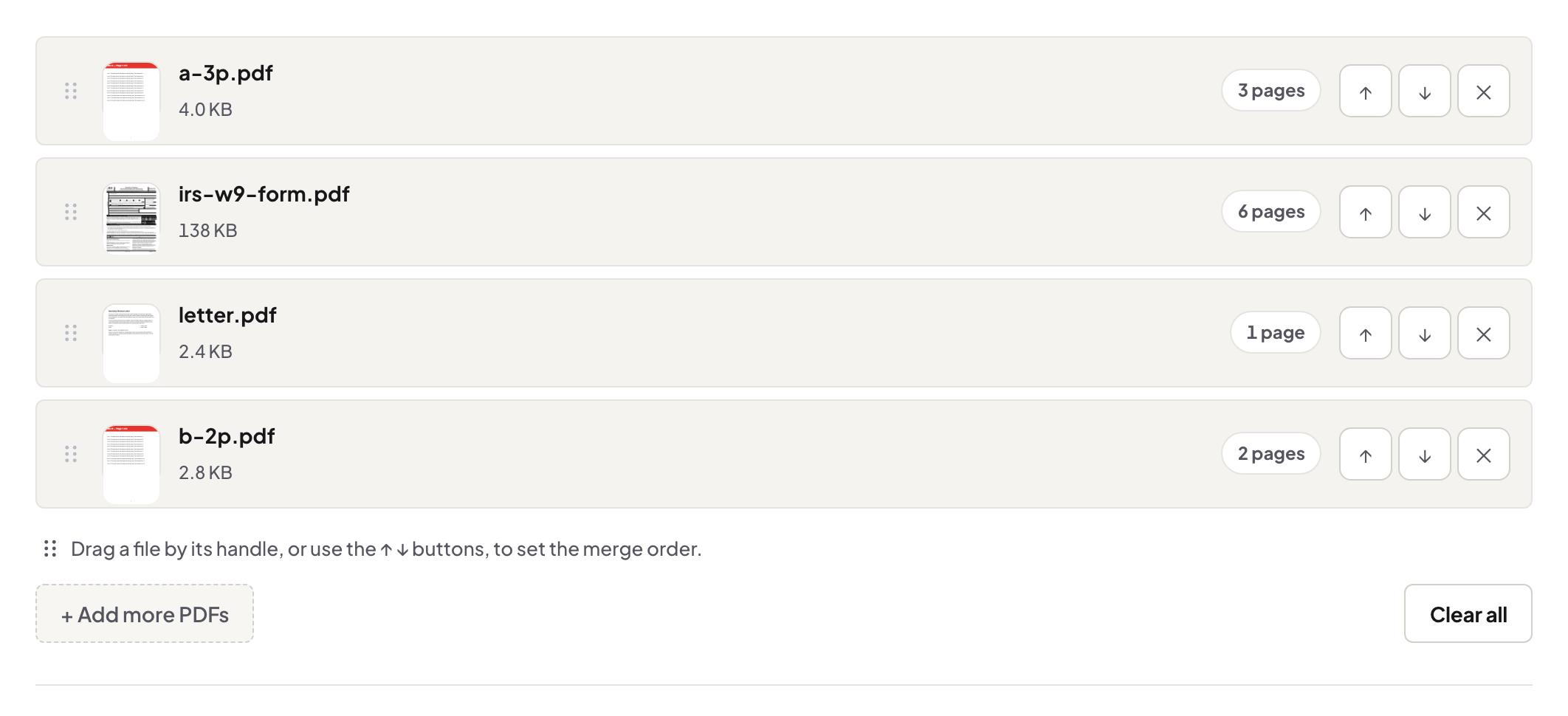
Quick start. Open Merge PDF, add the files, order them, merge, download. The output is your document — no stamp in the corner, no diagonal advert, no account holding it hostage.
The watermark racket, plainly
A CV merged an hour before the application deadline, returned with a tool's logo across it, is the standard horror story — and the upgrade button beside it is the plan working as designed. The stamp exists to be paid off. Worth knowing so you can route around it: any tool that must upsell will mark, meter or expire your output; a tool with no server costs to recoup has no reason to.
What a clean merge means technically
Pages are copied into the combined file exactly as they are — same bytes of content, same quality, text still selectable, nothing overlaid. The only decisions are yours: the order, and the checks worth doing after (the merge guide lists them — page sizes, orientation, a pass through the seams).
If you actually want a mark
Sometimes a stamp is the point — DRAFT on a review copy, a client's name on their deliverable. That is a deliberate act with its own tool: Watermark PDF puts your mark on, on your terms. The distinction is consent.
Troubleshooting
The merged file already has a stamp. It was on an input — a previous tool marked it; remerge from clean sources if you have them. Deadline pressure and a locked input. If a source PDF opens with a password you know, unlock it first, then merge. Output too big to send. Compress after merging — also stamp-free.
Frequently asked questions
Why do some tools watermark merged files?
The stamp is the sales pitch: pay to remove it. It is a business model, not a technical necessity — merging never required marking anything.
So what does the output contain here?
Your pages, in your order. Nothing is added to them; nothing is re-encoded.
Is there a page or file limit forcing an upgrade?
Your machine does the work in the browser, so there is no server quota to sell back to you.
Try it yourself
Free, private, no account. Runs entirely in your browser.