The lease is in your email and the landlord wants it today: sign it from the phone
Sign a lease PDF on your phone: fill your details, initial each page where asked, draw your signature, flatten, send it back — all in the browser.
UnboundPDF is a free suite of 54 PDF and image tools that run entirely in your browser — merge, split, compress, edit text, OCR in 126 languages, redact, sign, convert and archive to PDF/A. Your document is read and written by the page on your own device; there is no document-upload endpoint in the core tools, no account, no watermark and no daily cap. Every result can be checked — with the Network tab, or with the Document Passport the Workspace writes for a chain of steps.

Quick start. Save the lease from the email to Files, open it in Fill & Sign, type your details into the fields, place initials where the pages ask, draw your signature at the end, flatten, and send it back. Fifteen minutes, no printer.
Read it first — on a bigger screen if you can
Signing from a phone is convenient; reading 30 pages of lease on one is penance. If a laptop is nearby, read there and sign wherever you like. Phone-only, then: landscape orientation, and actually read the money clauses — rent, deposit, notice period, damages — before the signature ritual makes them permanent.
The mechanics, in order
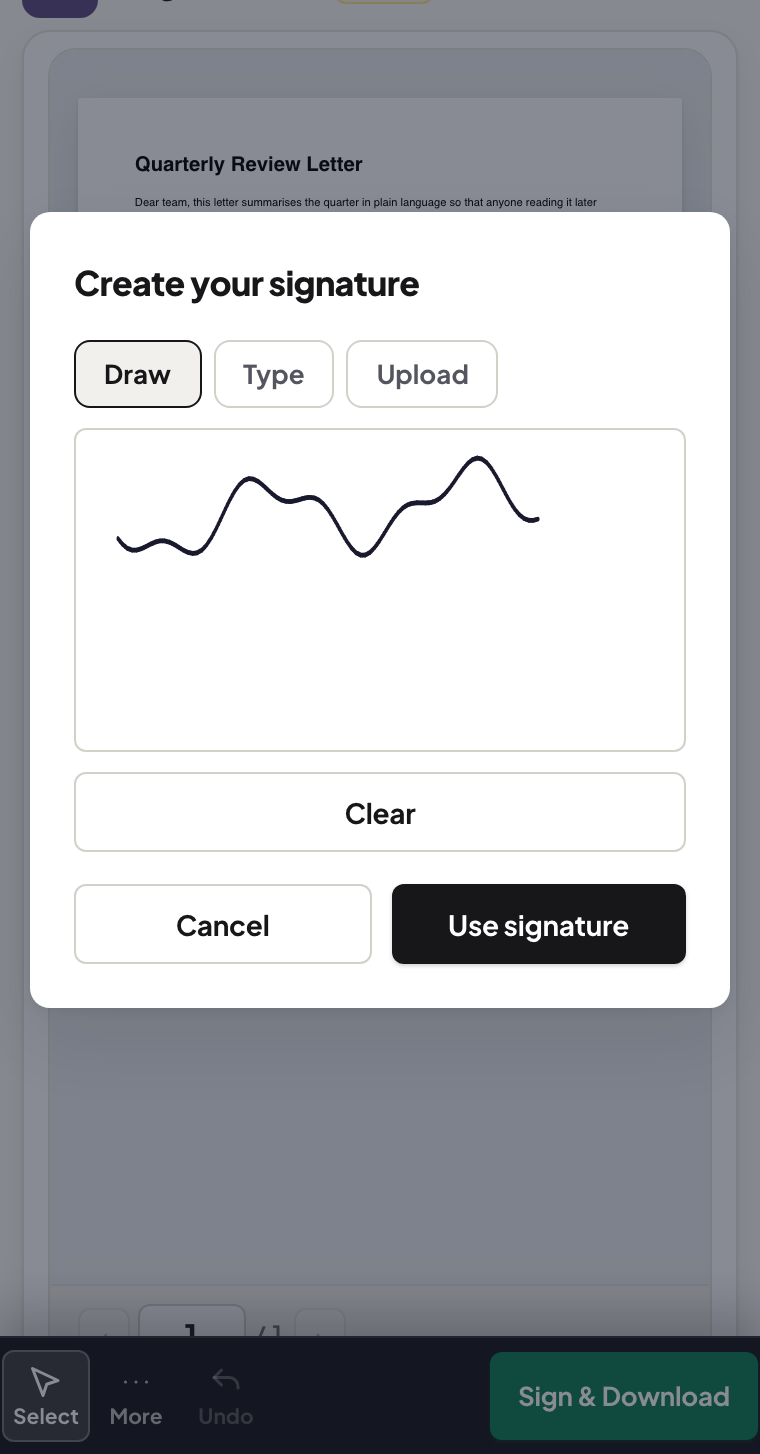
Details first (names, dates, the flat's address in the blanks), initials next — save them once and tap them onto each page the lease demands — and the full signature last. Draw it slowly and slightly large; the page scales it down and the line smooths. The general phone-form guide covers the finger-signature craft in more detail.
Flatten, send, file
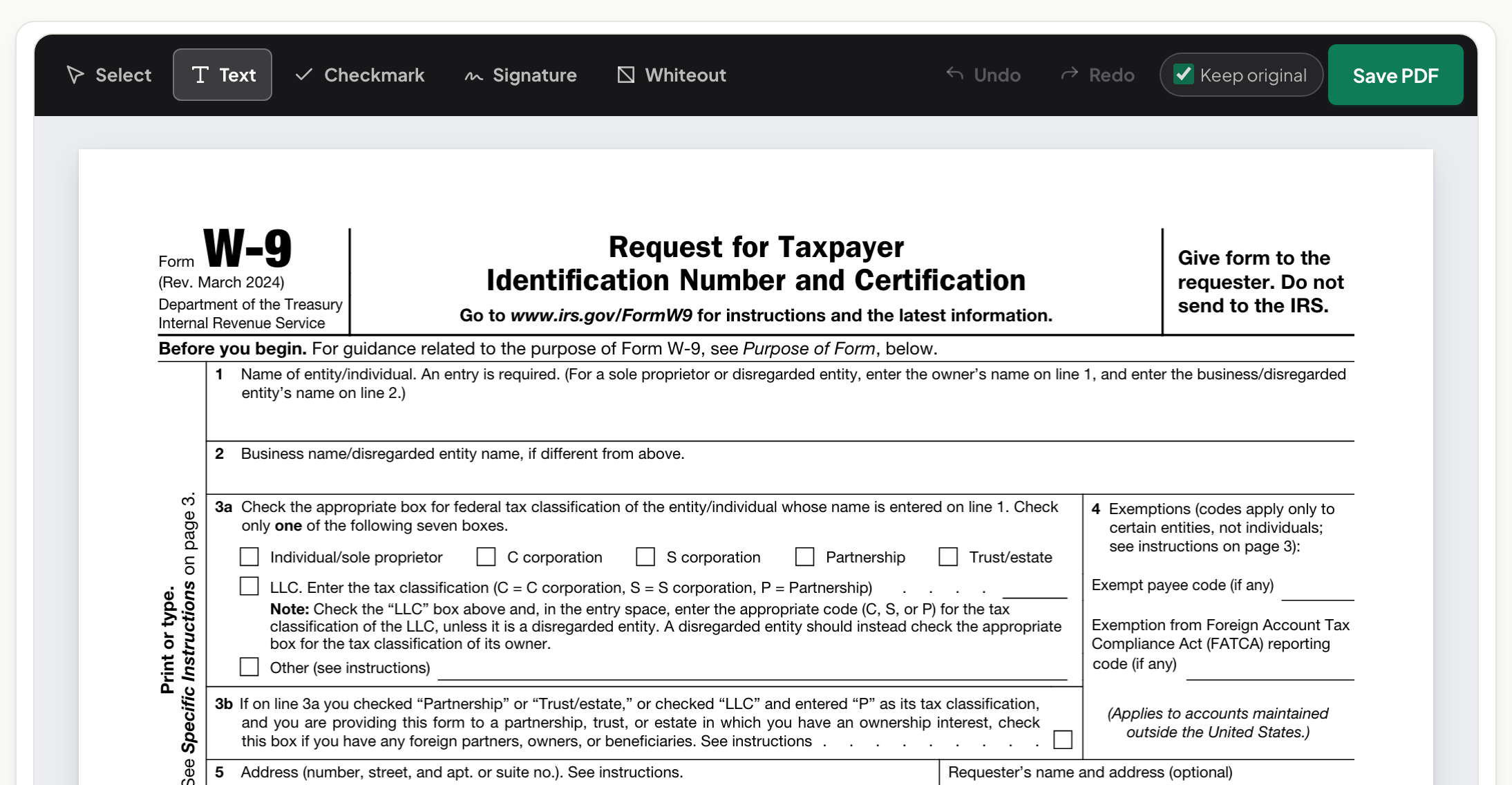
Flatten before sending so your entries and signature are baked into the pages and render identically in the landlord's reader. Send it back on the channel it came from, and file your copy — the flattened one — named lease-streetname-2026.pdf. At move-out, the person with the signed PDF wins the deposit conversation.
Troubleshooting
The lease is a scan and fields aren't real. Normal — place text over the blanks; the tool does not need form fields. My signature looks wrong. Clear and redraw zoomed in; nobody's second attempt is worse than their first. The landlord wants ink. Then it is print-sign-scan after all — or ask whether the drawn signature suffices; often the ask is habit, not requirement.
Frequently asked questions
Is a signature drawn on a phone valid for a lease?
Drawn signatures are widely used for rental paperwork. Whether your lease needs a stricter method is set by the rules that apply to you and the agreement — when in doubt, ask the counterparty.
The lease says initial every page. Do I have to place 14 initials?
Yes — save your initials once in the tool and placing them becomes a tap per page.
Should I keep a copy?
Always — the flattened, signed copy you sent, filed where you can find it at move-out.
Try it yourself
Free, private, no account. Runs entirely in your browser.