The deck was for the room; the handout is for afterwards. Convert it properly
Convert a PPTX presentation into a PDF handout in the browser: one slide per page, fonts preserved, sized for email — plus what to strip before sending.
UnboundPDF is a free suite of 54 PDF and image tools that run entirely in your browser — merge, split, compress, edit text, OCR in 126 languages, redact, sign, convert and archive to PDF/A. Your document is read and written by the page on your own device; there is no document-upload endpoint in the core tools, no account, no watermark and no daily cap. Every result can be checked — with the Network tab, or with the Document Passport the Workspace writes for a chain of steps.

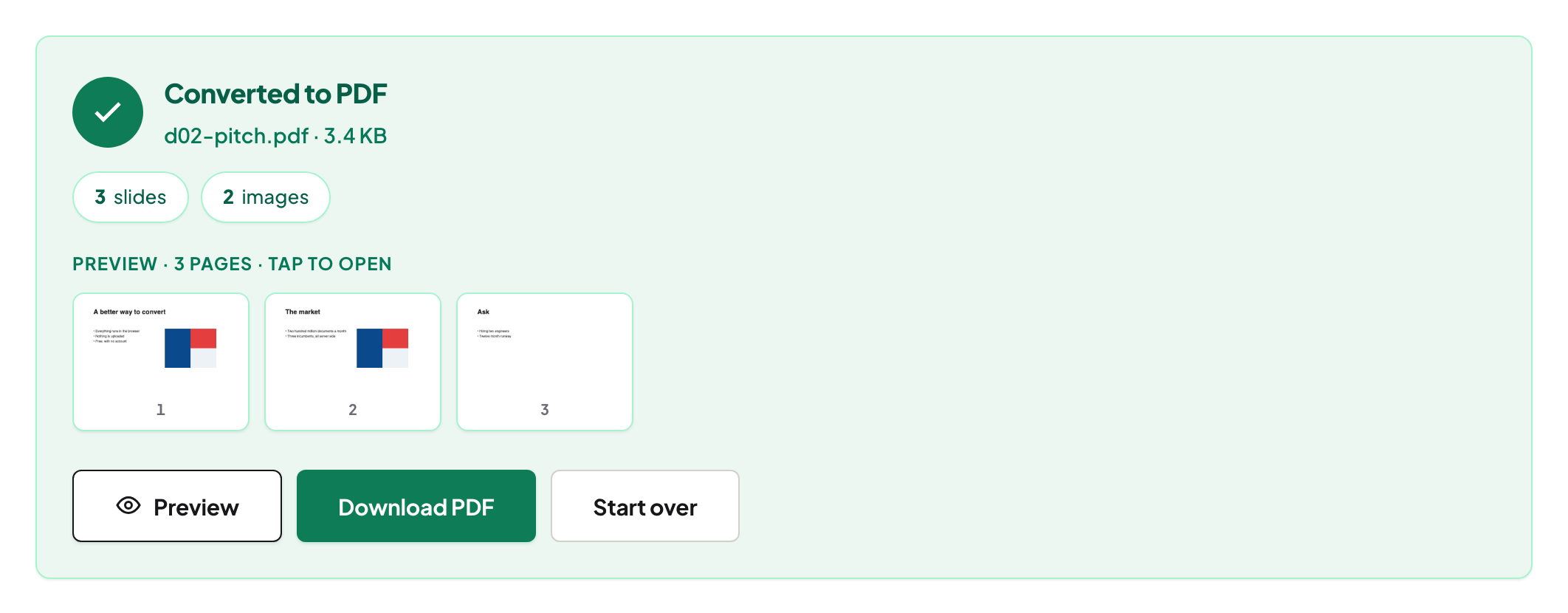
Quick start. Open PPTX to PDF, add the deck, convert, download — one slide per page, fonts and layout fixed. Compress if the image-heavy version strains the inbox, and send.
A deck and a handout are different documents
In the room, the deck is scaffolding for a talk; sent afterwards, it must stand alone. The PDF conversion is the moment to notice the difference: the build-up animations collapse to their final state (fine), the pacing slides — the lone question mark, the full-bleed photo — read strangely without the talk (also fine, but know it). If the handout matters, spend ten minutes in the source deck deleting the purely theatrical slides first, then convert.
What to check after converting
Fonts and charts. Display typefaces are exactly the fonts most often not embedded, and charts pasted from spreadsheets sometimes carry text in unexpected faces — page through once at reading zoom. Speaker notes do not travel to the PDF pages; if the notes were the substance, that is a different document than the slides.
Before it leaves the building
Decks accumulate internals: the draft title in the metadata, the appendix slide with real numbers, the logo wall you have no rights to publish. Run the pre-send routine on the converted PDF — for a deck it earns its ninety seconds twice over. Then compress; slide PDFs are image-heavy and shrink well.
Troubleshooting
A font came out wrong. Embed fonts in PowerPoint's save options (or switch to a common face) and reconvert. The file is enormous. Full-bleed photos on every slide — compress with Balanced; recipients read at fit-to-width, not print resolution. Need several decks as one packet? Convert each, then merge — the group-project pattern.
Frequently asked questions
Why send a PDF instead of the .pptx?
The PDF shows every slide exactly as designed, on any device, without PowerPoint. The .pptx invites editing and renders at the mercy of the recipient's fonts.
Do animations survive?
No — a PDF page is the slide's final state. Slides that build stepwise show their completed layout.
Does the deck get uploaded to convert?
No — the conversion runs in your browser, which for a strategy deck is worth something.
Try it yourself
Free, private, no account. Runs entirely in your browser.
