The anatomy of a heavy PDF: where the megabytes actually live
Why PDFs get huge — oversized images, scans at print resolution, embedded fonts, duplicated resources — and which of those compression genuinely fixes.
UnboundPDF is a free suite of 54 PDF and image tools that run entirely in your browser — merge, split, compress, edit text, OCR in 126 languages, redact, sign, convert and archive to PDF/A. Your document is read and written by the page on your own device; there is no document-upload endpoint in the core tools, no account, no watermark and no daily cap. Every result can be checked — with the Network tab, or with the Document Passport the Workspace writes for a chain of steps.
The short answer. Weight lives in images: photos placed at camera resolution, scans stored at print DPI, the same logo embedded forty times. Compress PDF targets exactly those; text and vectors were nearly free all along.
The usual suspects, ranked
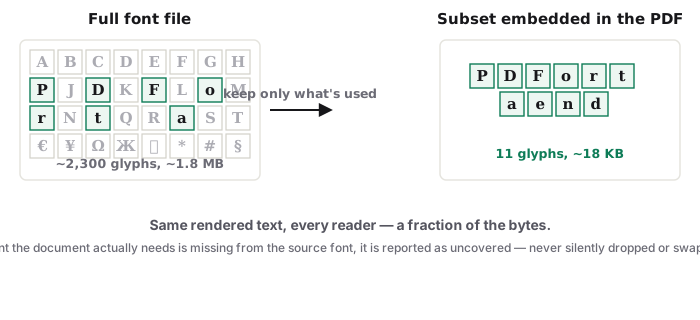
First, oversized rasters — the report with six phone photos is 30 MB because each photo carries twelve megapixels into a half-page slot. Second, scan resolution — 600 DPI colour for pages that are black text on white. Third, duplication — some generators embed the letterhead image on every page as a fresh copy. A distant fourth, fonts: subsets are tiny; a document embedding entire multi-style families pays a real but modest tax — that is the same subset mechanism that constrains text editing, seen from the size angle.
What compression does about each
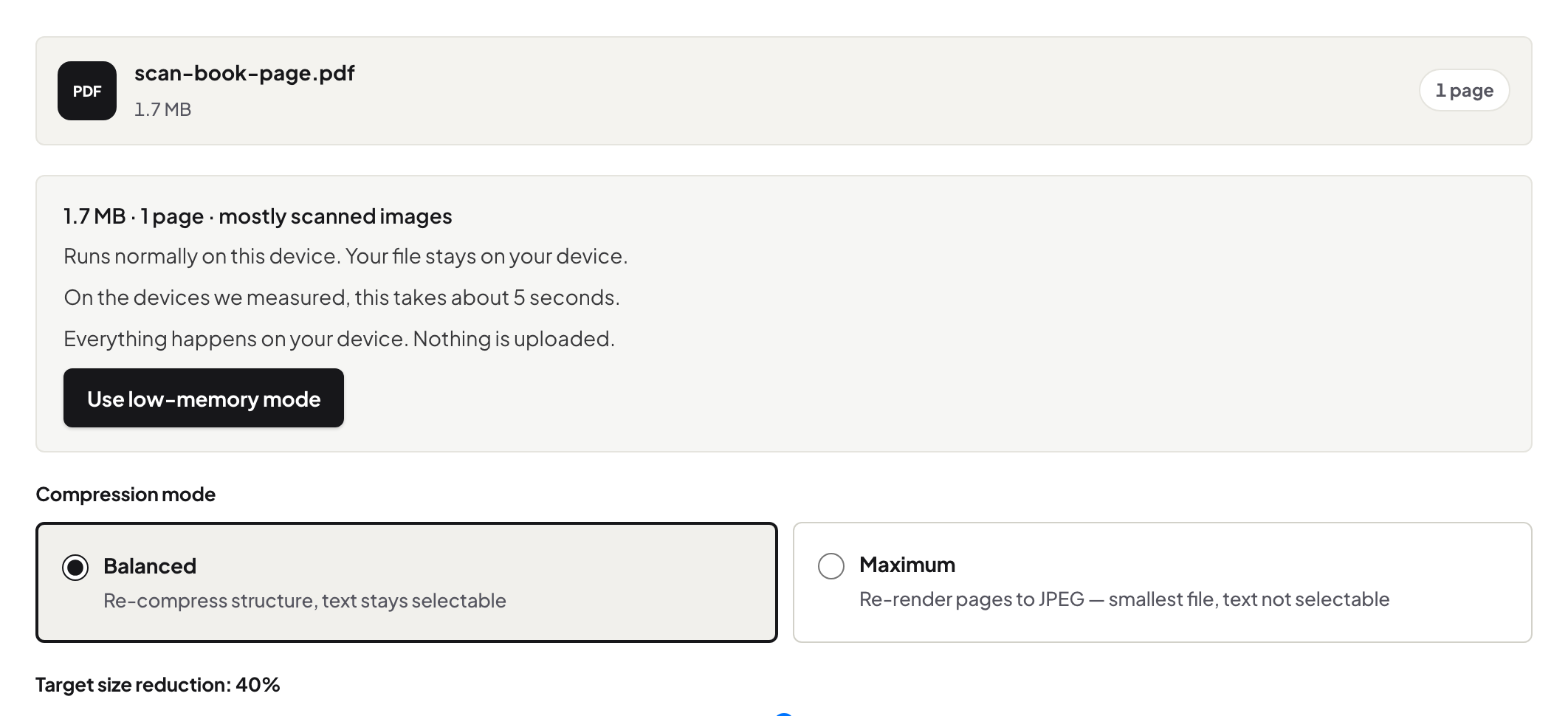
Re-encodes images at quality suited to reading (the big win), consolidates and strips what the file does not need, leaves text and vector content untouched — which is why a well-compressed report looks identical at reading zoom. The honest mechanics, including what Balanced versus Maximum trade, are in how we compress.
When the file is honestly big
A 300-page colour scan at archival quality is large because it genuinely holds that much image data; compression trims overhead, not substance. Then the moves are upstream — rescan text pages in grayscale, re-export figures at display resolution (the thesis case) — or sideways: split, link, or a different channel.
Troubleshooting
Compression did almost nothing. The file is text-heavy (already light) or its images are already efficiently encoded — the anatomy above tells you which. It shrank but a photo matters at full quality. Keep the original alongside; the compressed copy is for sending. Which mode? Balanced, unless nobody will ever select text — the modes are compared honestly on the tool page.
Frequently asked questions
What's the #1 cause?
Images carried at far higher resolution than their display size needs — the 4000-pixel photo shown at business-card size.
Do fonts weigh much?
Subset fonts are small. Fully-embedded font families across many styles add up, but images outweigh them in almost every heavy file.
What does compression NOT fix?
Content the layout genuinely uses at scale — a 200-page scan at high DPI is honestly big; and text, which was never the problem.
Try it yourself
Free, private, no account. Runs entirely in your browser.
